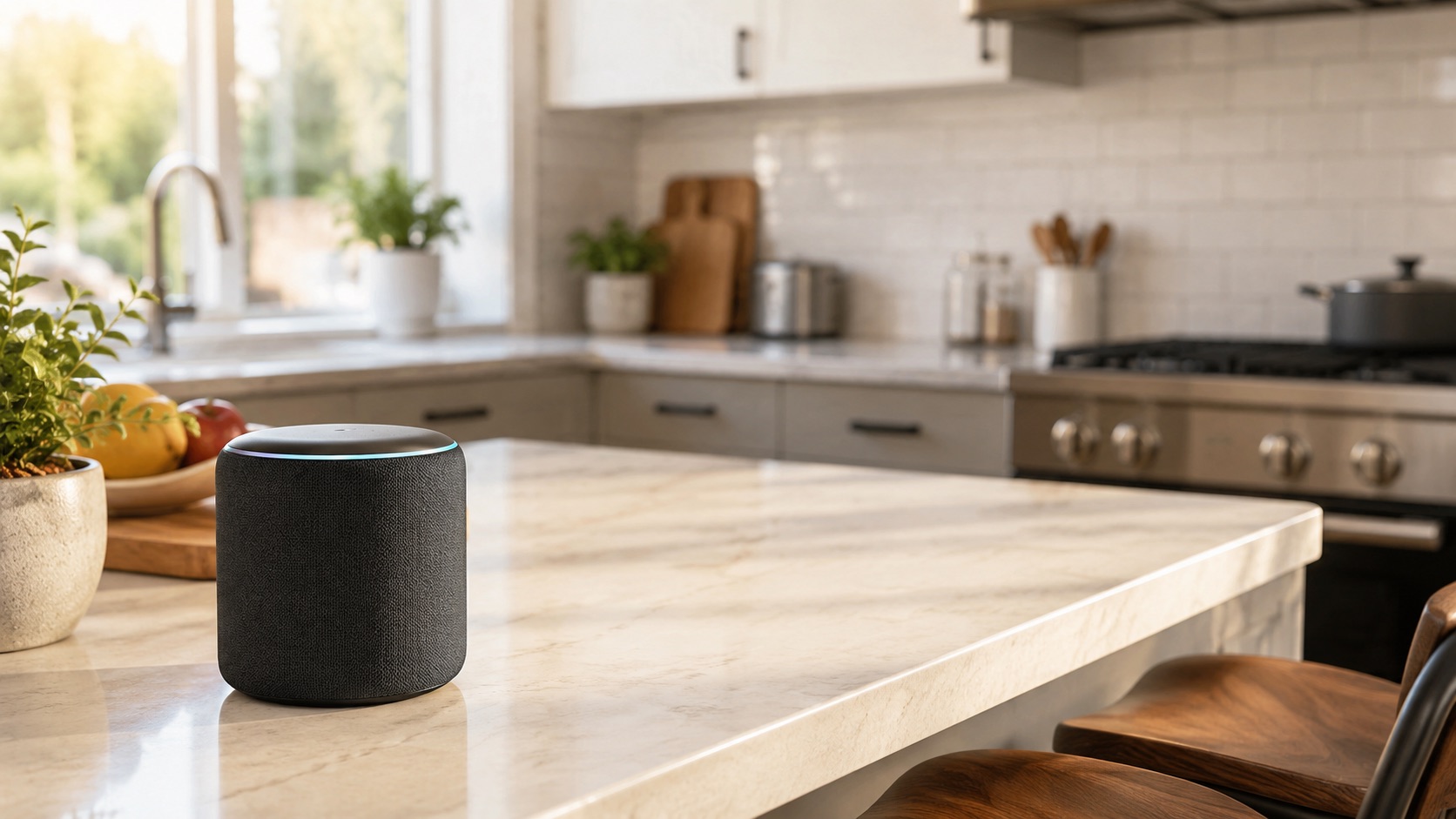
Best Smart Home Hub 2026 (Matter, Zigbee, Z-Wave)
Best Smart Home Hub 2026 (Matter, Zigbee, Z-Wave)
A smart home hub is the brain that connects all your devices and makes them work together. In 2026, the hub landscape has evolved dramatically — Matter is finally delivering on its promise of interoperability, Thread networks are becoming standard, and local processing is no longer a niche feature. Whether you’re running Zigbee sensors, Z-Wave locks, or the latest Matter-over-Thread gadgets, you need a hub that speaks the right language.
In this guide, we compare the five best smart home hubs of 2026, break down the protocols they support, and help you pick the right one for your setup.
Why You Still Need a Smart Home Hub in 2026
With Wi-Fi devices everywhere, you might wonder why hubs still matter. Here’s the reality:
Battery life. Zigbee, Z-Wave, and Thread devices sip power compared to Wi-Fi. A Zigbee door sensor lasts 3–5 years on a coin cell. A Wi-Fi equivalent? Maybe 6 months.
Network congestion. Every Wi-Fi smart plug, bulb, and sensor competes for bandwidth on your router. Zigbee and Z-Wave run on separate radio frequencies, keeping your network clean. Check out our guide on the best mesh Wi-Fi systems for smart homes to optimize your network.
Reliability. Mesh protocols like Zigbee, Z-Wave, and Thread self-heal. If one device goes offline, the network reroutes. Wi-Fi devices depend entirely on your router.
Automation power. A hub centralizes logic. Instead of relying on five different cloud services to talk to each other, your hub processes automations locally in milliseconds.
Understanding Smart Home Protocols
Before we dive into hubs, let’s clarify the protocols:
- Zigbee — Low-power mesh protocol running on 2.4 GHz. Thousands of compatible devices. Requires a coordinator (hub).
- Z-Wave — Low-power mesh on sub-GHz frequencies (908 MHz in the US). Less interference than Zigbee. Requires a hub. Z-Wave Long Range extends reach to 400+ meters.
- Thread — IPv6-based mesh protocol. Low power, low latency. Foundation for Matter. Requires a border router.
- Matter — Application layer standard built on top of Thread, Wi-Fi, and Ethernet. Finally delivers cross-platform compatibility. See our list of the best Matter-compatible devices in 2026.
- Wi-Fi — Universal but power-hungry. No hub needed but congests your network.
The 5 Best Smart Home Hubs of 2026
1. Samsung SmartThings Station — Best Budget Hub
Price: $35
The SmartThings Station is an incredible value. At just $35, you get a Zigbee coordinator, Matter controller, Thread border router, and a wireless phone charger — all in one compact puck. Samsung has invested heavily in SmartThings over the past two years, and the platform now supports over 5,000 devices with a genuinely reliable cloud.
The Station handles most smart home needs admirably. It runs SmartThings Routines (their automation engine), supports Matter devices natively, and integrates seamlessly with Samsung appliances. The main limitation is the lack of Z-Wave — if you have legacy Z-Wave locks or sensors, look elsewhere.
Best for: Budget-conscious users who want a reliable, easy-to-use hub with modern protocol support.
API note: Normal SmartThings app and routine use is separate from developer API access. SmartThings plans to phase out free API access beginning in October 2026; Home Assistant’s SmartThings integration is one API-dependent use that may require the $4.99/month non-commercial Personal plan. This does not make ordinary SmartThings hub use subscription-based.
2. Aeotec Smart Home Hub — Best for Z-Wave Enthusiasts
Price: $130
The Aeotec Smart Home Hub (essentially the SmartThings Hub v3 successor) runs the full SmartThings platform but adds Z-Wave to the mix. You get Zigbee, Z-Wave, Thread, and Matter support in one box. It’s the official “pro” SmartThings hardware.
With Z-Wave Long Range support added via firmware update in early 2026, this hub is ideal if you have a large home or existing Z-Wave infrastructure. You still get the full SmartThings ecosystem with its excellent app, routine builder, and broad third-party support.
Best for: Users with existing Z-Wave devices who want the SmartThings platform.
3. Hubitat Elevation C-8 Pro — Best for Local Processing
Price: $200
Hubitat is the gold standard for local processing without the complexity of Home Assistant. Everything runs on the box — automations, device control, dashboards — with zero cloud dependency. If your internet goes down, your smart home keeps working.
The C-8 Pro supports Zigbee, Z-Wave (including Long Range), Matter, and Thread. The built-in Rule Machine is extraordinarily powerful, rivaling Home Assistant’s automations. The web-based dashboard is functional if not beautiful, and there’s an active community building drivers for obscure devices.
The tradeoff is a steeper learning curve than SmartThings and a less polished mobile app. But for privacy-conscious power users who don’t want to maintain a Linux server, Hubitat hits the sweet spot.
Best for: Power users who want local control without the complexity of Home Assistant.
4. Home Assistant Yellow — Best for Tinkerers
Price: $150 (with Raspberry Pi CM4)
Home Assistant Yellow is purpose-built hardware for the Home Assistant ecosystem. It’s a Raspberry Pi Compute Module 4 in a custom enclosure with built-in Zigbee (Silicon Labs EFR32) and an M.2 slot for additional radios. Add a Z-Wave stick or SkyConnect dongle and you’ve got every protocol covered.
Home Assistant itself is free, open-source software that integrates with over 2,500 platforms and services. The automation engine is best-in-class — you can build anything from simple “turn off lights at midnight” to complex presence-based climate control with conditional logic. The tradeoff is a genuine learning curve. YAML configuration, add-ons, and debugging require technical comfort.
If you’re starting a smart home from scratch and enjoy tinkering, Home Assistant Yellow is the ultimate platform. It’ll never limit you.
Best for: Technical users who want maximum flexibility and don’t mind a learning curve.
5. Apple TV 4K — Best for Apple Households
Price: $130
The Apple TV 4K isn’t marketed as a smart home hub, but that’s exactly what it is. It serves as a HomeKit hub, Matter controller, and Thread border router. If your household is all-in on Apple, it’s the natural center of your smart home.
With Matter support, the Apple TV 4K now works with far more devices than the old HomeKit-only days. You control everything through the Home app on iPhone, iPad, Mac, or Apple Watch. Siri handles voice commands. The automation engine is solid for basic routines, though it lacks the depth of Home Assistant or even SmartThings.
The limitation: no Zigbee or Z-Wave. You’re restricted to Matter, Thread, and Wi-Fi devices (plus legacy HomeKit). For an Apple household that’s starting fresh with Matter devices, that’s fine. For one with legacy Zigbee/Z-Wave gear, it’s not enough.
Best for: Apple-centric households building a Matter-first smart home.
Comparison Table
| Hub | Price | Protocols Supported | Local Processing | Cloud Dependency | Best For |
|---|---|---|---|---|---|
| SmartThings Station | $35 | Zigbee, Matter, Thread | Partial | Medium | Budget buyers |
| Aeotec Smart Home Hub | $130 | Zigbee, Z-Wave, Matter, Thread | Partial | Medium | Z-Wave users |
| Hubitat Elevation C-8 Pro | $200 | Zigbee, Z-Wave, Matter, Thread | Full | None | Local control enthusiasts |
| Home Assistant Yellow | $150 | Zigbee, Z-Wave*, Matter, Thread | Full | None | Tinkerers & power users |
| Apple TV 4K | $130 | Matter, Thread, Wi-Fi | Partial | Low | Apple households |
*Z-Wave requires additional USB dongle
Matter’s Role in 2026
Matter has fundamentally changed the hub conversation. In 2023, buying a hub meant locking into an ecosystem. In 2026, Matter means your devices work across platforms. Buy a Matter lock, and it works with SmartThings, Home Assistant, Apple Home, and Google Home simultaneously.
However, Matter doesn’t eliminate hubs — it makes them more interoperable. You still need a Thread border router for Thread-based Matter devices, and you still need a controller to run automations. Matter is the language; the hub is still the brain.
For a deeper look at how ecosystems compare with Matter in the picture, read our best smart home ecosystem 2026 roundup.
How to Choose Your Hub
Pick SmartThings Station if: You want the cheapest path to a working smart home with modern protocols.
Pick Aeotec if: You have Z-Wave devices and want SmartThings’ polish.
Pick Hubitat if: You want local processing with serious automation power and no server management.
Pick Home Assistant Yellow if: You’re technical, love open source, and want unlimited flexibility.
Pick Apple TV 4K if: You’re an Apple household going all-in on Matter.
See how we compare products for our full methodology.
FAQ
Do I need a smart home hub if all my devices use Wi-Fi?
Technically no, but you’re missing out on reliability, battery-powered sensors, and centralized automation. Wi-Fi-only homes also suffer from network congestion once you exceed 30–40 devices. A hub with Zigbee or Thread offloads traffic and enables more powerful automations.
Can I use multiple hubs together?
Yes. Matter makes multi-hub setups practical. You can run Home Assistant as your automation brain while using Apple TV as a Thread border router and voice interface. Many enthusiasts pair Hubitat (local automations) with a SmartThings Station (Thread border router).
Is Z-Wave dead now that Matter exists?
No. Z-Wave still has advantages — sub-GHz frequency means less interference and better range through walls. Z-Wave Long Range extends this further. Thousands of reliable devices exist. Z-Wave is mature, proven, and still actively developed. It will coexist with Matter for years.
What’s the difference between Thread and Zigbee?
Both are low-power mesh protocols, but Thread is IP-based (IPv6), meaning devices get their own network addresses and can communicate without translation. Thread is the backbone for Matter. Zigbee is older, has more devices available, but requires a coordinator to translate between the Zigbee network and your IP network.
Which hub has the best automation engine?
Home Assistant wins for raw power — you can build virtually any automation logic imaginable. Hubitat’s Rule Machine is a close second with excellent conditional logic. SmartThings Routines are solid for 90% of use cases. Apple Home’s automations are the most limited, best suited for simple time-based or sensor-triggered rules.
Final Thoughts
The best smart home hub in 2026 depends on your priorities. For most people starting fresh, the SmartThings Station at $35 is an extraordinary value that handles modern protocols beautifully. For power users who want local control, Hubitat and Home Assistant remain the top choices — with Hubitat offering a more turnkey experience and Home Assistant offering unlimited ceiling.
Whatever you choose, Matter ensures you’re no longer locked in. Your devices will work across platforms, and you can switch hubs without replacing your entire setup. That’s the real revolution of 2026.