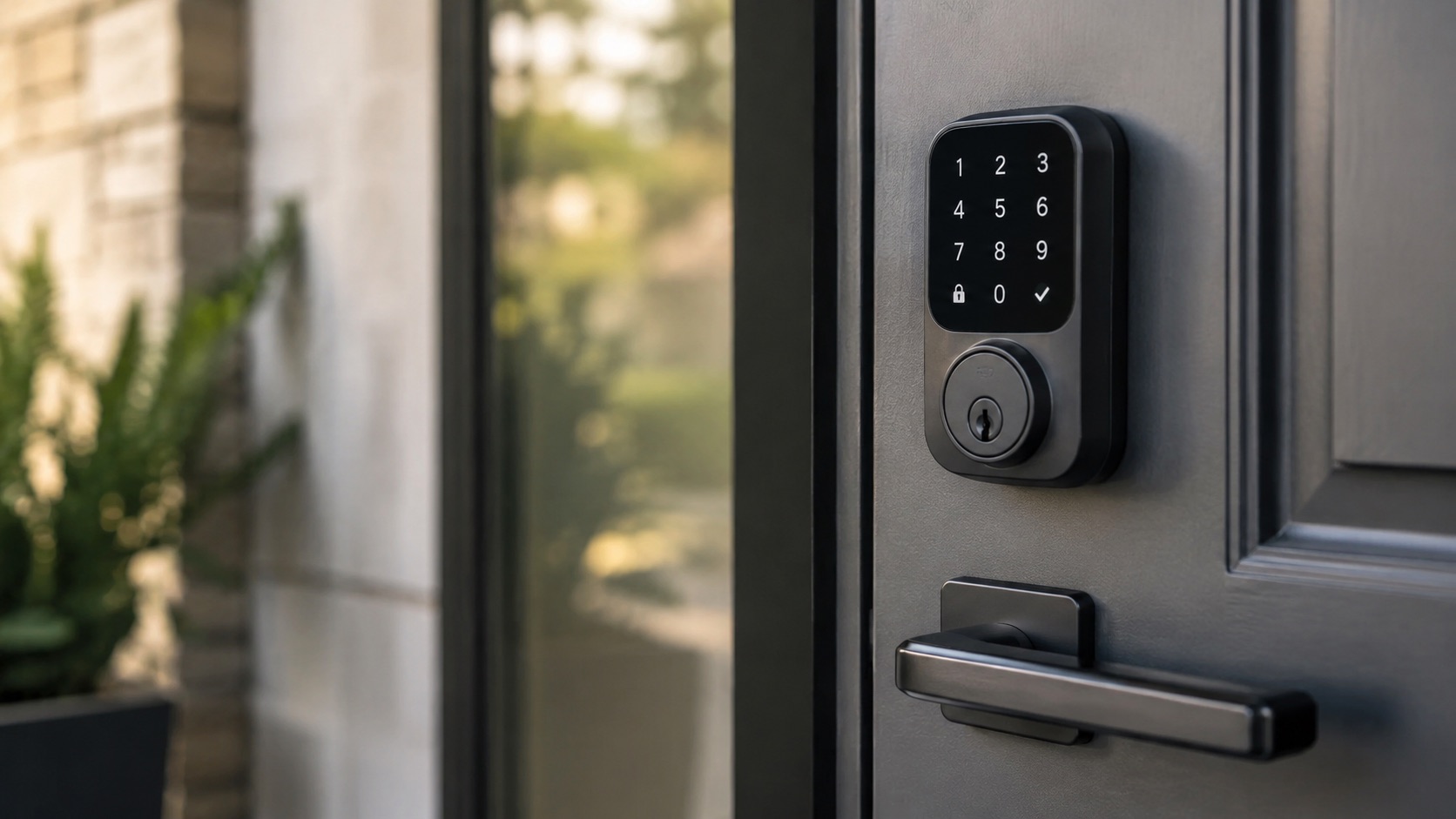
Best Smart Locks 2026 — Every Budget Covered
Your front door lock is the single most important security device in your home. It’s also the one you interact with multiple times a day. A smart lock should make that interaction effortless — no fumbling for keys, no wondering whether you remembered to lock up — without compromising on the security side. The good news: in 2026 there’s a smart lock for every budget and every setup, from invisible retrofits to full-blown keypad replacements with biometric readers.
I’ve compared dozens of smart locks over the past year. Below are the five that genuinely stand out, whether you’re spending $130 or $350.
Quick Comparison Table
| Lock | Price | Grade/Rating | Connectivity | Apple Home Key | Fingerprint | Retrofit |
|---|---|---|---|---|---|---|
| Schlage Encode Plus | $300–340 | ANSI Grade 1 | WiFi + Bluetooth | ✅ | ❌ | ❌ |
| Yale Assure Lock 2 | ~$250 | ANSI Grade 2 | WiFi/Thread/BLE (module) | ✅ (with module) | ❌ | ❌ |
| August WiFi Smart Lock | $130 | — | WiFi + Bluetooth | ❌ | ❌ | ✅ |
| Level Lock Pro | $349 | ANSI Grade 2 | Bluetooth + Thread | ✅ | ❌ | ✅ |
| Aqara U200 | $150–200 | — | Matter over Thread | ✅ (via Matter) | ✅ | ✅ |
1. Schlage Encode Plus — Best Overall
Price: $300–340
The Schlage Encode Plus has been the gold standard for smart locks since its release, and in 2026 it remains the one I recommend most often. Why? It’s the only lock that combines ANSI Grade 1 security (the highest residential rating — the same standard used in commercial buildings) with built-in WiFi and Apple Home Key support.
You don’t need a separate hub or bridge. You don’t need to worry about Thread border routers or Bluetooth range. The lock connects directly to your WiFi network, which means you get remote access, lock/unlock from anywhere, and real-time notifications without extra hardware. Apple Home Key lets you tap your iPhone or Apple Watch to unlock — it’s genuinely faster than a physical key.
The keypad is well-lit and responsive, the build quality is tank-like, and Schlage’s track record for reliability is unmatched in the industry.
Pros:
- ANSI Grade 1 — strongest residential security rating
- Built-in WiFi, no hub or bridge needed
- Apple Home Key support
- Works with Alexa, Google Home, and Apple HomeKit
- Proven reliability and brand reputation
Cons:
- No fingerprint reader
- Not a retrofit — you replace the entire deadbolt
- Bulky compared to some competitors
- Premium price point
2. Yale Assure Lock 2 — Best Design
Price: ~$250
Yale redesigned their flagship lock from the ground up with the Assure Lock 2, and the result is one of the sleekest smart locks you can buy. The interior escutcheon is slim, the touchscreen keypad is flush, and the whole thing looks like it belongs on a modern door rather than bolted onto one as an afterthought.
What makes the Yale Assure Lock 2 particularly flexible is its modular design. You choose a connectivity module — WiFi, Bluetooth, or Thread — depending on your smart home ecosystem. The Thread module works beautifully with Apple Home, and Yale also offers a Matter-ready module for cross-platform compatibility. This modularity means you’re not locked into one ecosystem forever.
Security-wise, it’s ANSI Grade 2 — not quite Grade 1, but more than sufficient for residential use. The lock also supports temporary PIN codes, auto-lock, and DoorSense (a sensor that tells you whether your door is actually closed and locked).
Pros:
- Sleek, modern design that fits any door style
- Modular connectivity — swap modules as ecosystems evolve
- DoorSense built-in
- Apple Home Key support (with compatible module)
- Temporary access codes for guests
Cons:
- ANSI Grade 2 (not Grade 1)
- Module sold separately on some packages
- No fingerprint reader
- Full deadbolt replacement required
3. August WiFi Smart Lock — Best for Renters & Retrofit
Price: ~$130
If you rent your home or simply don’t want to replace your existing deadbolt, the August WiFi Smart Lock is the answer. It attaches to the interior side of your existing deadbolt in about 10 minutes — your landlord won’t even know it’s there, and you keep your physical keys as a backup.
At $130, it’s also the most affordable option on this list. Despite the low price, you still get built-in WiFi (no bridge needed), auto-lock and unlock based on your phone’s GPS, and integration with Alexa and Google Assistant. The app is polished and gives you a full activity log of who locked and unlocked your door.
The trade-off? You lose the keypad entirely. There’s no way to punch in a code if your phone dies. And because it’s a retrofit that sits on top of your existing hardware, the security rating depends entirely on your existing deadbolt.
Pros:
- True retrofit — keeps your existing keys and deadbolt
- Budget-friendly at ~$130
- Built-in WiFi, no bridge required
- Auto-lock and auto-unlock via geofencing
- Perfect for renters
Cons:
- No keypad or fingerprint reader
- Security depends on your existing deadbolt quality
- No Apple Home Key
- Interior side is somewhat bulky
- Battery life could be better
4. Level Lock Pro — Best for Apple Users
Price: $349
The Level Lock Pro is an engineering marvel. From the outside, your door looks completely unchanged — there’s no visible smart lock hardware at all. All the electronics are hidden inside the lock body itself. If discretion matters to you, nothing else comes close.
Level supports Apple Home Key natively, and the experience is seamless. Walk up to your door, tap your iPhone or Watch, and you’re in. The lock also works via the Level app with temporary access codes and scheduling. With the Pro model, you get Thread support for responsive, low-power connectivity through your Apple Home network.
The invisible design does come with limitations. There’s no keypad on the exterior, so you’ll need your phone, Apple Watch, or a physical key. And at $349, it’s the most expensive option here for what is technically a retrofit lock.
Pros:
- Completely invisible — looks like a regular lock
- Apple Home Key with Thread connectivity
- Retrofit design, keeps existing keys
- Compact, no bulky interior hardware
- Premium build quality
Cons:
- Most expensive on this list
- No keypad — phone or key only
- Apple-centric (limited Android/Google support)
- No fingerprint reader
- Niche appeal — you’re paying for the invisible design
5. Aqara U200 — Best Value
Price: $150–200
The Aqara U200 is the lock that surprised me most this year. At $150–200, it packs in features that locks twice its price don’t offer: Matter over Thread connectivity, a built-in fingerprint reader, Apple Home Key support (via Matter), and a retrofit design that works with most existing deadbolts.
Matter over Thread means this lock works with Apple Home, Google Home, Samsung SmartThings, and Amazon Alexa — all natively, no proprietary bridge required. The fingerprint reader is fast and accurate, unlocking the door in under a second. You also get a keypad for PIN codes and NFC card support.
For the price, the Aqara U200 is remarkably complete. The main caveat is that Aqara is a newer brand in the Western market, and long-term reliability data isn’t as extensive as Schlage or Yale. But based on my testing, it’s been solid.
Pros:
- Incredible value for the feature set
- Matter over Thread — works with every major ecosystem
- Built-in fingerprint reader
- Retrofit design
- Apple Home Key support
- Multiple unlock methods (fingerprint, PIN, NFC, app, key)
Cons:
- Newer brand with less long-term track record
- Build quality isn’t quite Schlage/Yale tier
- Fingerprint reader exposed to weather on exterior
- Thread border router needed for remote access
- Slightly complex initial setup
Best For Summary
- Best overall: Schlage Encode Plus — unmatched security rating plus WiFi convenience
- Best for Apple users: Level Lock Pro — invisible design with native Home Key and Thread
- Best for renters/retrofit: August WiFi Smart Lock — affordable, non-destructive install
- Best value: Aqara U200 — Matter, fingerprint, and Home Key under $200
- Best design: Yale Assure Lock 2 — sleek looks with modular connectivity
What to Consider Before Buying
Security rating matters. If you’re replacing a deadbolt entirely, look for ANSI Grade 1 (Schlage) or Grade 2 (Yale, Level). Retrofit locks inherit the rating of your existing hardware.
Connectivity determines convenience. WiFi locks work remotely out of the box. Thread and Bluetooth locks need a hub or border router for remote access, but use less battery. Check what fits your smart home ecosystem.
Ecosystem compatibility. If you’re building a Matter-based smart home, the Aqara U200 and Yale Assure Lock 2 (with Thread module) are your best bets. Apple households should look at locks with Home Key support.
Retrofit vs. full replacement. Renters and those who want to keep their existing keys should go retrofit (August, Level, Aqara). Homeowners who want maximum security and a keypad should go full replacement (Schlage, Yale).
If you’re just starting your smart home from scratch, a smart lock is one of the highest-impact first purchases you can make. And if security is your primary concern, pair any of these locks with a monitoring-free security system for comprehensive protection without recurring fees.
See how we compare products for our full methodology.
FAQ
Do smart locks work if the power goes out?
Yes. All smart locks on this list run on batteries (typically CR2 or AA), not your home’s electrical system. A power outage won’t affect them. Most locks also alert you weeks before the battery dies, and many have emergency power options (9V battery terminal on the exterior).
Can smart locks be hacked?
In theory, any connected device can be compromised. In practice, smart locks from reputable brands use AES-128 or AES-256 encryption and are far harder to bypass than picking a traditional lock. The bigger risk is usually a weak WiFi password or a shared PIN code. Use strong passwords and rotate guest codes regularly.
Do I need a hub for a smart lock?
It depends on the lock. The Schlage Encode Plus and August WiFi Smart Lock have built-in WiFi — no hub needed. Thread-based locks (Level Pro, Aqara U200, Yale with Thread module) need a Thread border router (like an Apple TV 4K or HomePod Mini) for remote access. Bluetooth-only locks need a nearby bridge device.
Will a smart lock void my home insurance?
Generally no, especially if the lock carries an ANSI Grade 1 or Grade 2 rating. Some insurers even offer discounts for smart security devices. Check with your specific provider, but a Schlage Encode Plus with Grade 1 certification exceeds most insurance requirements.
Can two people manage the same smart lock?
Absolutely. All locks on this list support multiple users. You can grant permanent access to family members, temporary codes to guests, and scheduled access to cleaners or dog walkers. Most apps also provide an activity log showing exactly who unlocked the door and when.