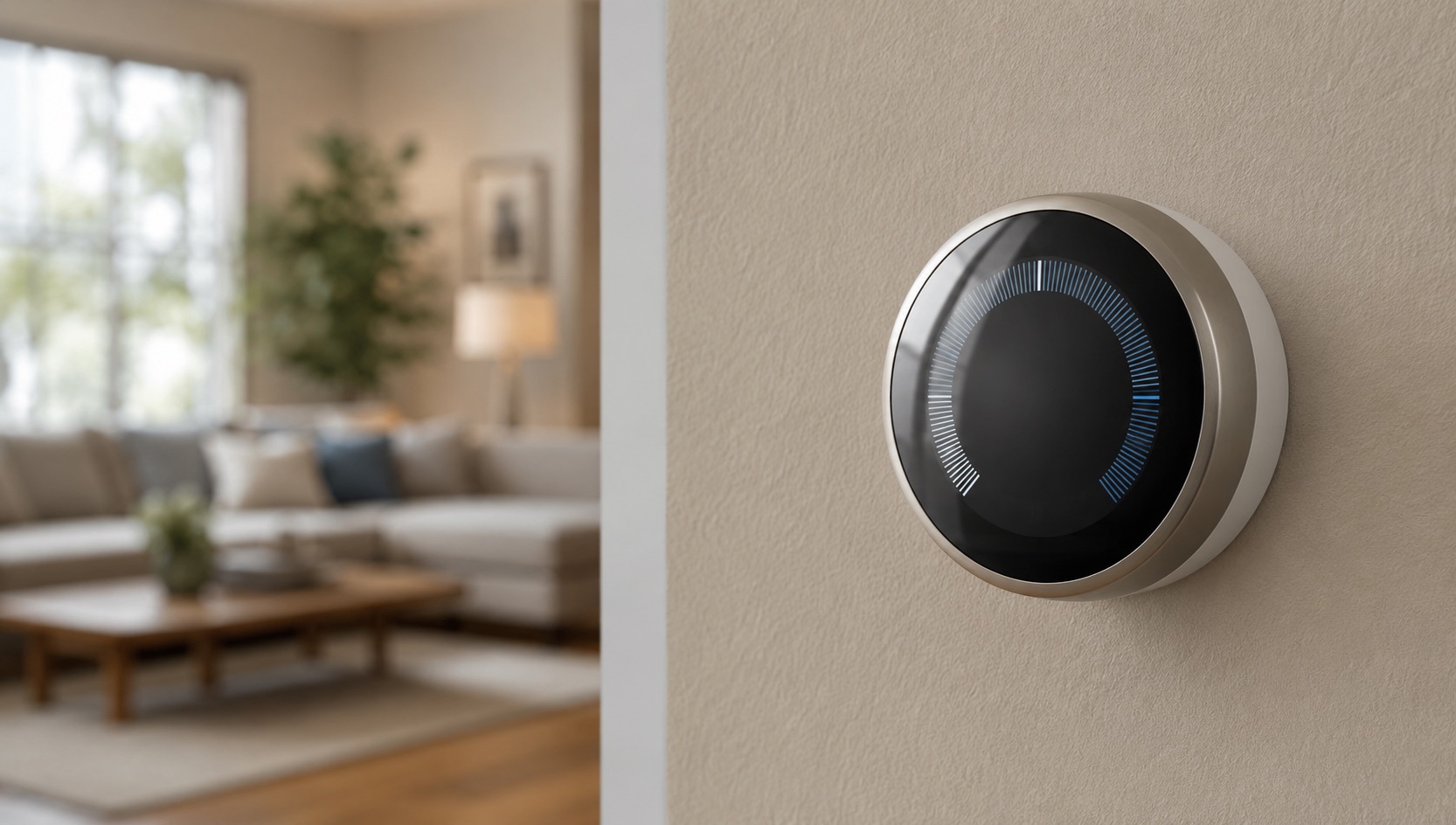
Heat Pump Smart Control with Home Assistant 2026
Heat pumps are the most energy-efficient way to heat and cool your home. They move heat instead of generating it, achieving 300-400% efficiency compared to 95-100% for gas furnaces. But without smart control, a heat pump runs on a basic thermostat schedule that does not account for electricity prices, solar production, or occupancy patterns.
Home Assistant changes that. It can control your heat pump based on dynamic tariff prices (pre-heat when electricity is cheap), solar production (use free solar energy for heating), occupancy (turn off when nobody is home), and weather forecasts (anticipate temperature changes). The result: 20-40% lower heating and cooling costs compared to a standard thermostat schedule.
This guide covers how to connect your heat pump to Home Assistant and build the automations that actually save money.
Why Heat Pumps Need Smart Control
A heat pump on a basic thermostat does three wasteful things:
It runs during expensive hours. On a time-of-use tariff, your heat pump might be running at peak pricing ($0.40-0.55/kWh) when it could have pre-heated during off-peak ($0.08-0.12/kWh).
It heats empty rooms. Without occupancy sensing, the heat pump maintains temperature in rooms nobody is using.
It ignores solar production. Your panels might be generating free electricity midday while the heat pump sits idle, then the heat pump runs in the evening when you are buying expensive grid power.
Smart control fixes all three. The heat pump runs when electricity is cheap, when solar is producing, and when people are actually home.
Connecting Your Heat Pump to Home Assistant
The integration method depends on your heat pump brand and model.
Option 1: Native Integration
Several heat pump manufacturers have official Home Assistant integrations:
| Brand | Integration | Protocol | Features |
|---|---|---|---|
| Mitsubishi (Kumo Cloud) | Kumo Cloud integration | WiFi | Full control, scheduling |
| Daikin (Daikin Online Controller) | Daikin integration | WiFi | Full control, scheduling |
| LG (LG ThinQ) | LG ThinQ integration | WiFi | Full control, scheduling |
| Bosch (Bosch EasyControl) | Bosch integration | WiFi | Heating control |
| Viessmann (ViCare) | ViCare integration | WiFi | Full control |
| Nibe (Nibe Uplink) | Nibe integration | WiFi/Cloud | Full control |
If your heat pump has a WiFi module and a manufacturer app, check if a Home Assistant integration exists. These integrations typically expose temperature setpoints, mode control (heat/cool/auto), fan speed, and scheduling.
Option 2: Smart Thermostat
If your heat pump does not have native Home Assistant support, you can control it through a smart thermostat connected to Home Assistant.
Ecobee: Works with most heat pumps via the standard thermostat interface. Home Assistant integration is excellent. See our best smart thermostat comparison.
Tuya-based thermostats: Many budget heat pump controllers use Tuya WiFi modules. The Tuya integration in Home Assistant provides full control.
Zigbee/Z-Wave thermostats: Devices like the Sinopé TH1123ZB connect to Home Assistant via Zigbee and can control heat pumps with standard 24V thermostat wiring.
Option 3: IR Blaster
Some mini-split heat pumps use infrared remotes. An IR blaster (like the Broadlink RM4 Mini or SwitchBot Hub) can send IR commands to the heat pump through Home Assistant.
Setup: Place the IR blaster in line-of-sight of the heat pump’s IR receiver. Teach it the remote control commands. Build Home Assistant automations that send IR commands based on temperature, schedule, or tariff prices.
Limitations: IR control is one-way (no feedback on current state) and requires line-of-sight. Less reliable than native WiFi integration.
Smart Automations for Heat Pumps
Tariff-Based Scheduling
Pre-heat your home during cheap electricity hours and coast through expensive peak hours.
automation:
  - alias: "Pre-heat house before peak"
    trigger:
      - platform: time
        at: "14:00:00"  # 2 hours before typical peak
    condition:
      - condition: state
        entity_id: sensor.electricity_price_level
        state: "cheap"
    action:
      - service: climate.set_temperature
        target:
          entity_id: climate.heat_pump
        data:
          temperature: 22  # Pre-heat to 22C
          hvac_mode: heat

  - alias: "Reduce heat pump during peak"
    trigger:
      - platform: state
        entity_id: sensor.electricity_price_level
        to: "expensive"
    action:
      - service: climate.set_temperature
        target:
          entity_id: climate.heat_pump
        data:
          temperature: 18  # Reduce to 18C during peak
A well-insulated home holds temperature for 2-4 hours. Pre-heating to 22C at 2 PM means the heat pump does not run during the 4-9 PM peak window, saving $1-3 per day in winter.
For tariff setup, see our Home Assistant dynamic tariff automation guide.
Solar-Aware Operation
Run the heat pump when your solar panels are producing free electricity.
automation:
  - alias: "Heat with solar excess"
    trigger:
      - platform: numeric_state
        entity_id: sensor.solar_production
        above: 3000  # Solar producing more than 3kW
        for:
          minutes: 15
    condition:
      - condition: numeric_state
        entity_id: sensor.indoor_temperature
        below: 21
    action:
      - service: climate.set_temperature
        target:
          entity_id: climate.heat_pump
        data:
          temperature: 23  # Use excess solar for heating
This is particularly effective in spring and autumn when solar production is decent but heating demand is moderate. The heat pump absorbs excess solar that would otherwise be exported at low feed-in rates.
Occupancy-Based Control
Turn off the heat pump when nobody is home.
automation:
  - alias: "Away mode - reduce heat pump"
    trigger:
      - platform: state
        entity_id: group.all_people
        to: "not_home"
        for:
          minutes: 30
    action:
      - service: climate.set_temperature
        target:
          entity_id: climate.heat_pump
        data:
          temperature: 16  # Setback temperature

  - alias: "Home mode - restore heat pump"
    trigger:
      - platform: state
        entity_id: group.all_people
        to: "home"
    action:
      - service: climate.set_temperature
        target:
          entity_id: climate.heat_pump
        data:
          temperature: 21  # Comfort temperature
This saves 10-20% on heating costs by not conditioning an empty home. The 30-minute delay prevents the heat pump from cycling during brief departures.
Weather-Adjusted Heating
Use weather forecast data to adjust heating targets.
automation:
  - alias: "Sunny day - reduce heating"
    trigger:
      - platform: time
        at: "07:00:00"
    condition:
      - condition: state
        entity_id: weather.home
        attribute: forecast
        value: "sunny"
    action:
      - service: climate.set_temperature
        target:
          entity_id: climate.heat_pump
        data:
          temperature: 19  # Lower target, solar gain will help
On sunny days, solar heat gain through windows reduces heating demand. The thermostat does not know about this; Home Assistant does by checking the weather forecast.
COP Optimization
The coefficient of performance (COP) of a heat pump varies with outdoor temperature. At 10C outdoor, a heat pump might achieve COP 4.0 (400% efficiency). At -5C, COP drops to 2.0 (200% efficiency). Running the heat pump during warmer parts of the day improves COP.
automation:
  - alias: "Shift heating to warmer hours"
    trigger:
      - platform: numeric_state
        entity_id: sensor.outdoor_temperature
        above: 5
        for:
          minutes: 30
    condition:
      - condition: numeric_state
        entity_id: sensor.indoor_temperature
        below: 21
    action:
      - service: climate.set_temperature
        target:
          entity_id: climate.heat_pump
        data:
          temperature: 23  # Heat more when COP is favorable
Energy Savings: Real Numbers
A heat pump with smart control saves 20-40% compared to a basic thermostat schedule. The savings come from three sources:
| Savings Source | Annual Savings | Mechanism |
|---|---|---|
| Tariff optimization | $150-400 | Pre-heat during cheap hours |
| Solar integration | $100-300 | Use free solar for heating |
| Occupancy control | $100-250 | Heat only occupied spaces |
| COP optimization | $50-150 | Run during warmer outdoor temps |
| Total | $400-1,100 |
The exact savings depend on your electricity rate, climate, home insulation, and heat pump efficiency. Homes in cold climates with high electricity rates and solar panels see the largest savings.
Heat Pump + Battery + Solar: The Ultimate Combo
The most efficient setup combines a heat pump, home battery, and solar panels:
- Solar panels generate free electricity during the day
- Home battery stores excess solar for evening use
- Heat pump runs on solar during the day and battery during the evening peak
- Home Assistant coordinates all three based on weather, tariff, and occupancy
This combination can reduce your heating and cooling costs by 60-80% compared to a gas furnace on a flat-rate tariff. The payback period for the combined system (solar + battery + heat pump) is typically 8-12 years, after which your heating and cooling are essentially free.
For battery comparisons, see our Tesla Powerwall vs Sigenergy vs Enphase article.
Common Heat Pump Brands and Home Assistant Compatibility
| Brand | Native HA Integration | Smart Thermostat Option | IR Blaster Option |
|---|---|---|---|
| Mitsubishi | Kumo Cloud (WiFi) | Yes (24V adapter) | Yes |
| Daikin | Daikin Online Controller | Yes | Yes |
| LG | LG ThinQ | Yes | Yes |
| Samsung | SmartThings | Yes | Yes |
| Panasonic | Panasonic Comfort Cloud | Yes | Yes |
| Fujitsu | FGLair | Yes | Yes |
| Bosch | Bosch EasyControl | Yes | Limited |
| Viessmann | ViCare | Yes | No |
| Nibe | Nibe Uplink | Yes | No |
Most major heat pump brands have some form of Home Assistant integration. If the native integration is unavailable or limited, a smart thermostat connected to the heat pump’s thermostat terminals works for most models.
Related Guides
- Solar + Battery Payback Period Calculator
- Best Smart Meters for Home Energy Monitoring 2026
- Home Energy Management Systems Compared 2026
- Sigenergy SigenStor Review 2026
- Home Energy Intelligence: Complete Guide 2026
FAQ
Can Home Assistant control my heat pump directly?
Yes, if your heat pump has WiFi and a native Home Assistant integration (Mitsubishi, Daikin, LG, Samsung, Panasonic, and others). If not, you can control it through a smart thermostat connected to Home Assistant, or through an IR blaster for mini-splits with infrared remotes.
Will smart control void my heat pump warranty?
No. Smart control through a thermostat or WiFi integration does not modify the heat pump hardware. You are simply adjusting setpoints and schedules, which is what any thermostat does. The heat pump’s internal protections (defrost cycles, compressor limits, refrigerant management) operate independently.
How much can I save with smart heat pump control?
Real-world savings range from $400-1,100 per year depending on your electricity rate, climate, insulation, and tariff structure. Homes on time-of-use tariffs with solar panels see the largest savings. The automation pays for itself within the first year.
Do heat pumps work with dynamic tariffs?
Yes, and this is where smart control shines. Heat pumps are thermal batteries. You can heat your home to a higher temperature during cheap hours and let it coast during expensive hours. A well-insulated home holds temperature for 2-4 hours, which is long enough to bridge most peak pricing windows.
Can I use Home Assistant to control both heating and cooling?
Yes. Most heat pump integrations expose both heating and cooling modes. Home Assistant can switch between modes based on indoor temperature, outdoor temperature, or time of year. You can also set different schedules and tariff thresholds for heating vs cooling seasons.