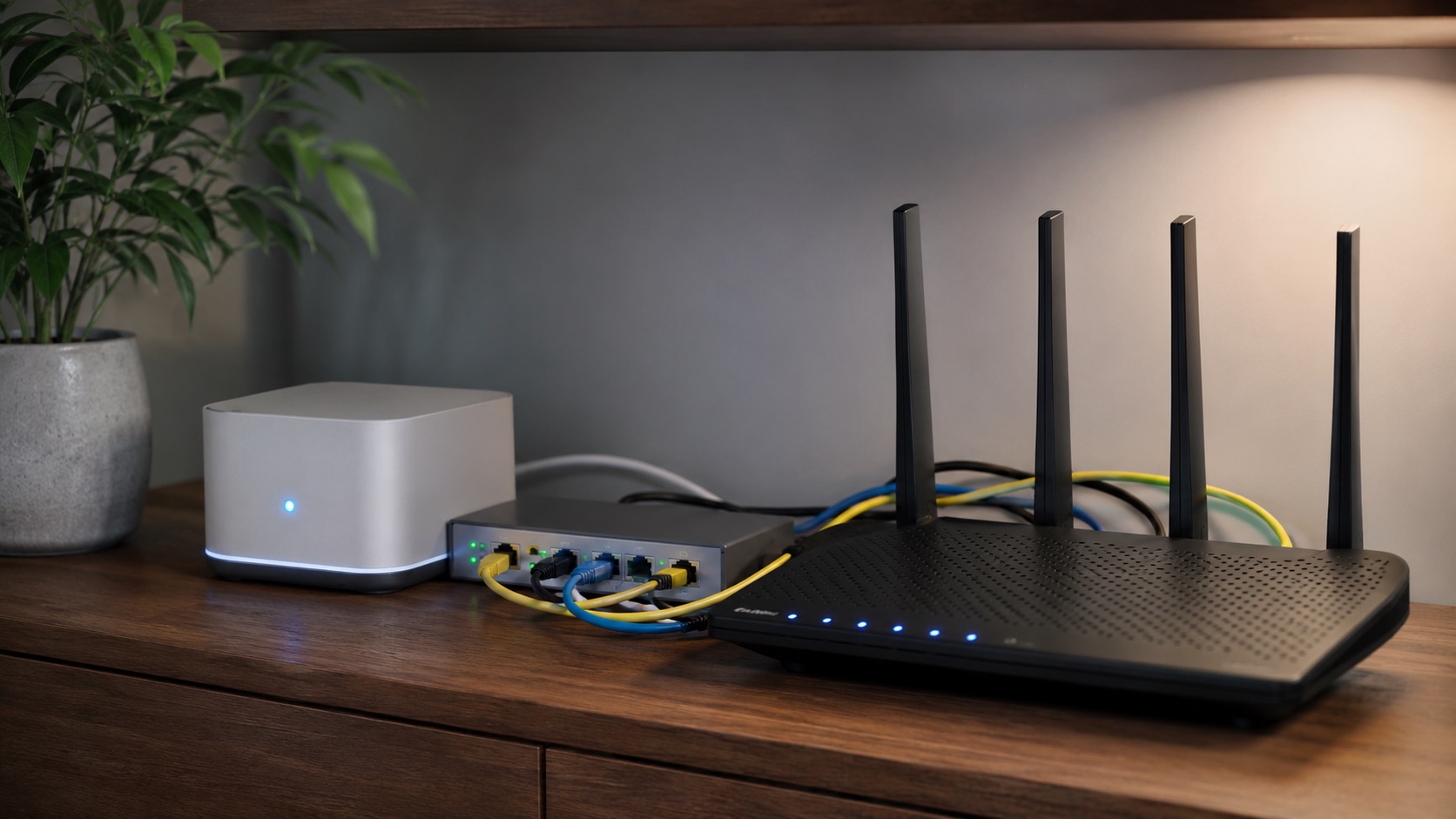
Illustrative image, not evidence of a product test.
Best Home Routers With Dual-WAN Failover
Two internet subscriptions do not automatically give a home office a working backup connection. The router must decide when the first path has failed, move appropriate traffic to the second and recover without repeatedly switching between unstable links.
Peplink B One, TP-Link Omada ER605, UniFi Cloud Gateway Ultra, DrayTek Vigor2927 and Teltonika RUTM11 are five current directions worth evaluating. Some are business or industrial devices used in a home office, not all-in-one household Wi-Fi replacements.
Failover is not bonding
Failover chooses another path after a problem. Load balancing distributes traffic under rules. Bonding or session-continuity services are another proposition and may need additional services. A video call can reconnect when the public address changes even if basic web browsing returns quickly.
This is a documentation-based comparison. We did not disconnect live WAN links, benchmark failover times or independently test these products’ security.
| Candidate | Relevant documented direction | Useful fit | Extra requirement to check |
|---|---|---|---|
| Peplink B One | Dual Ethernet WAN, failover and broader SpeedFusion direction | A home office comparing simple backup with richer continuity | Which continuity features require service entitlement |
| Omada ER605 | Multi-WAN wired gateway | A separate router with existing Wi-Fi APs | Hardware version, port configuration and failover settings |
| UniFi Cloud Gateway Ultra | Multi-WAN gateway within UniFi | An existing UniFi installation | Spare LAN-port use, firmware and separate Wi-Fi provision |
| DrayTek Vigor2927 family | Dual Ethernet WAN with failover | A small-office-style home network | Exact wired/Wi-Fi/cellular family variant |
| Teltonika RUTM11 | Cellular router with multiple failover scenarios | Ethernet plus an appropriate cellular backup arrangement | Carrier, bands, SIM/data plan and local availability |
Peplink B One: separate the basic backup from the service layer
The B One product information documents two Ethernet WAN connections and failover, alongside SpeedFusion features. It is a useful candidate when continuity options are part of the decision.
Ask what works as ordinary WAN failover and what needs a subscription, endpoint or other service. Do not assume an advertised resilience feature is included indefinitely in every purchase. Compare the recurring cost as well as the router price.
Omada ER605: a wired router, not a Wi-Fi upgrade by itself
The current ER605 page identifies a multi-WAN gateway. This is a sensible direction when you already have suitable access points and want the router to own internet-path selection.
Verify the regional hardware version, which ports can serve as WAN and how health checking is configured. A link can remain physically connected while the upstream internet service is unusable; the detection policy matters as much as the count of sockets.
UniFi Cloud Gateway Ultra: preserve the rest of the network
The Cloud Gateway Ultra specifications list multi-WAN capabilities and policy-based routing. It deserves evaluation where UniFi is already the management environment.
Plan the port allocation and separate access points rather than expecting the gateway to act as a conventional Wi-Fi router. Ask how guest/IoT networks behave when traffic changes WAN. Confirm the current firmware’s actual failover configuration rather than relying only on the maximum port count.
DrayTek Vigor2927: buy the exact family variant
DrayTek’s Vigor2927 family explicitly describes dual-Ethernet-WAN load balancing and failover. The family includes variants with different Wi-Fi and other functions.
It is relevant when a small-office router’s controls suit the home office. Check the complete model suffix, current support/firmware, local availability and needed wireless capability. A used listing that omits the suffix may not describe the same product you researched.
Teltonika RUTM11: a cellular direction with carrier constraints
RUTM11 documents cellular connectivity, dual SIM and multiple failover scenarios. Teltonika’s RUTX end-of-life announcement recommends replacement families for new deployments, so an older RUTX11 is not the default new-buy recommendation here.
Evaluate the actual regional model, radio bands, carrier plan and reception at the intended location. Dual SIM is not proof of two simultaneous independent cellular modems or immunity to a local network outage. Include antennas and data allowances in the cost.
Before buying, make the backup genuinely independent
A second service may share the same local cable route or lose power with the first. Ask about the real dependency. Keep the modem/ONT, router and necessary access point powered appropriately; a working backup subscription is little use when its equipment is off.
Use a controlled acceptance check after installation: disconnect the primary path, simulate an upstream failure if supported, make a normal call and upload, then restore the link. Observe what reconnects, what keeps working and how failback behaves. These are recommended checks, not results of tests we performed.
Cost and selection
Count the backup subscription, data cap, router, modem/antennas, Wi-Fi APs, optional continuity services and power arrangement. Choose simple failover if reconnecting is acceptable. Investigate a separate session-continuity/bonding service only when the requirement justifies its additional dependency and cost.
For the wireless layer, see mesh Wi-Fi for working from home and home mesh systems compared. Better indoor coverage and an independent internet backup solve different problems.
Official evidence checked 20 October 2026. No measured failover, availability or security result; no paid inclusion.