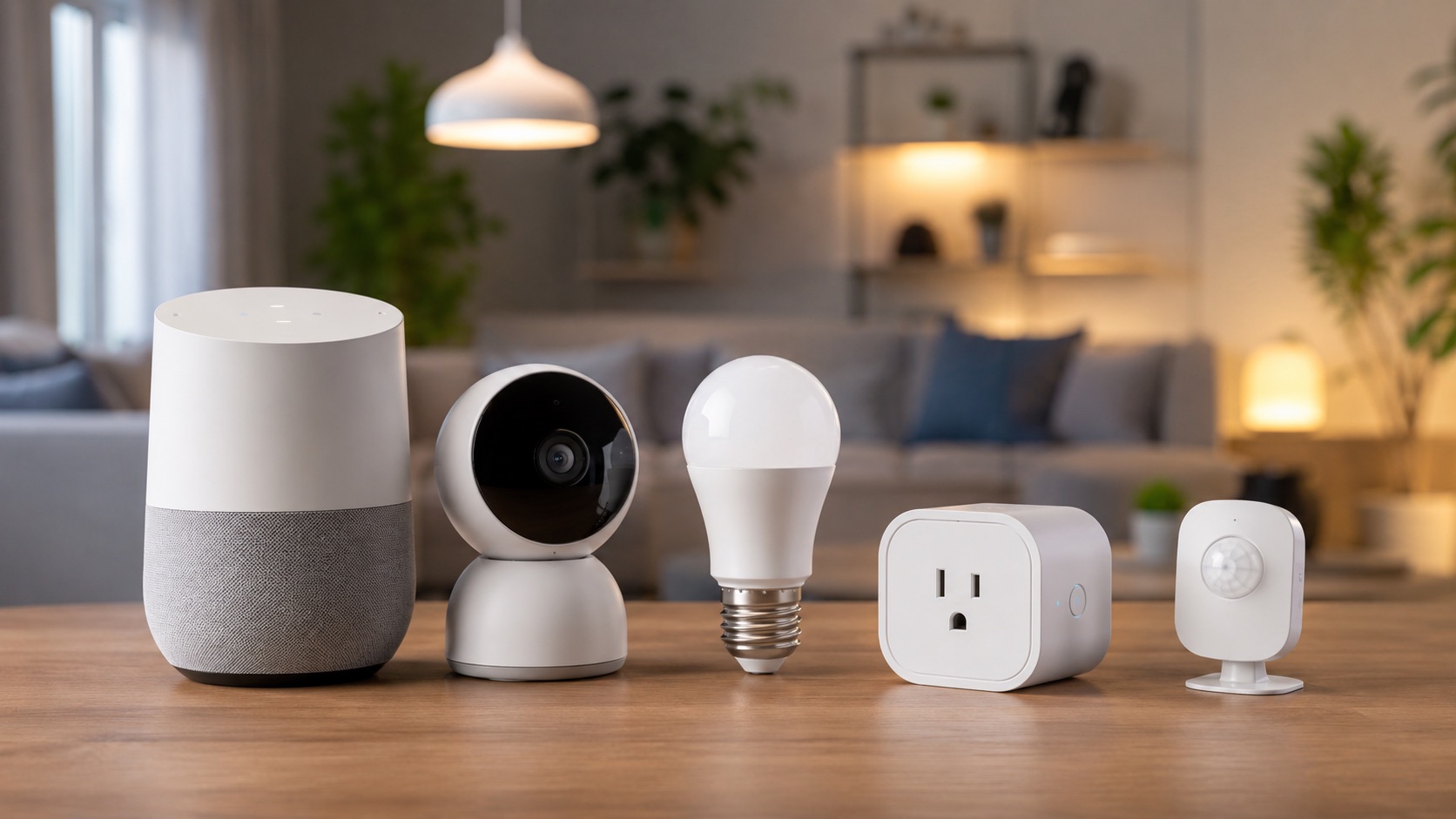
Best Smart Home for People With ADHD (2026)
Why Smart Home Technology Is a Game-Changer for ADHD
Living with ADHD means constantly battling forgetfulness, time blindness, decision fatigue, and the endless mental loops of “did I turn that off?” or “did I lock the door?” Traditional organizational tools like planners and sticky notes only work if you remember to check them — which is the exact problem they’re supposed to solve.
Smart home technology offers something different: passive systems that work without requiring your attention or memory. Instead of relying on your executive function to remember every task, you build an environment that handles the forgettable stuff automatically. Your home becomes an external brain that compensates for the gaps ADHD creates.
In this guide, we’ll walk through the best smart home devices and automations specifically chosen for ADHD brains in 2026 — from visual timers that combat time blindness to auto-off plugs that eliminate the anxiety of forgotten appliances.
If you’re new to smart home technology, start with our guide on how to start a smart home from scratch before diving in.
Visual Timers: Fighting Time Blindness
Time blindness is one of the most disruptive ADHD symptoms. You sit down to do a “quick” task and suddenly two hours have vanished. Smart displays solve this with always-visible countdown timers.
Best Pick: Amazon Echo Show 8 ($150)
The Echo Show 8 lets you set named visual timers that display large countdown numbers on screen. Say “Alexa, set a 20-minute getting ready timer” and the countdown stays visible on your nightstand or bathroom counter. You can run multiple named timers simultaneously — one for laundry, one for cooking, one for your focus session.
Runner-Up: Google Nest Hub 2nd Gen ($100)
Google’s Nest Hub offers similar timer functionality with a cleaner interface. The ambient clock display also helps with general time awareness throughout the day.
Pro tip: Set recurring timers for transition periods. A 10-minute warning before you need to leave for work creates a buffer that prevents chronic lateness.
Routine Automation: Eliminating Decision Fatigue
Every decision you make throughout the day drains your limited executive function reserves. Morning routines are particularly brutal for ADHD — there are dozens of small decisions and steps to remember before you even leave the house.
The Solution: Automated routines that run without your input.
With a smart home hub, you can create morning and evening routines that trigger automatically at set times or when you say a single command:
Morning Routine Example (triggers at 6:30 AM):
- Lights gradually brighten to full (sunrise simulation)
- Smart speaker announces the weather and your calendar
- Coffee maker starts brewing (via smart plug)
- After 30 minutes, lights flash once as a “time to leave soon” warning
Evening Routine Example (triggers at 10:00 PM):
- Lights dim to warm tones
- Doors auto-lock
- Thermostat adjusts for sleep
- Smart speaker gives a gentle “time to wind down” reminder
These routines require zero memory or decision-making from you. They just happen. For more routine ideas, check out our list of the best smart home automations to set up first.
Key, Phone, and Wallet Tracking
The ADHD tax of lost items is real — both financially and emotionally. Smart trackers eliminate the frantic morning search for your keys.
Best Pick: Apple AirTag 4-Pack ($99)
Attach AirTags to your keys, wallet, backpack, and remote control. When you can’t find something, ask Siri or use the Find My app. The UWB precision finding literally points you in the right direction with an arrow on your phone screen.
For Android: Tile Pro ($35 each)
Tile Pro offers similar functionality for Android users, with a loud ring and 400-foot Bluetooth range. The Smart Alert feature even notifies you if you leave something behind.
Automation bonus: Create a geofence automation that checks if your phone detects your AirTag-equipped keys when you leave home. If not, you get an immediate alert before you’ve gone too far.
Auto-Off for Forgotten Appliances
“Did I leave the stove on?” This thought can derail your entire day with anxiety — or worse, create an actual safety hazard. Smart plugs with auto-off timers solve this completely.
Best Pick: TP-Link Kasa Smart Plug with Energy Monitoring ($15)
Plug your curling iron, space heater, iron, or any frequently-forgotten appliance into a smart plug programmed to auto-off after a set duration. A curling iron that turns off after 45 minutes every single time? That’s peace of mind you can’t put a price on.
For Stoves: Samsung SmartThings Range or Induction Cooktop
If you’re in the market for a new stove, smart ranges can auto-off after a set period or send you alerts if left on. For existing stoves, a smart sensor that detects temperature changes near the stove can trigger alerts to your phone.
Setup tip: Create a “leaving home” automation that turns off ALL smart plugs for non-essential appliances when you leave your geofence. Problem solved forever.
Visual Cues: Light Color Changes for Transitions
ADHD brains often struggle with transitions between activities. You know you need to stop working and start getting ready, but the switch feels impossible. Color-changing smart lights provide a non-intrusive visual nudge.
Best Pick: Philips Hue Starter Kit ($130)
Program your Hue bulbs to change color at transition times:
- Blue lights at 7:00 AM = time to start getting ready
- Yellow lights at 8:00 AM = leave in 15 minutes
- Red lights at 8:10 AM = leave NOW
- Purple lights at 10:00 PM = start bedtime routine
These visual cues work even when you’re hyperfocusing because color changes in your peripheral vision break through in ways that phone notifications don’t.
Medication Reminders
Forgetting medication is one of the most impactful ADHD challenges. Ironically, the medication that helps you remember things is the thing you most often forget to take.
Best Pick: Alexa Recurring Reminders + Smart Display
Set up recurring reminders through Alexa that announce at the same time daily: “It’s time to take your medication.” The Echo Show displays the reminder visually too, so even if you’re wearing headphones, you’ll notice.
Level Up: Smart Pill Dispenser (Hero Health, $30/month)
For those who need more accountability, the Hero Health dispenser stores up to 10 medications, dispenses them at scheduled times, sends alerts to your phone, and even notifies a family member if doses are missed.
Auto-Lock Doors: Breaking the Anxiety Loop
“Did I lock the door?” This thought can send you back home mid-commute or keep you anxious all day. Smart locks that auto-lock after a set time eliminate this entirely.
Best Pick: August Wi-Fi Smart Lock ($230)
The August lock auto-locks after a customizable delay (1-5 minutes after closing). It also lets you check lock status from your phone anywhere in the world. See it’s locked? Great, the anxiety loop is broken. See it’s unlocked? Lock it remotely with one tap.
For more options, see our full guide to the best smart locks.
ADHD Challenge vs. Smart Solution Comparison
| ADHD Challenge | Smart Solution | Device | Price | How It Helps |
|---|---|---|---|---|
| Time blindness | Visual countdown timers | Amazon Echo Show 8 | $150 | Large on-screen countdown stays visible during tasks |
| Decision fatigue | Automated morning/evening routines | Smart Hub + Devices | $200+ | Routines run automatically without decisions |
| Losing keys/wallet/phone | Bluetooth/UWB tracking | Apple AirTag 4-Pack | $99 | Precision finding with directional arrow |
| Forgetting appliances on | Auto-off smart plugs | TP-Link Kasa Smart Plug | $15 | Turns off automatically after set duration |
| Difficulty with transitions | Color-changing light cues | Philips Hue Starter Kit | $130 | Peripheral vision catches color changes |
| Forgetting medication | Recurring voice + visual reminders | Amazon Echo Show | $150 | Announces and displays reminders daily |
| ”Did I lock the door?” loop | Auto-lock + remote status check | August Wi-Fi Smart Lock | $230 | Auto-locks and allows remote verification |
| Forgetting to water plants | Automated watering schedule | Smart irrigation controller | $50 | Waters on schedule without any input |
| Leaving lights on everywhere | Motion-triggered auto-off | Smart motion sensors | $25 | Lights turn off when room is empty |
| Overwhelm from too many steps | Single-command scenes | Voice assistant + routines | $50 | One phrase triggers multiple actions |
Putting It All Together: The ADHD Smart Home Stack
Here’s a complete starter setup for an ADHD-friendly smart home:
- Hub: Amazon Echo Show 8 or Google Nest Hub ($100-$150)
- Smart Plugs (4-pack): TP-Link Kasa ($40)
- Smart Lock: August Wi-Fi ($230)
- Item Trackers: AirTag 4-pack ($99)
- Smart Lights: Philips Hue Starter Kit ($130)
Total: approximately $600-$650 for a system that compensates for the most common ADHD challenges daily.
For choosing the right ecosystem to tie everything together, read our best smart home ecosystem guide.
FAQ
Can smart home devices really help with ADHD symptoms?
Yes. Smart home devices won’t cure ADHD, but they function as external scaffolding for executive function. By automating reminders, eliminating decisions, and providing visual/auditory cues, they reduce the cognitive load that ADHD makes so difficult to manage. Many ADHD coaches now recommend smart home tools as part of a comprehensive management strategy alongside medication and therapy.
What’s the best voice assistant for ADHD?
Amazon Alexa currently offers the most robust reminder and routine system for ADHD needs. Its recurring reminders, named timers, routine builder, and wide device compatibility make it the top choice. Google Assistant is a close second with better natural language understanding, but its routine capabilities are slightly less flexible. Choose whichever ecosystem you’ll actually use consistently.
How much does an ADHD-friendly smart home cost?
A basic ADHD-friendly setup costs $300-$650 depending on which challenges you prioritize. Start with the highest-impact items for your specific struggles. If you constantly lose things, start with AirTags ($99). If you forget appliances, start with smart plugs ($15 each). You don’t need everything at once — build gradually based on what causes you the most daily friction.
Will I actually remember to set up automations and routines?
This is the valid catch-22 of ADHD and smart homes. The initial setup requires executive function that ADHD makes difficult. Our advice: set up one automation at a time during a high-energy period (for many people with ADHD, this is mid-morning after medication kicks in). Ask a friend or family member to help with initial setup if needed. Once configured, automations run indefinitely without further input from you.
Do smart home devices work without internet?
Most smart home devices require internet for initial setup and cloud-based features like remote access. However, many automations run locally once configured — meaning your auto-off timers, motion-sensor lights, and auto-lock will continue working during internet outages. For maximum reliability, choose devices that support local processing like those compatible with a dedicated smart home hub.
Final Thoughts
An ADHD-friendly smart home isn’t about having the latest gadgets — it’s about building an environment that works with your brain instead of against it. Every automation you set up is one less thing your executive function needs to manage, one less opportunity for forgetfulness to create problems, and one less source of the anxiety that comes with constantly questioning whether you remembered to do something.
Start with whichever challenge causes you the most daily friction, set up one solution, and build from there. Your future self will thank you every single morning when the routine runs itself and the coffee is already brewing.