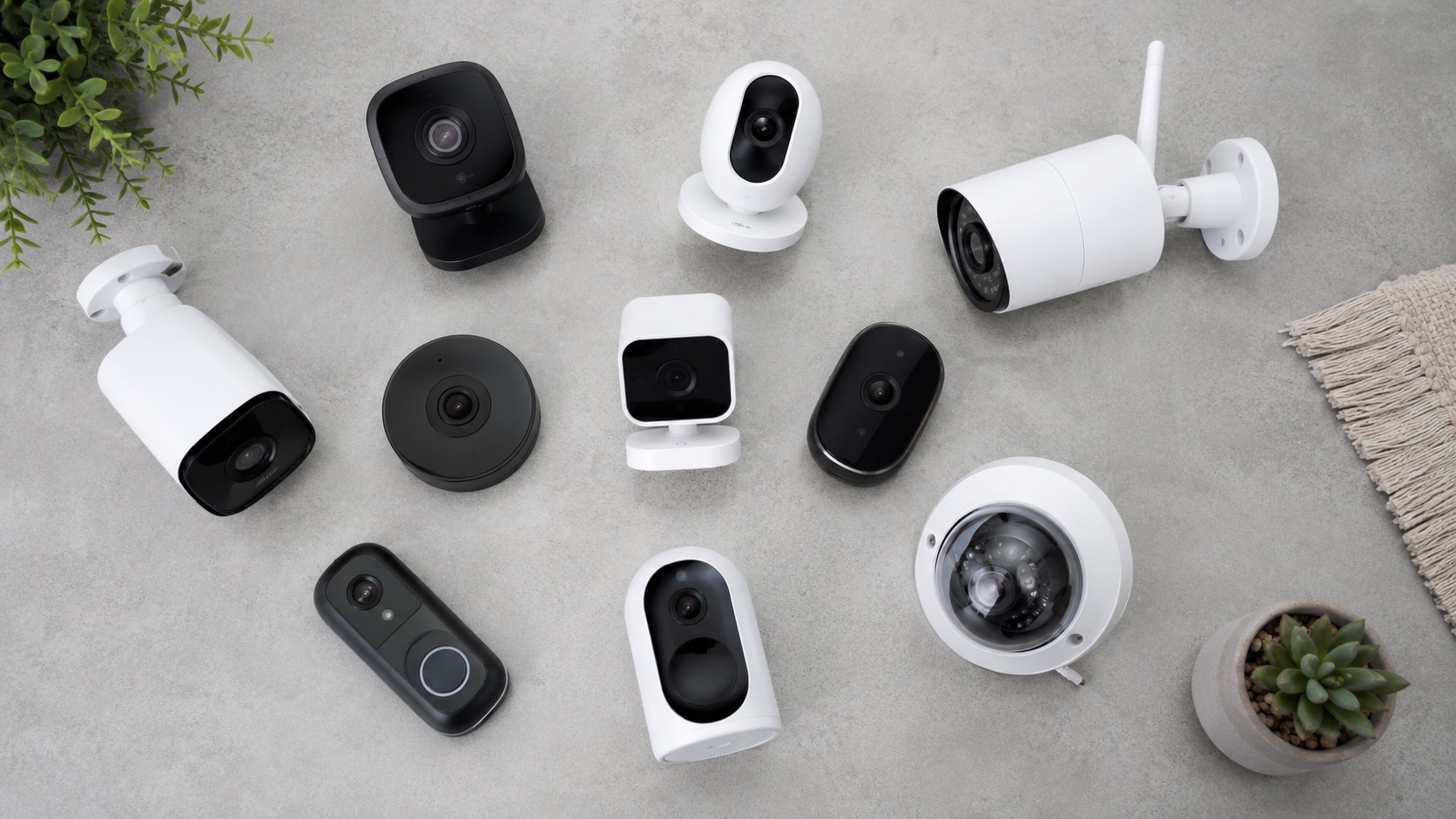
Illustrative image, not evidence of a product test.
Best Smart Home Devices for Dogs and Cats (2026)
Smart home tech isn’t just for humans. If you share your home with dogs or cats, the right devices solve real daily problems—feeding on schedule when you’re stuck at work, checking on an anxious dog via camera, keeping pet hair under control without daily vacuuming, or letting the cat come and go without leaving the door open to strays.
This guide covers the best smart devices specifically for pet owners in 2026, organized by category with real pricing and compatibility information. These aren’t gimmicks—they’re solutions to problems every dog and cat owner knows too well.
If you’re building a smart home from scratch and happen to have pets, start with our beginner’s guide to starting a smart home for the foundation, then add these pet-specific devices on top.
Pet Cameras: Check In and Interact
A pet camera lets you see what your dog or cat is doing while you’re away. The best ones go beyond video—they offer two-way audio to calm an anxious pet, treat tossing for positive reinforcement, and bark/meow alerts to know when something’s wrong.
Furbo 360 Dog Camera — $150
The gold standard for dog owners. The Furbo 360 features a rotating 360-degree camera, 1080p video with night vision, two-way audio, and its signature treat-tossing feature. The barking alert uses AI to distinguish your dog’s bark from TV noise or outside sounds, and it can detect specific behaviors like spinning or howling.
Best for: Dog owners who want to interact remotely and track separation anxiety behaviors.
Key features: Treat tosser (loads ~100 small treats), bark detection, person alerts, 360° rotation, color night vision.
Requires: WiFi, Furbo app (free basic features, $7/month for Furbo Dog Nanny AI features).
Wyze Cam v4 — $36
The budget pick that does 90% of what expensive cameras do. The Wyze Cam v4 offers 2K resolution, color night vision, two-way audio, and motion/sound detection—all for $36 with no required subscription. It lacks treat tossing, but if you just need to check on your pet and talk to them, it’s unbeatable value.
Best for: Budget-conscious pet owners, cat owners who want simple monitoring.
Key features: 2K resolution, color night vision, two-way audio, microSD local storage (no subscription needed), IP65 weather resistant.
Requires: WiFi, Wyze app. Optional: Cam Plus subscription ($2/month) for person detection and extended clips.
Camera Tips for Pet Owners
- Mount at pet height for better angles—eye level captures expressions and behavior
- Use motion zones to focus on areas where your pet shouldn’t be (counters, furniture)
- Enable sound detection for unusual barking, meowing, or distress sounds
- If your pet has separation anxiety, two-way audio can provide comfort—but test first, as some dogs get more anxious hearing your voice without seeing you
Automatic Pet Feeders: Never Miss a Meal
Auto feeders dispense food on a schedule you set via app. They’re essential for pet owners who work variable hours, travel occasionally, or have pets that need portion control.
PetLibro Granary Automatic Feeder — $80
The PetLibro Granary holds up to 5 liters of dry food and dispenses 1–10 portions on a schedule you control via the app. It features a twist-lock lid to keep curious paws out, a stainless steel bowl (easier to clean than plastic), and a low-food alert so you never run empty without knowing.
Best for: Single-pet homes, medium to large dogs, portion control.
Key features: 5L capacity, 1–10 portions per meal, up to 6 meals/day, app control, voice recording to call pet to eat, anti-jam design.
Requires: WiFi, PetLibro app. Works independently of smart home hubs.
PETKIT Automatic Feeder — $60
A more compact option ideal for cats and small dogs. The PETKIT holds 3 liters, uses a desiccant bag in the sealed hopper to keep kibble fresh, and offers a food-level sensor with app notifications. The portion sizes start smaller (more precise for cats), and the anti-clog design handles various kibble sizes.
Best for: Cat owners, small dogs, multi-meal precise scheduling.
Key features: 3L capacity, desiccant freshness system, precise portions from 5g, stainless steel bowl, battery backup for schedule (feeds even during power outage).
Requires: WiFi, PETKIT app.
Feeder Tips
- Slow feeder options: If your pet eats too fast, look for feeders with slow-feed inserts or pair a standard feeder with a slow-feed bowl attachment
- Multi-pet homes: Consider RFID-triggered feeders (like SureFeed, ~$170) that open only for the correct pet’s microchip—essential when one pet is on prescription food
- Wet food: The PetLibro Polar wet food feeder (~$100) has ice packs to keep wet food fresh. Most auto feeders only handle dry kibble
Robot Vacuums for Pet Hair: Fight the Fur
Pet hair is relentless. A robot vacuum running daily keeps it manageable without you touching a vacuum. The key for pet owners: rubber extractors (don’t tangle with hair), strong suction, self-emptying bases, and pet-specific cleaning modes.
iRobot Roomba j9+ — $500
The Roomba j9+ is purpose-built for pet homes. Its dual rubber extractors never tangle with hair—they flex and channel fur directly into the bin. The self-emptying Clean Base holds 60 days of debris. Pet-owner specific features include P.O.O.P. (Pet Owner Official Promise) which guarantees it avoids pet waste or iRobot replaces it.
Best for: Homes with heavy shedders (huskies, golden retrievers, long-haired cats).
Key features: Dual rubber extractors (no brush tangling), self-emptying base (60 days), obstacle avoidance (avoids pet bowls, toys, and waste), smart mapping, carpet detection with extra suction boost.
Works with: Alexa, Google Home, iRobot app. Scheduling via app or voice command.
Roborock S8 MaxV Ultra — $1,400
The premium all-in-one for serious pet homes. The Roborock S8 MaxV Ultra vacuums and mops, has a self-emptying and self-cleaning dock, and features AI-powered obstacle avoidance that identifies and avoids pet waste, cables, and small objects. Its pet-specific modes include extra suction passes on carpets and edge cleaning for where fur accumulates.
Best for: Large homes with multiple pets, owners who want vacuuming AND mopping automated, tech enthusiasts.
Key features: 10,000 Pa suction, dual rubber + bristle brushes, AI obstacle avoidance with camera, self-washing mop, hot air drying, voice assistant support, pet hair removal every run.
Works with: Alexa, Google Home, Roborock app. Supports room-specific cleaning and no-go zones for pet areas.
Robot Vacuum Tips for Pet Owners
- Schedule daily runs during consistent times so pets adapt to the noise
- Set no-go zones around food bowls, litter boxes, and water fountains
- Empty the bin or check the self-empty base weekly—pet hair fills it fast
- If your pet is scared of the vacuum, start with runs while they’re in another room and gradually introduce it
For a detailed comparison of the top robot vacuums, see our robot vacuum for pet hair guide.
Smart Pet Doors: Freedom Without Compromise
A smart pet door lets your cat or dog come and go freely while keeping strays, raccoons, and neighborhood cats out. They use your pet’s microchip or a collar tag as a key.
SureFlap Microchip Pet Door — $150
The SureFlap reads your pet’s existing implanted microchip (no collar tag needed) and unlocks only for registered animals. It stores up to 32 pet profiles, has a curfew mode to lock at night, and is weather-sealed. The Connect version ($200) adds app control and entry/exit logging so you know when your cat came home.
Best for: Cat owners, small dog owners (up to ~15 lbs for standard, larger version available), multi-pet homes where you want selective access.
Key features: Reads standard microchips (9, 10, and 15 digit), stores 32 pets, curfew timer, 4-way lock (in only, out only, both, locked), weather-sealed, battery powered (6 months on 4 AAs).
Works with: SureFlap app (Connect version), integrates with Home Assistant for automation triggers (e.g., notify when cat arrives home).
Smart Pet Door Tips
- Installation: Most mount in a standard door, wall, or existing cat flap cutout. Wall installations may need an extension tunnel
- Training: Most pets adapt within a week. The door clicks softly when unlocking—some skittish cats need a few days to trust it
- Curfew automation: Set the door to lock at sunset and unlock at sunrise to keep cats safely indoors overnight
Smart Water Fountains: Fresh Water Always
Cats especially prefer running water over stagnant bowls. Smart fountains track water level and filter life, alerting you when maintenance is needed.
Petlibro Smart Water Fountain — $50
A 2.5L fountain with app connectivity that tracks water level and filter replacement schedules. The ultra-quiet pump (<30dB) won’t spook cats, and the triple-filtration system keeps water clean. The app sends notifications when water is low or the filter needs replacing.
Best for: Cat owners (cats are prone to kidney issues from dehydration), multi-pet homes.
Key features: 2.5L capacity, app with water-level tracking, filter-life monitoring, ultra-quiet pump, stainless steel drinking tray, dishwasher-safe components.
Requires: WiFi for app features. Functions as a regular fountain without WiFi.
GPS Trackers: Know Where They Are
For pets that go outdoors, GPS trackers provide real-time location and peace of mind. Two strong options for different needs:
Apple AirTag — $29
Not a true GPS tracker but effective for cats and dogs in urban/suburban areas. The AirTag uses Apple’s Find My network (billions of iPhones pinging its location) for location updates. It’s cheap, tiny, requires no subscription, and the battery lasts a year. Attach it to a collar using a holder ($5–15).
Best for: Cats with outdoor access in populated areas, dogs in urban areas, budget tracking.
Limitations: Not real-time (updates when another iPhone passes nearby), no activity tracking, can lose signal in rural areas with few Apple devices nearby.
Fi Series 3 Smart Collar — $150 + $7/month
A true GPS tracker built into a durable dog collar. The Fi Series 3 provides real-time GPS location (updates every few seconds when your dog escapes), a geofence with instant escape alerts, step tracking and activity monitoring, LED light for nighttime visibility, and a 3-month battery life.
Best for: Dog owners concerned about escape, active dogs you want to track for exercise, dogs in rural areas where AirTag coverage is sparse.
Key features: Real-time GPS, LTE cellular connection, geofence escape alerts, activity/sleep tracking, LED nightlight, 3-month battery, waterproof.
Smart Pet Devices Comparison Table
| Category | Device | Price | Key Pet Feature | Works With |
|---|---|---|---|---|
| Camera | Furbo 360 | $150 | Treat tosser + bark detection | WiFi, Alexa, Google |
| Camera | Wyze Cam v4 | $36 | 2K video, no subscription needed | WiFi, Alexa, Google |
| Feeder | PetLibro Granary | $80 | 5L capacity, 6 meals/day | WiFi, app only |
| Feeder | PETKIT Automatic | $60 | Desiccant freshness, battery backup | WiFi, app only |
| Robot Vacuum | Roomba j9+ | $500 | Rubber extractors, waste avoidance | Alexa, Google |
| Robot Vacuum | Roborock S8 MaxV Ultra | $1,400 | AI obstacle avoidance, mop + vacuum | Alexa, Google |
| Pet Door | SureFlap Microchip | $150 | Reads implanted microchip, no collar needed | App, Home Assistant |
| Water Fountain | Petlibro Smart Fountain | $50 | Filter tracking, low-water alerts | WiFi, app only |
| GPS Tracker | Apple AirTag | $29 | No subscription, 1-year battery | Apple Find My |
| GPS Tracker | Fi Series 3 | $150 + $7/mo | Real-time GPS, escape alerts | Fi app, some Alexa |
Budget Priority: What to Buy First
If you can’t buy everything at once, prioritize based on your pet’s biggest need:
- Anxious pet or long work hours: Pet camera first ($36–150)
- Irregular schedule or travel: Auto feeder ($60–80)
- Heavy shedder: Robot vacuum ($500+)
- Outdoor cat: Smart pet door + AirTag ($180)
- Escape-prone dog: Fi GPS collar ($150 + subscription)
For more budget-friendly smart home picks, check our list of best smart home devices under $50.
See how we compare products for our full methodology.
FAQ
Will my pet be scared of a robot vacuum?
Most pets adapt within a week. Dogs are typically curious and may follow it initially. Cats usually avoid it but don’t show fear after a few encounters. Start by running the vacuum while your pet is in a different room, then gradually let them be in the same space. Some dogs try to ride them—YouTube can confirm this. If your pet is exceptionally anxious, run it only when they’re outside or you’re home to reassure them.
Are automatic feeders safe for cats and dogs?
Yes, when used correctly. The main risk is overfeeding due to incorrect portion settings—measure carefully when setting up. For cats, ensure the feeder’s portions match your vet’s recommendation. For dogs on medication mixed with food, continue hand-feeding medicated meals and use the auto feeder only for regular meals. Always keep fresh water available separately. Battery backup feeders (like PETKIT) are recommended so your pet still gets fed during power outages.
Can a smart pet door let raccoons or strays in?
Not if it’s microchip or RFID-based. The SureFlap reads only registered microchip numbers. Animals without a registered chip cannot open the door—period. The mechanical lock is strong enough that raccoons cannot force it open. The only risk is if you use a basic magnetic flap (not microchip-based), which any animal with a magnet collar could open. Always choose microchip-reading doors over magnetic ones.
Do I need WiFi for these devices to work?
Most require WiFi for app features (remote viewing, schedule changes, notifications) but will continue basic operation without it. Auto feeders continue feeding on schedule during WiFi outages. Cameras lose remote access but some record locally to SD card. Robot vacuums continue their last programmed schedule. GPS trackers use cellular, not your WiFi. The pet door operates entirely on battery and microchip reading—no WiFi needed for the basic version.
How do I keep my pet from triggering smart home sensors and cameras?
This is a common frustration. Solutions: adjust motion sensor sensitivity to ignore movement below a certain size (works for cats, not large dogs), use pet-immune PIR sensors rated for animals under 40–80 lbs, set camera activity zones above pet height for indoor cameras, and use presence automations based on phone location rather than motion detection. In Home Assistant, you can filter out pet-triggered motion events using a Bayesian sensor that considers multiple inputs before triggering an automation.