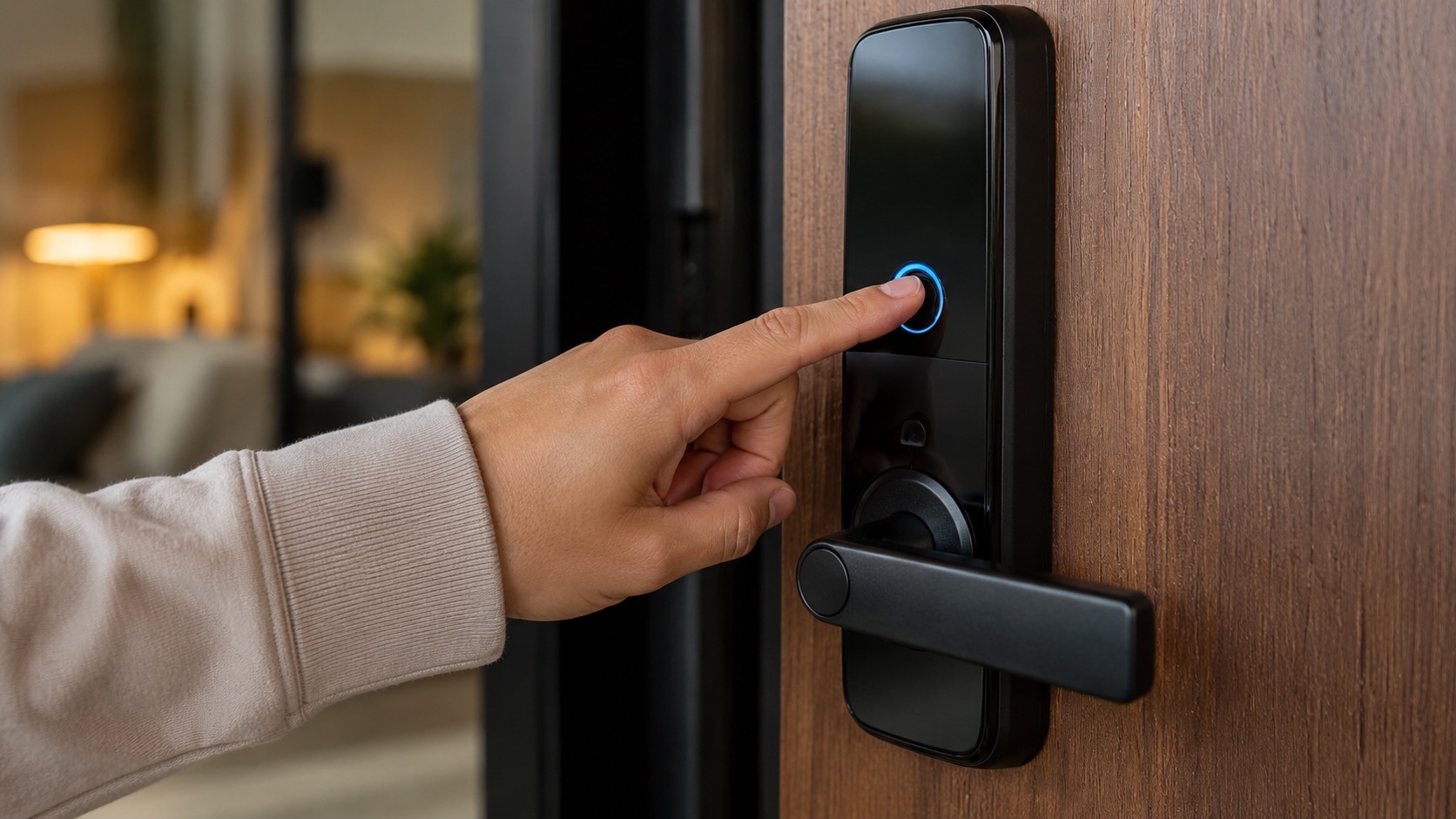
SwitchBot Lock Vision: Is Facial Recognition Safe? (Review)
A smart lock with facial recognition for $130 sounds like it should be terrible. The SwitchBot Lock Vision isn’t. But “not terrible” and “safe enough for your front door” are two very different bars to clear.
What You Get for $130
The SwitchBot Lock Vision packs five unlock methods into one device: 3D facial recognition, fingerprint, NFC card, passcode keypad, and app control. It supports Matter over WiFi, retrofits onto your existing deadbolt (no replacing hardware), and launched in May 2026 at street prices between $130 and $190 depending on sales.
The Pro version ($230) upgrades the facial recognition system and adds palm vein scanning. The SwitchBot Lock Ultra with Keypad Vision combo ($300+) is their premium tier with Apple Home Key support.
I’ve been testing the standard Lock Vision ($130 model) for three weeks. Here’s what I found.
How the Facial Recognition Works
Let’s start with the most important question: is this just a camera matching a 2D photo of your face?
No. The Lock Vision uses 3D depth sensing with an infrared dot projector (similar in concept to Apple’s Face ID, though less sophisticated). It projects a pattern of infrared dots onto your face and measures the depth at each point. This creates a 3D facial map, not a flat photograph.
This distinction matters enormously for security. A 2D camera can be fooled with a printed photo or even a video on a tablet. 3D depth sensing can’t, because a photo has no depth information. Someone would need a 3D-printed replica of your face to spoof it, which is orders of magnitude harder than printing a photo.
The enrollment process takes about 10 seconds. You stand in front of the lock, move your head slightly left and right, and it captures your facial geometry from multiple angles. The lock can store between 20 and 50 faces depending on the model (20 for the standard Vision, 50 for the Pro).
On-Device Processing: The Privacy Win
Here’s where SwitchBot made a genuinely good decision: all facial recognition processing happens on the lock itself. Your face data never leaves the device. It’s not uploaded to SwitchBot’s cloud servers. It’s not processed on your phone. It lives on a chip inside the lock, encrypted.
This means:
- SwitchBot can’t access your biometric data
- A cloud breach doesn’t expose your face
- The lock works without internet (it doesn’t need cloud processing to recognize you)
- If you sell or return the lock, a factory reset wipes all biometric data
Compare this to a cloud-based system where your facial data sits on servers you don’t control. SwitchBot’s approach is the right one for a device that protects physical access to your home.
Security Analysis: The Good
3D depth sensing prevents photo attacks. This is the baseline requirement for facial recognition security, and the Lock Vision meets it. A printed photo, a phone screen, or a video won’t unlock the door.
On-device storage limits exposure. No cloud connection for biometrics means the attack surface is limited to physical access to the lock itself.
Multiple fallback methods. If facial recognition fails (poor lighting, wearing a mask), you have fingerprint, NFC, passcode, and app as backups. You’re never locked out because one biometric method fails.
Matter over WiFi means standard security protocols. The Matter specification requires encrypted communication and secure commissioning. Your lock-to-app traffic is encrypted by default.
Infrared works in the dark. The IR dot projector means facial recognition works at night without visible light. No need for a bright porch light.
Security Analysis: The Concerns
No ANSI/BHMA certification. This is the elephant in the room. The Lock Vision has no formal security grade from ANSI or BHMA, the organizations that certify lock physical security. That means it hasn’t been independently tested for resistance to picking, drilling, forced entry, or other physical attacks.
The Schlage Sense Pro has ANSI Grade 1 (the highest). The SwitchBot has nothing. For $130, that’s not surprising, but it’s worth knowing.
Retrofit design has inherent limitations. The Lock Vision mounts over your existing deadbolt. The physical security of your door still depends on the quality of that underlying deadbolt. If your existing lock is flimsy, the SwitchBot doesn’t make it stronger.
WiFi-based connectivity. Matter over WiFi means the lock communicates on your home WiFi network. WiFi is generally less secure than Thread for IoT devices (larger attack surface, shared network with other devices). A compromised WiFi network could potentially be used to send unlock commands, though Matter’s encryption makes this very difficult in practice.
For a broader look at WiFi vs Thread security for smart locks, see our protocol comparison.
Face data capacity limits. With 20 faces on the standard model, larger households or frequent-guest situations might hit the cap. Deleted faces free up slots, but managing 20 slots across family, friends, and caregivers takes thought.
Chinese manufacturing and data concerns. SwitchBot is headquartered in Shenzhen, China. For some buyers, this raises concerns about data practices and potential government access. The on-device processing mitigates this significantly (no data to access remotely), but it’s a factor people consider. We explored this topic in depth in our Chinese smart lock safety analysis.
Real-World Performance
In three weeks of daily use:
Recognition speed: About 1.5 seconds from approaching to unlock. Not instant, but fast enough that I rarely waited at the door. The Eufy FamiLock E40 is slightly faster (1 second) but costs $300.
Recognition accuracy: Failed to recognize me twice in 21 days. Both times were in heavy rain with water droplets on the IR sensor. Wiping the lens fixed it immediately.
Night performance: Flawless. The infrared system doesn’t care about ambient light. 2 AM arrivals unlock just as fast as midday.
Multiple users: I enrolled four household members. No cross-recognition issues. Each person is correctly identified every time.
Sunglasses: Regular sunglasses work fine. Very dark wraparound sunglasses occasionally caused recognition to fail. Fingerprint backup kicked in seamlessly.
Battery life: Three weeks isn’t enough to judge long-term, but SwitchBot claims 6 months with 10 unlocks per day. WiFi devices typically drain faster than Thread-based alternatives, so I’d estimate 4-5 months realistically.
How It Compares to Competitors
| Feature | SwitchBot Lock Vision ($130) | Eufy FamiLock E40 ($300) | Lockly Visage ($350) |
|---|---|---|---|
| Facial Recognition | 3D IR depth sensing | 2K camera + AI | 3D structured light |
| On-device Processing | Yes | Yes | Yes |
| Camera/Video | No video recording | 2K video doorbell | No video recording |
| Matter Support | Yes (WiFi) | Yes (Thread) | No |
| Apple Home Key | No | No | No |
| Security Cert | None | None | None |
| Fingerprint | Yes | No | Yes |
| Retrofit | Yes | No (full replace) | No (full replace) |
| Price | $130 | $300 | $350 |
The SwitchBot wins hard on price and retrofit convenience. The Eufy wins on camera features and Thread protocol. The Lockly wins on build quality and recognition sophistication.
For renters or anyone who can’t replace their deadbolt, the SwitchBot is really the only facial recognition option. That alone makes it worth considering.
Check our full Matter lock comparison for more options.
The Matter Over WiFi Question
SwitchBot chose Matter over WiFi instead of Matter over Thread. This has practical implications:
Pros of WiFi: No border router needed. Works with any WiFi router. Simpler setup (no need for an Apple TV or HomePod as a Thread border router).
Cons of WiFi: Higher battery consumption. Shares bandwidth with all your other WiFi devices. Potentially less responsive during network congestion.
If your home already has a Thread border router and you want maximum battery life, a Thread-based lock (Aqara U200, Eufy FamiLock) is the better protocol choice. If you want the simplest possible setup with no extra hardware, SwitchBot’s WiFi approach works.
Who Should Buy This Lock?
Buy the SwitchBot Lock Vision if:
- You rent and can’t replace your deadbolt
- You want facial recognition without spending $300+
- You prefer WiFi simplicity over Thread mesh complexity
- You want Matter compatibility on a budget
- You have a household of 20 or fewer regular users
Skip it if:
- Physical security certification matters to you (get the Schlage Sense Pro instead)
- You want video recording at your door (get the Eufy FamiLock E40)
- You need Apple Home Key (get the Aqara U200 or Schlage)
- Battery life is your top priority (get a Thread-based lock)
The Pro and Ultra Versions
Quick notes on the upgraded models:
Lock Vision Pro ($230): Better facial recognition engine, palm vein scanning, stores 50 faces. Worth it for larger households or if you want the palm scan as a backup to face unlock.
Lock Ultra + Keypad Vision ($300+): SwitchBot’s premium tier. Adds Apple Home Key, better build quality, and their most advanced biometric package. At this price, it competes directly with the Eufy FamiLock E40, so your choice comes down to retrofit vs. full replacement and camera vs. no camera.
Should You Trust Face Unlock on Your Front Door?
Here’s my honest take after three weeks: the SwitchBot Lock Vision’s facial recognition is safe enough for most homes. The 3D depth sensing prevents the obvious attacks (photos, videos). The on-device processing prevents the privacy nightmare of cloud-stored biometrics. The multiple backup methods prevent lockouts.
But “safe enough” isn’t “maximally secure.” If you live in a high-crime area, have specific security concerns, or simply want peace of mind from a certified lock, spend the extra money on something with an ANSI grade.
For the average household that wants convenient, hands-free entry at a budget price? The Lock Vision delivers. It’s not perfect security, but it’s better security than 90% of the dumb locks it’s designed to augment.
Matter 1.6 and its improved NFC commissioning will make setup even easier when updates roll out later this year. For now, the WiFi-based setup is already straightforward.
FAQ
Can the SwitchBot Lock Vision be fooled with a photo?
No. The 3D infrared depth sensing system projects dots onto your face and measures depth at each point. A flat photograph has no depth information, so it fails immediately. You’d need a realistic 3D model of someone’s face to beat it, which is exponentially harder than printing a photo.
Where is my facial data stored?
All facial data is processed and stored on the lock itself, on an encrypted chip. It never leaves the device, never uploads to the cloud, and never passes through SwitchBot’s servers. A factory reset permanently deletes all stored biometric data.
Does it work in the dark?
Yes. The infrared dot projector and IR camera work independently of visible light. Recognition accuracy is identical in complete darkness and bright sunlight. This is one advantage of IR-based systems over standard camera-based facial recognition.
Is the SwitchBot Lock Vision compatible with Apple HomeKit?
The standard Lock Vision supports Matter over WiFi, which works with Apple Home (not the legacy HomeKit protocol). It does not support Apple Home Key (tap-to-unlock with iPhone or Apple Watch). For Apple Home Key support, look at the SwitchBot Lock Ultra, Schlage Sense Pro, or Aqara U200.
How long does the battery last with facial recognition active?
SwitchBot rates it at 6 months with approximately 10 unlocks per day. Real-world usage with WiFi connectivity and facial recognition active will likely land around 4-5 months. The facial recognition system and WiFi radio are the biggest battery draws. Keep spare batteries on hand, because a dead lock means reaching for your backup key.