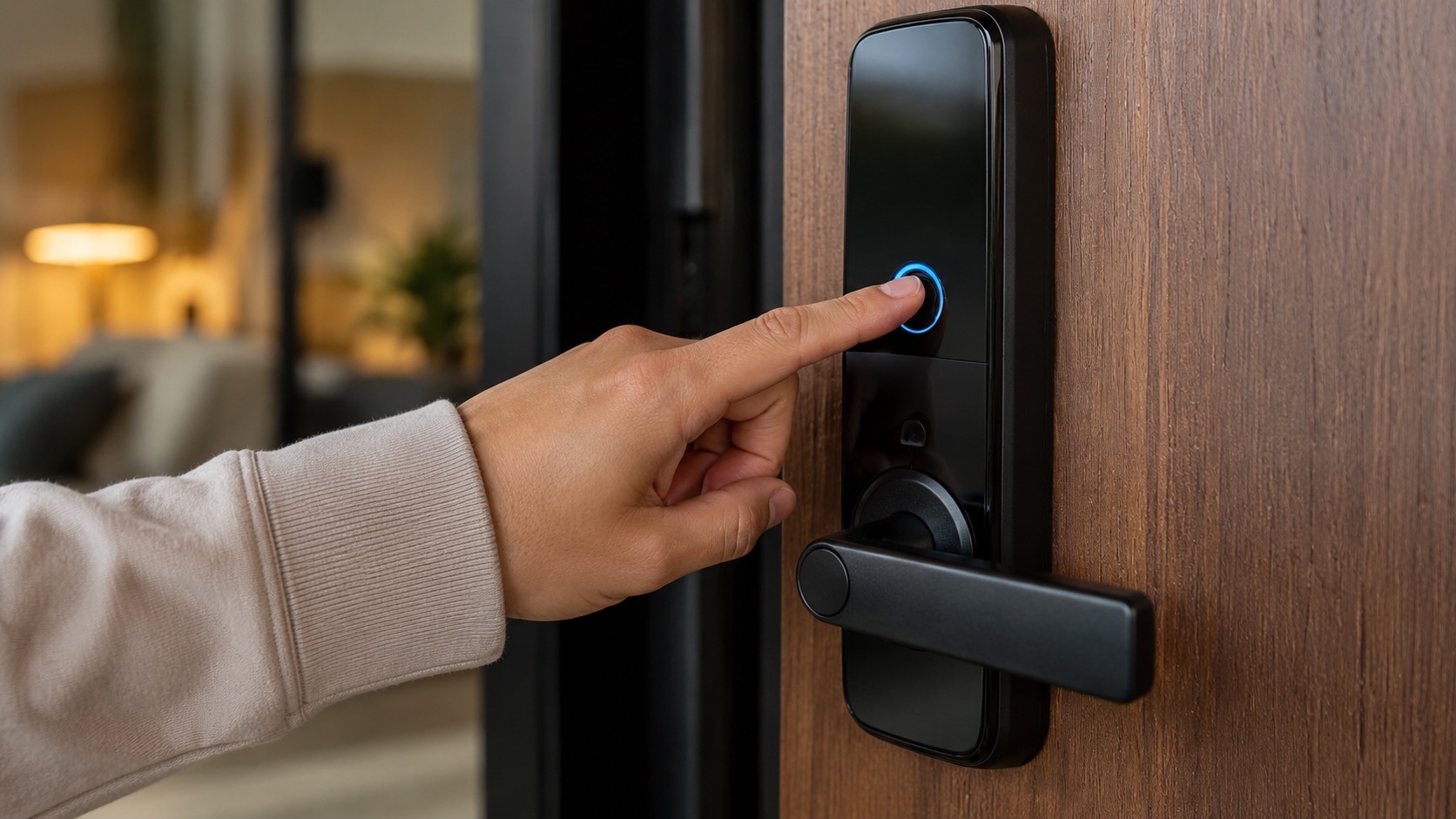
Smart Lock for Renters: I Found One That Actually Works
I have a smart lock on my rental apartment door. My landlord has no idea. The original key still works. And when I move out, I’ll peel it off in two minutes with zero damage.
The SwitchBot Lock Pro changed how I think about smart locks for renters. Here’s my full experience after 14 months of daily use.
Why Most Smart Locks Don’t Work for Renters
Let me be blunt: 90% of smart locks on the market require you to replace your existing deadbolt or at minimum remove part of your door hardware. That’s a dealbreaker for renters.
Replacement locks (August WiFi, Yale Assure, Schlage Encode) need you to remove your current deadbolt and install a new one. Even if you keep the old hardware and reinstall it when you leave, you’ve voided your lease terms in many rental agreements. Landlords don’t want you touching door hardware. Period.
Smart deadbolts (Kwikset Halo, Level Lock+) replace the entire lock cylinder. Same problem. You’re modifying the door.
“Renter-friendly” locks that aren’t. Some brands market themselves as easy-install, but still require a screwdriver to remove your interior thumb-turn plate. If your landlord has a specific lock brand and model that they service, they don’t want you disassembling it.
What actually works for renters: a retrofit lock that attaches over your existing thumb-turn without removing anything. The SwitchBot Lock Pro does exactly this.
SwitchBot Lock Pro: How I Installed It
What’s in the Box
- The lock motor unit (attaches inside your door, over the thumb-turn)
- Multiple thumb-turn adapters (fits round, square, and oval turns)
- 3M VHB adhesive pad (pre-cut to the lock base)
- CR123A batteries (4 included, lasts about 9 months)
- Calibration guide
Installation Process (15 Minutes)
Step 1: Choose the right adapter for your thumb-turn shape. My deadbolt has a standard oval thumb-turn, so I used adapter B. SwitchBot includes adapters for nearly every European and US thumb-turn shape.
Step 2: Clean the inside of your door with rubbing alcohol where the lock will sit. This is critical for VHB adhesive bond strength. Any dust or grease weakens it.
Step 3: Peel the VHB adhesive backing and press the lock firmly against the door, centered over the thumb-turn. Hold for 60 seconds. VHB tape reaches about 80% strength in 1 hour and full strength in 24 hours.
Step 4: Wait one hour (or be patient, which I wasn’t). Then open the SwitchBot app, add the lock, and run calibration. The lock learns the exact rotation range of your deadbolt: how far to turn for locked position and unlocked position. This took about 90 seconds of automatic calibration.
Step 5: Test the lock and key. The original key still works from outside. The lock motor turns the thumb-turn from inside. Both work independently. If the batteries die, you use your physical key. If the app fails, you use your physical key. There’s always a backup.
Total time: about 15 minutes including cleaning and calibration. No tools required. No screws. No modifications.
Daily Use: What Works
Auto-Lock
This is my most-used feature. After I close the door, the lock automatically engages after 30 seconds. I never forget to lock up anymore. Before the SwitchBot, I’d get to work and panic about whether I locked the door at least twice a week. That anxiety is gone.
Phone Unlock (Bluetooth)
Within Bluetooth range (about 5-7 meters through my door), I can unlock with the app. I use this when I arrive home with grocery bags in both hands. Pull out phone, tap unlock, push door open. Takes about 2-3 seconds from tap to click.
Keypad (Sold Separately, €35)
I added the SwitchBot Keypad Touch to my door frame outside, mounted with (you guessed it) adhesive. It has a number pad and fingerprint reader. I use the fingerprint when running without my phone, and I set up temporary PIN codes for friends and my cat-sitter.
The keypad is waterproof (IP65) and runs on CR123A batteries that last about a year. The adhesive holds perfectly on my smooth metal door frame. On a textured or wooden frame, VHB tape works just as well.
Guest Access
I can create temporary codes that expire after one use or after a set time. When my parents visit, I send them a 6-digit code that works for the weekend and then deactivates. No key copies, no hiding a spare under the mat, no rushing home to let someone in.
NFC Tags
SwitchBot includes NFC sticker tags. I stuck one inside my phone case. When I hold my phone to the lock’s NFC zone, it unlocks instantly without opening the app. This is faster than Bluetooth but requires you to physically tap the lock.
Daily Use: What Doesn’t Work (Being Honest)
Bluetooth Connection Speed
Sometimes the Bluetooth connection takes 3-5 seconds to establish, especially in winter when I come from outside (cold phone, slower BLE radio). Occasionally it takes two attempts. This isn’t a dealbreaker, but it’s not the instant “walk up and it opens” experience that the marketing suggests.
The WiFi adapter (SwitchBot Hub Mini, sold separately at €40) adds remote access and faster unlocking through the cloud. But that’s an extra €40 I didn’t want to spend initially. Without it, you can only unlock when physically near the door.
Battery Life
SwitchBot claims 9 months. I got 7 months with auto-lock enabled and about 4-5 lock/unlock cycles per day. Not bad, but not 9 months. The app warns you at 20% battery, so you’re never caught off guard. Replacing the 4x CR123A batteries costs about €8-12 depending on brand.
Noise
The motor isn’t silent. It makes a distinct mechanical whirring sound when locking/unlocking. My neighbors across the hall can probably hear it. At night, it’s noticeable in a quiet apartment. It’s not loud enough to wake someone sleeping, but you’ll hear it from the living room when it auto-locks.
No Apple Home Integration (Without Hub)
The lock works with Alexa and Google Home directly via Bluetooth. Apple HomeKit requires the SwitchBot Hub (€40) for bridging. If you’re an Apple-only household, factor that cost in. Check the best ecosystem options if you’re deciding between platforms.
The Landlord Question
Let me address the elephant in the room. Is this allowed?
Technically: You’re not modifying your lock. The original hardware is untouched. The key works identically. You’re attaching a motorized device to your own side of the door with adhesive. When you remove it, the door returns to exact factory condition.
Practically: In 14 months, my landlord has visited for one annual inspection. They didn’t notice the lock motor (it’s on the inside of the door, and most people don’t stare at the deadbolt area). The keypad outside could draw attention, but it’s small and silver, blending with the door frame.
If asked: I’d explain it’s a removable device that doesn’t modify anything. Most landlords care about damage, not about tenants adding gadgets. Your mileage may vary depending on your specific landlord and lease terms. But damage-wise, there’s nothing to object to.
Comparison: Renter-Friendly Lock Options
The SwitchBot Lock Pro isn’t the only option. Here are the alternatives I considered:
SwitchBot Lock (original, €70): Cheaper, same concept, but less powerful motor and narrower adapter range. If your thumb-turn is a standard shape and your deadbolt isn’t stiff, it works fine. I chose the Pro because my deadbolt is a bit resistant and the original struggled during testing at a friend’s place.
Tedee GO (€90): A European competitor that also attaches over existing hardware with an adapter. Very compact design. But it uses a proprietary bridge (€60 extra) for remote access and has no keypad option. For Bluetooth-only use it’s solid, but the ecosystem is more limited.
August WiFi Smart Lock (4th Gen, €180): This one requires removing your interior thumb-turn plate and attaching August’s mounting bracket. It doesn’t replace the deadbolt itself, so the exterior key still works. But you do need a screwdriver and your landlord might consider it a modification. Gray area.
Nuki Smart Lock 4.0 (€150): Similar concept to SwitchBot (attaches over thumb-turn with adapter), but significantly more expensive. Great build quality and excellent European availability. Supports Apple HomeKit natively without a hub. If you have the budget and want Apple integration, Nuki is the premium choice.
| Lock | Price | Install Method | Keeps Original Key | Landlord Friendly | Remote Access | My Verdict |
|---|---|---|---|---|---|---|
| SwitchBot Lock Pro | €90 | VHB adhesive over thumb-turn | Yes | Yes (zero damage) | With Hub Mini (€40 extra) | Best value for renters |
| SwitchBot Lock (original) | €70 | VHB adhesive over thumb-turn | Yes | Yes (zero damage) | With Hub Mini (€40 extra) | Good if deadbolt is smooth |
| Tedee GO | €90 | Adapter over cylinder | Yes | Yes (no damage) | With Tedee Bridge (€60 extra) | Good but limited ecosystem |
| August WiFi (4th Gen) | €180 | Screwdriver, remove plate | Yes | Maybe (minor disassembly) | Built-in WiFi | Pricey, slight install risk |
| Nuki 4.0 | €150 | Adapter over thumb-turn | Yes | Yes (no damage) | With Nuki Bridge (€80 extra) | Premium, native Apple support |
| Yale Assure Lock 2 | €200 | Full deadbolt replacement | New keys | No (replaces hardware) | Built-in WiFi | Not for renters |
What Happens When I Move
Here’s my removal process, tested once already when I repositioned the lock:
- Remove batteries from the lock
- Apply gentle heat with a hair dryer (30 seconds) to soften the VHB adhesive
- Slide dental floss behind the lock base, sawing gently through the adhesive
- Peel the lock away from the door
- Remove remaining adhesive residue with isopropyl alcohol
- Peel the keypad off the door frame (same process)
- Clean any residue
Total time: about 5 minutes. Damage: none. My metal door surface looked identical afterward.
I pack the lock in its original box with the adapters. At the new apartment, I buy a fresh VHB adhesive pad (€3 on Amazon), select the right adapter for the new thumb-turn, and reinstall in 15 minutes. I’ve seen friends do this across three apartments with the same lock.
For more tips on moving with smart home devices, read my moving guide. You can also see how the SwitchBot ecosystem compares to alternatives on our comparison page.
Is It Worth €90?
Absolutely. Here’s my math:
- No more locksmith calls when I forget my key (saved €80 once already)
- No more copied keys for guests (key copies cost €15-30 for security cylinders)
- Peace of mind from auto-lock (I never worry about unlocked doors)
- Convenience of phone unlock (small but daily)
The lock paid for itself the first time I locked myself out and used my phone instead of calling a locksmith at 11 PM. That one call would have cost more than the lock itself.
If you’re considering other renter-friendly devices alongside the lock, check out my full apartment setup for under €300 or the broader smart lock comparison for apartments.
FAQ
What happens if the batteries die while I’m outside?
You use your physical key. The SwitchBot Lock Pro doesn’t replace or interfere with your original lock mechanism. Your key works exactly as it did before installation. The lock app also warns you at 20% battery (about 3-4 weeks before depletion), so you have plenty of time to replace batteries. I keep spare CR123As in my hallway drawer.
Can someone hack my smart lock?
Any connected device has theoretical vulnerability, but the practical risk is low. SwitchBot uses AES-128 encryption for Bluetooth communication. The keypad locks out after 5 failed PIN attempts. There’s no WiFi to exploit unless you add the Hub. Honestly, the bigger security risk is someone picking your physical lock cylinder, which takes a skilled person about 30 seconds with cheap tools. A smart lock doesn’t make your door less secure.
Does it work with European multi-point locks?
It depends on your specific lock. The SwitchBot Lock Pro only turns a thumb-turn. If your multi-point lock has a thumb-turn that engages all locking points with a single turn, it works. If your door requires lifting the handle and then turning the key (common in some German apartments), the lock can only automate the thumb-turn portion. You’d still need to lift the handle manually. Check your deadbolt action before buying.
How loud is the auto-lock at night?
About as loud as a microwave beep. It’s a short mechanical whir (under 2 seconds) that’s clearly audible in a quiet room but won’t wake most people from sleep. I sleep with my bedroom door closed and don’t hear it. If your bedroom is right next to the front door, you might hear it on quiet nights. You can also disable auto-lock during sleeping hours through the app schedule.
Will my cat trigger the auto-lock sensor?
The auto-lock feature is timer-based, not sensor-based. It locks X seconds after the door closes (I set 30 seconds). It doesn’t detect who or what is near the door. So your cat can sit by the front door all day and the lock won’t engage and disengage randomly. The door sensor (built into the lock) only detects open/closed position of the door itself.