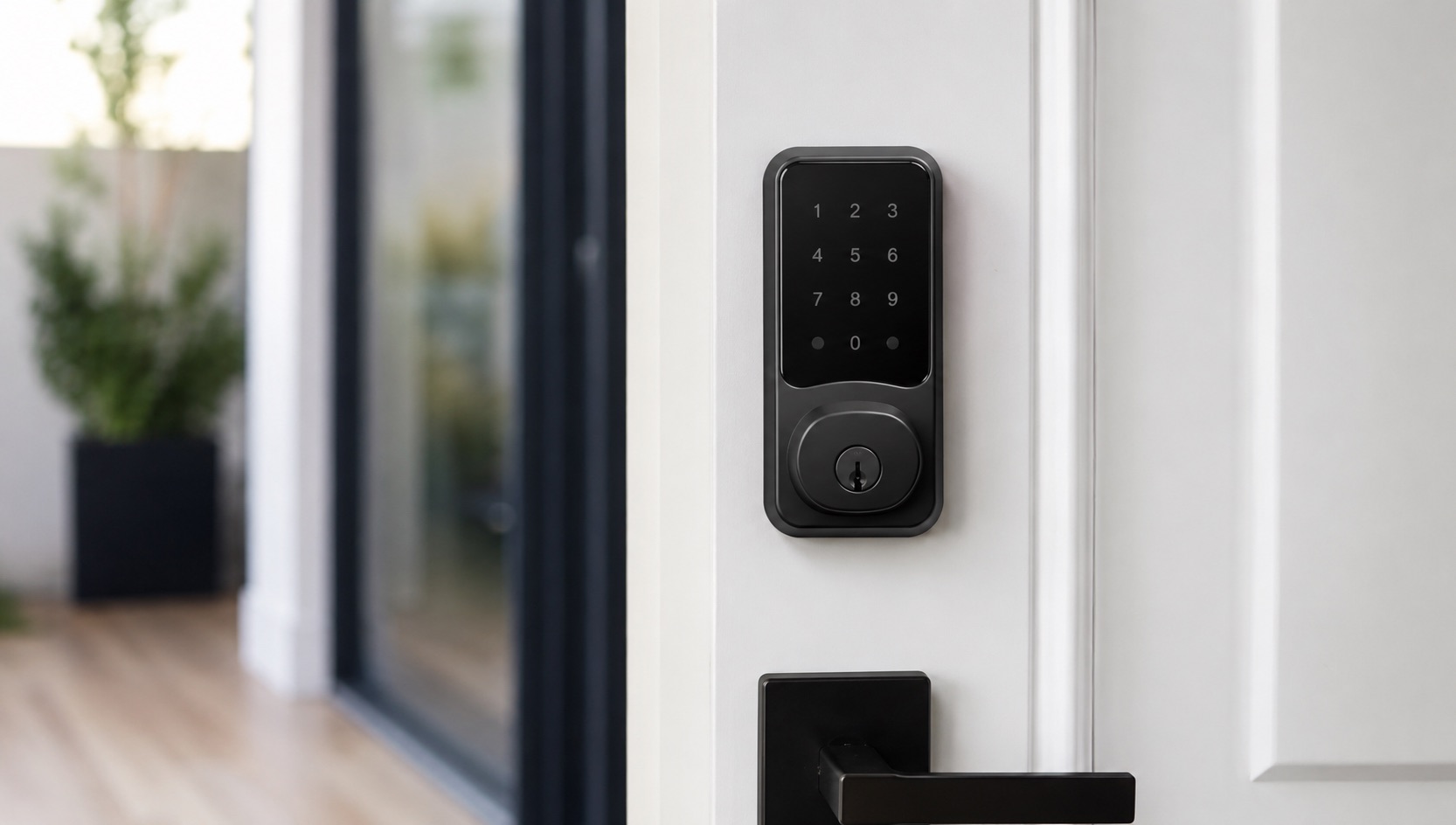
Is a Smart Lock Worth It? Pros, Cons and Security (2026)
I installed my first smart lock in 2021 and I’ve never gone back to fumbling for keys. But I’ll be honest: smart locks aren’t for everyone, and some of the security concerns are legitimate.
Here’s who actually benefits from a smart lock, who should skip it, and what the real security risks look like in 2026.
Who Actually Benefits From a Smart Lock
Families with kids and shared access needs. Giving your 12-year-old a PIN code instead of a key they’ll lose within a week is genuinely practical. You can create unique codes for each family member and see who came home when. When your kid’s friend needs to come over after school, you send a temporary code instead of hiding a key under the mat.
Airbnb and rental hosts. This is the single strongest use case for smart locks. Generating unique codes for each guest, setting auto-expiration at checkout time, and never worrying about key exchanges or lockbox combinations getting shared online. If you host even occasionally, a smart lock pays for itself in convenience within months.
People who lose keys. You know who you are. If you’ve had to call a locksmith even once in the past few years ($75-200 per visit), a $200 smart lock is already cheaper. Your phone or fingerprint can’t fall out of your pocket on the subway.
People who want auto-lock. Left the house in a rush and can’t remember if you locked the door? Smart locks can auto-lock after 30 seconds. Some models detect when you walk away and lock automatically using geofencing. That peace of mind is worth something.
Remote workers expecting deliveries. Letting a delivery person into your vestibule or porch area remotely, then locking up after, beats leaving packages on a doorstep in many neighborhoods.
Who Should Skip a Smart Lock
The tech-averse. If you don’t use smartphone apps regularly and the idea of troubleshooting Bluetooth connectivity sounds exhausting, a smart lock will frustrate you. They’re reliable, but they do occasionally need firmware updates or app troubleshooting.
Homes with no WiFi near the front door. Many smart locks rely on WiFi (or a WiFi bridge) for remote access. If your router is far from your front door and your signal is weak there, you’ll have a degraded experience. Bluetooth-only mode works within 30 feet, but you lose remote access and notifications.
Renters who can’t modify doors. Some smart locks require drilling or replacing your existing deadbolt. If your lease prohibits modifications, you’re limited to retrofit models that fit over existing locks (like the August WiFi Smart Lock). These work, but they’re bulkier and more limited.
The Security Question (Honest Assessment)
This is where most people get hung up, so let me be direct.
The theoretical risk: Yes, smart locks can be hacked. Security researchers have demonstrated vulnerabilities in Bluetooth protocols, Z-Wave encryption, and WiFi-connected locks. These demos make headlines and scare people.
The practical reality: In 2026, no one is picking your smart lock’s Bluetooth encryption to break into your home. Burglars kick in doors, break windows, or use bump keys on traditional locks. The vast majority of break-ins are crimes of opportunity, not sophisticated cyber attacks.
Here’s the thing: a traditional deadbolt can be picked in under 60 seconds by someone with a $20 Amazon lock-picking set and a YouTube education. A smart lock with AES-128 encryption is actually harder to defeat than most traditional locks from a technical standpoint.
Real security concerns to consider:
- Battery death locking you out (all smart locks have low-battery warnings weeks in advance, and most have physical key backup)
- WiFi outages disabling remote access (local Bluetooth/PIN still works)
- Shared codes not being rotated (user error, not a lock flaw)
- Someone shoulder-surfing your PIN code (use fingerprint models to eliminate this)
What actually makes your door secure: A quality deadbolt (smart or dumb), a reinforced strike plate with 3-inch screws, and a solid-core door. The smart part doesn’t meaningfully change the physical security equation.
Smart Lock Costs in 2026
Budget ($100-180): Basic keypad + Bluetooth locks like the Kwikset Halo or Schlage Encode. Solid, reliable, limited smart features. Good if you just want PIN codes and auto-lock.
Mid-range ($200-300): WiFi-connected locks with app control, voice assistant integration, and activity logs. The August WiFi Smart Lock and Yale Assure Lock 2 live here. Best balance of features and price for most people.
Premium ($300-450): Fingerprint readers, facial recognition, built-in cameras, or Matter/Thread connectivity. The Aqara U200 or Lockly Vision fall in this tier. Worth it if you want biometric access or top-tier smart home integration.
Ongoing costs: Battery replacement every 6-12 months ($5-15 for AA or CR2 batteries). Some WiFi models drain batteries faster. No subscriptions required for most brands (unlike Ring cameras).
Comparison Table
| Scenario | Smart Lock Value | Alternative |
|---|---|---|
| Family with kids/teens | High: unique PIN codes, activity tracking, no keys to lose | Hide-a-key or keypad deadbolt ($50) |
| Airbnb/rental host | Very High: auto-expiring codes, remote management | Lockbox combo ($25), but less secure |
| Frequent key-loser | High: phone/fingerprint entry, never locked out | Magnetic key holder, spare with neighbor |
| Single person, no guests | Low: less benefit when you’re the only user | Standard deadbolt works fine |
| Tech-averse household | Very Low: frustration outweighs convenience | Quality traditional deadbolt ($40-80) |
| Renter, can’t modify door | Medium: retrofit options exist but are bulky | Talk to landlord about permission |
| Security-paranoid | Medium: encryption is strong, but adds attack surface | Reinforced deadbolt + security camera |
| Work-from-home, rarely leaves | Low: you’re always there to open the door | Standard lock is fine |
How to Choose the Right Smart Lock
If you’ve decided a smart lock is worth it for your situation, here are the key decisions:
Connectivity: WiFi locks offer remote access out of the box. Bluetooth-only locks need a separate hub for remote features. Thread/Matter locks are future-proof and very responsive, but need a compatible hub (Apple TV, HomePod, or similar).
Form factor: Full replacement deadbolts look cleaner and are more reliable. Retrofit locks (that attach over your existing deadbolt) are easier to install and renter-friendly.
Biometrics: Fingerprint readers are faster than PIN codes and can’t be shoulder-surfed. They add $50-100 to the price but are worth it if multiple people access your door daily.
Backup entry: Always choose a lock with physical key backup or an alternative entry method. Technology fails sometimes, and you don’t want to be locked out of your own home.
Check our best smart locks for 2026 for specific model recommendations. If you’re building a broader security setup, our best home security systems without monthly fees guide covers how smart locks fit into a complete system.
For pairing your smart lock with a video doorbell (a great combo for package delivery management), see our Ring doorbell pricing breakdown.
Want to know how a smart lock fits into your overall smart home setup? Our how to start a smart home from scratch guide covers the ideal order for buying devices. And if budget is a concern, many excellent smart locks appear in our best smart home devices under $50 roundup (especially during sales).
FAQ
Can smart locks be hacked?
Technically yes, but practically it’s extremely unlikely. The encryption on modern smart locks (AES-128 or AES-256) would take billions of years to brute-force. Real-world break-ins happen through physical force, not cyber attacks. Your bigger risk is someone guessing a weak PIN code (don’t use 1234) than a hacker cracking your lock’s encryption.
What happens if the battery dies?
You get warnings weeks before the battery dies (most locks alert you at 20% battery via app notification). If it does die completely, nearly all smart locks have a physical key backup or an external battery terminal that lets you jump-start it with a 9V battery. You won’t be locked out.
Do smart locks work without WiFi?
Yes. WiFi enables remote access (locking/unlocking from anywhere, notifications, guest code management from afar). Without WiFi, the lock still works via Bluetooth (within 30 feet), PIN code, fingerprint, or physical key. You just lose remote features.
How long do smart locks last?
Most quality smart locks last 5-7 years, with the motor mechanism being the typical failure point. Batteries need replacement every 6-12 months depending on usage and connectivity type (WiFi drains faster than Bluetooth or Thread). Budget $10-15 per year for batteries.
Are smart locks insurance-approved?
Most home insurance policies don’t distinguish between smart and traditional deadbolts as long as the lock meets basic standards (ANSI Grade 2 or higher). Some insurers actually offer discounts for smart locks because they provide activity logs proving the door was locked. Check with your specific provider, but this is rarely an issue.