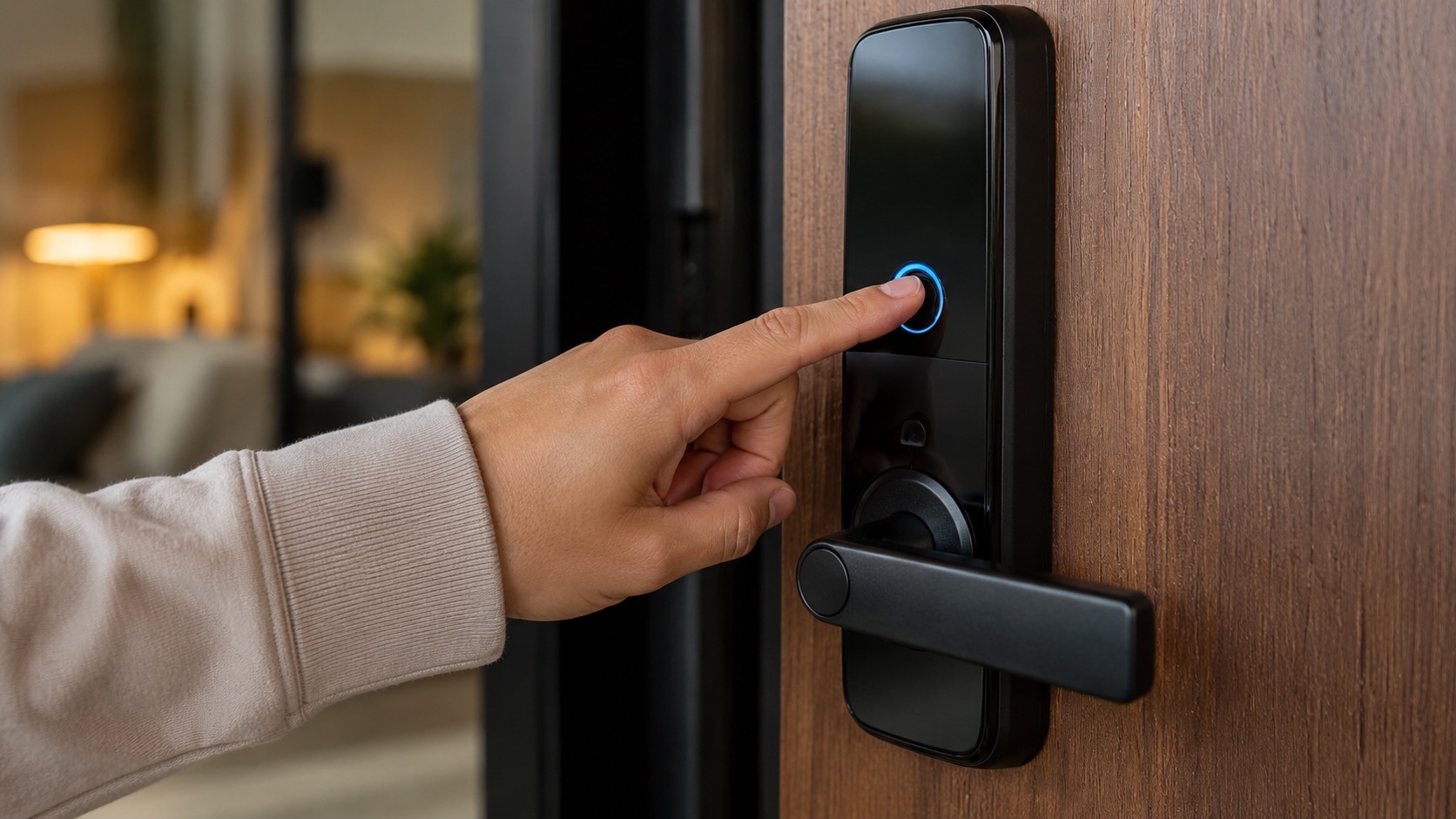
Smart Lock vs Regular Deadbolt: Worth the Upgrade? (2026)
A $30 Schlage B60N deadbolt keeps your door locked. A $250 smart lock keeps your door locked and tells you about it from 500 miles away. The question is simple: does that extra functionality justify spending 4-10x more?
I’ve compared both across two properties for three years. Here’s what actually matters.
Security: They’re Closer Than You Think
The biggest misconception about smart locks is that they’re less secure than traditional deadbolts. That’s mostly wrong.
The Schlage B60N carries an ANSI/BHMA Grade 1 rating, the highest available for residential locks. It resists forced entry, drilling, and picking at the highest certified level. A solid, proven chunk of metal.
Smart locks like the Schlage Encode Plus ($280) also carry ANSI Grade 1 certification. The August WiFi Smart Lock ($230) is Grade 1 as well. These aren’t flimsy gadgets bolted onto your door. They use the same physical deadbolt mechanisms as their dumb counterparts.
Where security differences actually exist:
Physical attack resistance: Identical at the same ANSI grade. A Grade 1 smart lock is exactly as kick-resistant as a Grade 1 deadbolt. The weak point is always the door frame and strike plate, not the lock itself.
Lock picking: Traditional deadbolts can be picked. Smart locks can too (they still have keyways in most cases). The Schlage Encode uses a traditional Schlage keyway as backup. Level Lock ($330) has no exterior keyhole at all, making it pick-proof from outside.
Digital attacks: This is where smart locks introduce a new attack surface. Bluetooth and WiFi vulnerabilities exist. In practice, no mass-market smart lock has been hacked remotely in a real break-in scenario. Burglars kick doors. They don’t sit outside running Bluetooth exploits.
Lock bumping: Both traditional and smart locks with keyways are vulnerable. Keyless-only smart locks eliminate this entirely.
Convenience: Where Smart Locks Actually Win
This is the real comparison. Security is basically a wash at the same grade level. Convenience is where your money goes.
What a $30 Schlage B60N gives you:
- Lock and unlock with a physical key
- That’s it
What a $130-350 smart lock gives you:
- Keyless entry (code, fingerprint, phone, or auto-unlock)
- Remote locking/unlocking from anywhere
- Temporary guest codes (set expiration by hour or day)
- Auto-lock after a set time
- Activity log (know who entered and when)
- Integration with smart home systems
- Lock status notifications on your phone
The guest codes alone change how you live. No more hiding keys under mats. No more coordinating with dog walkers, cleaners, or Airbnb guests. You text them a 4-digit code that expires when you want it to.
Auto-lock is underrated. I used to lie in bed wondering if I locked the front door. Now it locks itself after 30 seconds. Problem solved for $250.
The Real Downsides of Smart Locks
Smart locks aren’t perfect. Here’s what actually annoys me after three years:
Battery replacement: Every 6-12 months, depending on usage. The Schlage Encode uses four AA batteries and lasts about 8 months with moderate use. The August Wi-Fi Smart Lock burns through CR123 batteries in 4-6 months (the WiFi radio is hungry). That’s $8-15 per year in batteries.
WiFi dependency for remote features: Local features (codes, fingerprint, auto-lock) work without WiFi. But remote lock/unlock and notifications need a connection. If your WiFi goes down, you lose remote access until it’s back.
Firmware updates: They happen. Sometimes they cause issues. I had my August lock fail to respond for 6 hours after a bad update in 2025. A deadbolt never needs a firmware update.
App dependency: Companies can shut down. If the manufacturer goes under, your $300 lock might become a dumb lock (or worse, a brick). Established brands like Schlage and Yale mitigate this risk, but it’s real.
Response time: Bluetooth smart locks take 2-5 seconds to recognize your phone and unlock. A key takes 1 second. When it’s raining and you’re holding groceries, those extra seconds feel long.
Cost Comparison Over 5 Years
| Feature | Schlage B60N Deadbolt | Mid-Range Smart Lock | Premium Smart Lock |
|---|---|---|---|
| Purchase price | $30 | $150 (Kwikset Halo) | $280 (Schlage Encode Plus) |
| Installation | $0 (DIY, 15 min) | $0 (DIY, 20 min) | $0 (DIY, 25 min) |
| Annual battery cost | $0 | $10-15 | $10-15 |
| Key copies (3) | $15 | $0 | $0 |
| Subscription fees | $0 | $0 (most brands) | $0 |
| 5-year total cost | $45 | $200-225 | $330-355 |
The price gap is $155-310 over five years. That’s $2.50-5.20 per month for keyless convenience, guest access, and remote control. Not nothing, but not outrageous either.
Real Daily Use Cases
Morning rush: Smart lock auto-locks behind you. No fumbling for keys with a coffee in one hand and a laptop bag in the other.
Dog walker arrives at 2pm: They punch in code 4589. You get a notification. They leave. The door auto-locks. You never had to hand over a key or worry about copies floating around.
Coming home with full hands: Your phone triggers auto-unlock as you approach (geofencing). Door’s open before you reach it. With a deadbolt, you’re setting bags down on the porch.
Vacation: You can check lock status from anywhere. Forgot to lock up? Fix it from the airport. With a deadbolt, you’re calling a neighbor.
Lost keys: With a deadbolt, that’s a $100-200 locksmith visit. With a smart lock, you just walk up and enter your code.
Who Should Stick With a Regular Deadbolt
Not everyone needs a smart lock. Save your $250 if:
- You live alone and have a simple routine (leave, come back, that’s it)
- You never have guests, cleaners, or deliveries that need access
- You’re uncomfortable with any digital attack surface, however small
- You rent and can’t modify the door (though some smart locks are renter-friendly)
- You have a secondary door that rarely gets used
A $30 deadbolt is reliable, proven, and requires zero maintenance. There’s honor in simplicity.
Who Should Upgrade to a Smart Lock
Spend the money if:
- You share access with family, roommates, cleaners, or dog walkers
- You forget to lock up (auto-lock eliminates this problem)
- You travel and want to monitor your front door remotely
- You host on Airbnb or have frequent guests
- You’re building a broader smart home system and want the door integrated
My Pick for 2026
If you’re upgrading, the Schlage Encode Plus at $280 is the one to get. ANSI Grade 1, Apple Home Key support, built-in WiFi (no hub needed), and rock-solid reliability. It’s been on my front door for 18 months without a single failure.
For a budget option, the Kwikset Halo at $150 does 90% of what the Schlage does at almost half the price. You lose Apple Home Key and the build quality is slightly lower, but it’s still a solid daily driver.
Check our full smart lock rankings for more options, including fingerprint models and renter-friendly picks.
The Verdict
Smart locks are worth the upgrade if you share access or have any complexity in your daily routine. The convenience of guest codes, auto-lock, and remote access saves real time and eliminates real frustration.
They’re not worth it if your life is simple. Solo apartment, one door, basic routine. A $30 deadbolt handles that perfectly.
The security argument is mostly a non-issue. Both types are equally strong at the same ANSI grade. Smart locks add a theoretical digital attack surface, but real-world burglars don’t use Bluetooth exploits. They use crowbars.
For most households in 2026, the smart lock upgrade pays for itself in convenience within the first month. You’ll wonder how you ever lived without guest codes and auto-lock.
See how we compare products for our full methodology.
Frequently Asked Questions
Can a smart lock be hacked remotely? Theoretically, yes. Practically, it hasn’t happened in any documented real-world break-in. Smart locks use AES-128 or AES-256 encryption. The real vulnerability is always the physical door and frame, not the lock’s electronics. If you want maximum security, choose a model with no external keyway like the Level Lock.
What happens if the smart lock battery dies? Most smart locks warn you weeks in advance through the app and with beeping at the lock. If you ignore all warnings and it dies, you can use the physical backup key (most models include one) or connect a 9V battery to the exterior emergency terminals to power it temporarily. You won’t be locked out.
Do smart locks work without WiFi? Yes, for local functions. PIN codes, fingerprint readers, Bluetooth phone unlock, and auto-lock all work without WiFi. You only lose remote access (checking/controlling the lock from away) and push notifications. The lock itself functions independently.
Are smart locks safe for Airbnb or rental properties? They’re ideal for rentals. You can create temporary codes that expire automatically at checkout time. You never hand over physical keys, eliminating the risk of unauthorized copies. Most hosts report that smart locks save significant time managing access and improve guest reviews.
How long do smart lock batteries last? It depends on the model and usage. Schlage Encode Plus: 8-12 months on four AA batteries. August WiFi Smart Lock: 3-6 months on CR123 batteries (the always-on WiFi drains faster). Yale Assure Lock 2: 9-12 months. Budget about $10-15 per year on batteries. Models with WiFi radios drain faster than Bluetooth-only or Zigbee/Z-Wave models.