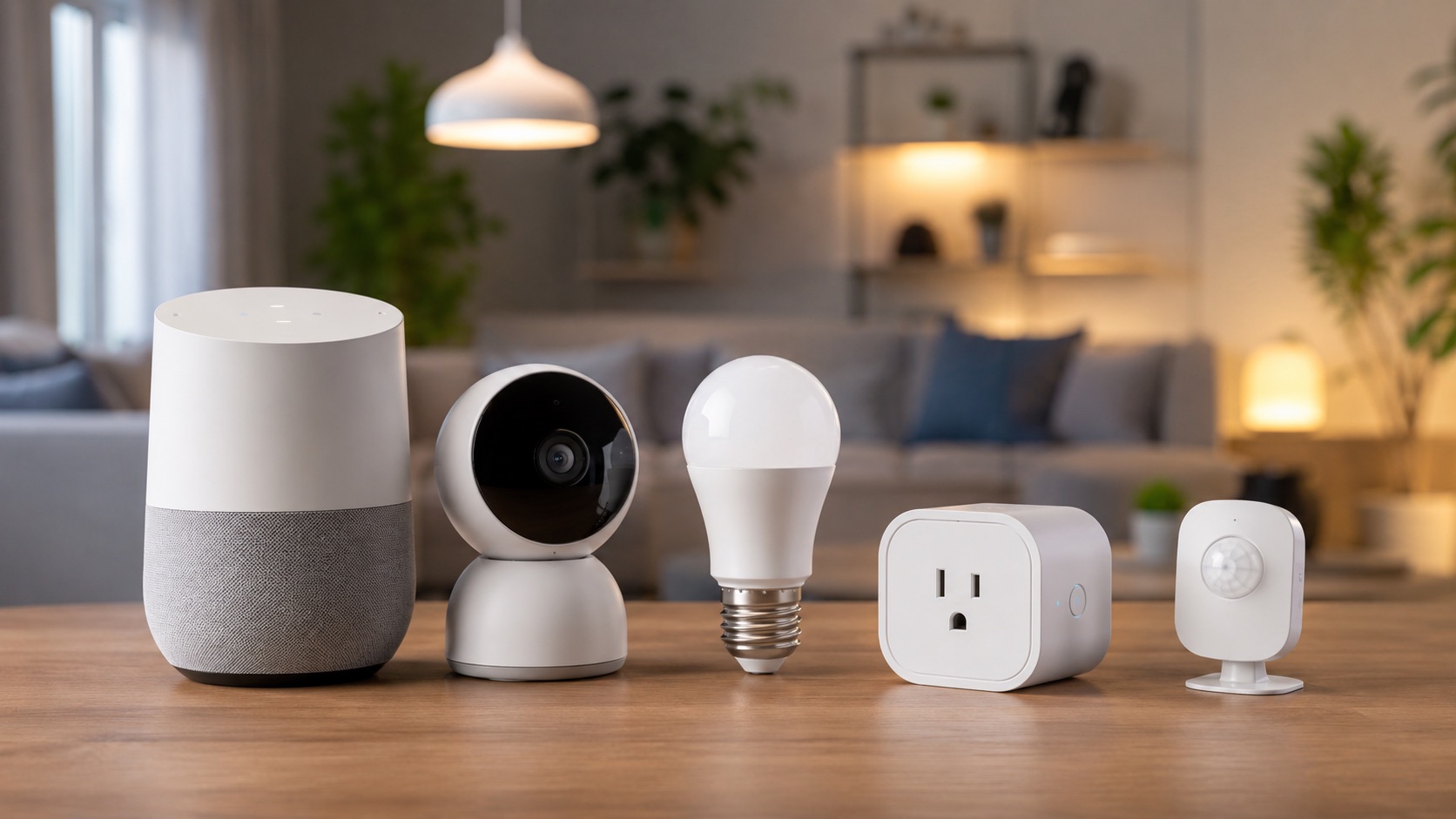
A Renter-Friendly Smart Home Setup Under €300
Renters need a different smart-home plan from homeowners. Hardwired switches, drilled camera mounts, and replacement thermostats may be unsuitable under a lease. A portable setup should use plug-in, screw-in, freestanding, clip-on, or carefully selected removable mounting methods.
This article is a practical example budget, not a documented inventory from Lien’s apartment. The earlier first-person ownership story, exact move-out timeline, and damage-free claims were not supported by original photos, receipts, or setup notes. Prices also change, so use the amounts below as planning estimates and check current compatibility before buying.
For broader product selection, start with the complete renter smart-home guide.
The Three Rules for a Portable Setup
- Avoid permanent electrical or structural changes. Do not alter fixed wiring, doors, or walls without written permission and qualified help where required.
- Keep every original part. Store the landlord’s bulbs, covers, screws, and other removable items in labelled bags.
- Test mounting methods first. Paint, plaster, wallpaper, tile, wood, and plastic can all react differently to adhesive.
No adhesive system can promise zero damage on every surface. Check the lease, follow the mounting instructions, test a hidden area, and inspect surfaces periodically.
Example Setup and Budget
| Device | Example budget | Installation | Move-out task |
|---|---|---|---|
| Echo Dot or similar speaker | €30 | Freestanding | Unplug and pack |
| Four WiZ E27 bulbs | €40 | Screw-in | Reinstall original bulbs |
| SwitchBot Curtain 3 | €65 | Clip-on, rail-dependent | Unclip and pack |
| Compact indoor camera | €30 | Freestanding | Unplug and pack |
| Three contact sensors | €30 | Removable adhesive | Remove carefully and clean residue |
| Retrofit smart lock | €80 | Door-dependent retrofit mount | Restore original configuration |
| USB LED strip | €15 | Furniture or removable mounting | Remove carefully |
| Illustrative total | €290 |
This is not a universal shopping list. Regional pricing, taxes, sales, required hubs, adapters, and subscriptions can change the total substantially.
Voice Assistant or Local Controller
A freestanding smart speaker is easy to move and can provide voice commands, timers, and routines. It may also introduce cloud dependence and privacy tradeoffs. Check whether the chosen model includes the radio or hub support required by any sensors in the plan.
Home Assistant can provide more local control, but it adds a server, setup work, and maintenance. Renters who mainly want a few lights and schedules may prefer a simpler platform. Those who want local automations can explore our Home Assistant guides.
Smart Bulbs
Standard E27 smart bulbs can replace ordinary bulbs without changing fixed wiring. Keep the original bulbs for move-out. WiZ is one budget-oriented option, but check socket type, voltage, dimmer compatibility, ecosystem support, and whether local control matters.
Avoid installing smart bulbs on an incompatible wall dimmer. If a fixture or circuit behaves unexpectedly, restore the original bulb and get qualified advice. Our renter-friendly smart lighting guide covers more options.
Clip-On Curtain Automation
Products such as SwitchBot Curtain attach to compatible rails or rods without rewiring. Compatibility is highly dependent on the rail shape, curtain weight, bends, and available clearance. Confirm the exact adapter before buying and retain the return option until the device has completed calibration reliably.
Freestanding Indoor Camera
A compact USB camera can sit on a shelf instead of being drilled into a wall. Placement must respect privacy, local law, shared spaces, and the lease. Check whether storage requires a subscription, hub, memory card, or cloud account.
Freestanding placement is easier to reverse but can be easier to knock over. Keep cables away from walkways and do not aim cameras into neighboring property or communal areas. For alternatives, see the battery camera guide for renters.
Contact Sensors
Small contact sensors can support door or window notifications and simple lighting routines. Many use adhesive pads, and some require a Zigbee hub or coordinator. Verify the radio and platform requirements before assuming an Echo, Aqara hub, or other controller supports a particular sensor revision.
Clean and dry the surface according to the mounting instructions. Avoid weak paint, wallpaper, porous plaster, and locations exposed to moisture or temperature extremes unless the product explicitly supports them.
Retrofit Smart Lock
A retrofit lock can preserve the existing exterior key hardware, but door and cylinder compatibility matter more than the marketing term “renter-friendly.” Obtain landlord approval where required, confirm emergency and manual operation, and never obstruct a required exit route.
Some products use clamps, adapters, or adhesive-mounted accessories. Test that the original key works from outside where relevant and keep every original part. Our smart lock guide for apartments explains the main compatibility questions.
LED Strip
A USB-powered LED strip can add ambient light without changing the electrical installation. Mount it to furniture or a replaceable backing surface when possible. Built-in adhesive can still leave residue or damage finishes, especially after heat and long installation periods.
What to Check Before Buying
- Does the lease require written approval?
- Will the device work with the existing socket, rail, lock, WiFi, or hub?
- Does it retain manual control during an outage?
- Is a subscription required for the feature you actually want?
- Can every original part be stored and reinstalled?
- Has the mounting method been tested on the real surface?
- Will the device remain useful after the next move?
A Sensible Installation Order
Start with one bulb or plug and the controller you already own. Add contact sensors only when you have a useful notification or automation in mind. Treat cameras and locks as separate security decisions rather than impulse additions. Add curtain motors and decorative lighting last, after confirming compatibility and budget.
The objective is not to fill an apartment with gadgets. It is to create a small group of reversible automations that remain understandable, safe, and portable.
FAQ
Can a landlord object to removable smart-home devices?
Lease terms and local rules vary. A removable product can still cause damage, affect a lock, record shared space, or alter the appearance of the property. Ask before making changes that could be disputed.
Do renter setups need a hub?
It depends on the devices. WiFi bulbs may connect directly, while Zigbee sensors need a compatible coordinator or hub. Matter devices may require a controller and, for Matter over Thread, a Thread border router.
Will adhesive always come off cleanly?
No. Results depend on the adhesive, surface, paint age, temperature, preparation, load, and removal method. Test a hidden area and follow the manufacturer’s removal instructions.
What happens during a power outage?
Most mains-powered devices and network equipment stop working unless backed by suitable power. Battery locks and sensors may continue locally, but remote control depends on the controller and network path. Verify each product’s fallback behavior rather than assuming it.