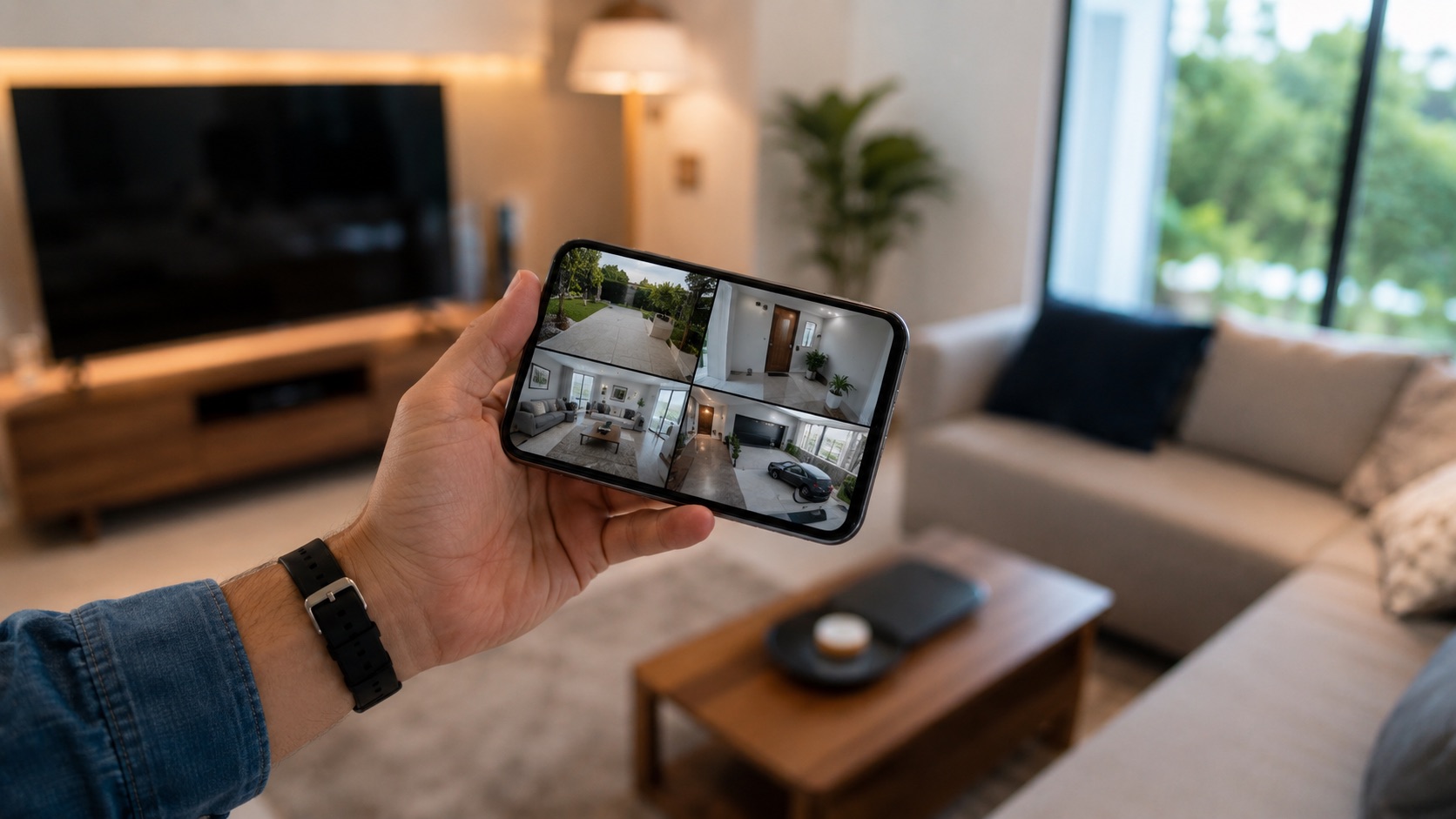
Best Battery Security Cameras for Renters (2026)
Renters don’t get to drill holes in walls or run cables through ceilings. That’s a problem when you want security cameras that actually work. Battery-powered cameras solve this completely, and the 2026 options are better than ever.
I’ve compared five battery cameras that use adhesive or magnetic mounts, need zero wiring, and pack into a moving box in under 30 seconds. Every single one works on WiFi, stores footage locally or in the cloud, and won’t cost you your security deposit.
Why Battery Cameras Are Perfect for Renters
Traditional security cameras need screws, sometimes power cables routed through walls, and occasionally even professional installation. None of that flies in a rental. Battery cameras stick to surfaces with adhesive pads or magnets, connect over WiFi, and run for months (sometimes years) on a single charge.
The best part? When your lease ends, you peel them off, toss them in a box, and set them up at your next place in minutes. No patching holes. No explaining damage to your landlord.
You’ll want to pair these with other renter-friendly smart home devices for a complete setup that moves with you.
Top 5 Battery Security Cameras for Renters in 2026
1. Blink Outdoor 4 ($100)
The Blink Outdoor 4 is my top pick for most renters. It runs on two AA lithium batteries for up to two years. Two years! That means you might never change the batteries before your lease is up.
It doesn’t need a base station anymore (that was a pain point with older Blink models). Just connect it directly to your WiFi. The magnetic mount sticks anywhere with the included adhesive strip, and removal leaves no mark on painted surfaces.
Video quality is 1080p, which is fine for identifying faces at your front door. Night vision works well up to about 20 feet. Motion detection zones let you avoid false alerts from passing cars or neighborhood cats.
Storage options: free cloud clips (limited to 60-second clips stored for 30 days) or local storage on a USB drive plugged into the optional Sync Module 2 ($35). Skip the Blink subscription unless you want extended cloud history.
2. Arlo Essential ($50)
At $50, the Arlo Essential is the cheapest way to get a genuinely good wireless camera. The magnetic mount is strong enough to hold the camera on a metal door frame without any adhesive at all. Brilliant for renters.
The Arlo app is one of the best in the business. It’s clean, responsive, and handles multiple cameras smoothly. You get 30 days of free cloud storage for motion-triggered clips with an Arlo Secure trial, but after that you’ll pay $5/month per camera or $13/month for unlimited cameras.
Battery life runs about 3-6 months depending on activity. That’s shorter than the Blink, but the camera quality and app experience are noticeably better. You can pick up an Arlo Solar Panel ($50) to keep it charged indefinitely if your mounting spot gets sun.
For a deeper comparison of how Arlo stacks up, check our Ring vs Arlo vs eufy comparison.
3. eufy SoloCam S40 ($130)
The eufy SoloCam S40 is for renters who never want to think about charging. It has a built-in solar panel right on the camera itself. If your mounting spot gets at least 2 hours of direct sunlight daily, the battery stays full indefinitely.
This camera stores all footage locally on 8GB of built-in storage. No subscription fees, ever. That makes it the cheapest option over time, even though the upfront cost is higher. eufy’s commitment to local storage is why it consistently shows up in no-subscription camera recommendations.
Resolution is 2K (2048x1080), which captures more detail than standard 1080p cameras. It also has a built-in spotlight and siren for deterrence. The adhesive mount is industrial-strength but removes cleanly with a hair dryer trick (30 seconds of heat loosens the adhesive).
4. Ring Stick Up Cam ($100)
The Ring Stick Up Cam is the most versatile mount option here. It works indoors or outdoors, in any orientation. Stand it on a shelf, stick it to a wall, or mount it upside down under an eave. This flexibility matters in rentals where you can’t always choose the ideal mounting position.
Ring’s ecosystem is huge. If you already have a Ring Doorbell or use Alexa, the Stick Up Cam integrates seamlessly. “Alexa, show me the backyard” works instantly on any Echo Show.
The downside? Ring really wants your money for their Ring Protect plan ($4/month per camera). Without it, you get live view but no recorded clips. That’s frustrating at this price point. Reddit tends to complain about Ring’s subscription model for exactly this reason.
Battery life is about 6 months with average activity. The quick-release battery pack makes recharging easy since you pull the battery out and charge it inside via micro-USB.
5. Reolink Argus 4 Pro ($160)
The Reolink Argus 4 Pro is the premium pick. It shoots in true 4K (3840x2160) over WiFi 6. That’s the sharpest wireless battery camera you can buy right now. If you need to read license plates or identify faces from 30+ feet away, this is the one.
WiFi 6 support means faster clip uploads and smoother live streaming, especially if you’ve invested in a good mesh WiFi system. The camera also supports dual-band WiFi, so you can put it on the less congested 5GHz band.
Storage is completely free: footage saves to a microSD card (up to 128GB included) or Reolink’s NVR system. No subscriptions whatsoever. Battery life is about 4-6 months depending on recording settings, or unlimited with the optional solar panel ($20).
The mount uses a strong magnetic base. Snap it on, snap it off. Moving day takes seconds.
Comparison Table
| Camera | Price | Battery Life | Mount Type | Storage | Take When Moving |
|---|---|---|---|---|---|
| Blink Outdoor 4 | $100 | Up to 2 years | Adhesive magnetic | Free limited cloud or USB local | Yes, peel off |
| Arlo Essential | $50 | 3-6 months | Magnetic (no adhesive needed) | Free 30-day trial, then $5/mo | Yes, lift off |
| eufy SoloCam S40 | $130 | Unlimited (solar) | Adhesive (heat to remove) | 8GB built-in, free | Yes, heat + peel |
| Ring Stick Up Cam | $100 | ~6 months | Versatile bracket/stand | Requires $4/mo plan for clips | Yes, unscrew bracket |
| Reolink Argus 4 Pro | $160 | 4-6 months | Magnetic snap | microSD (128GB included), free | Yes, snap off |
What to Look For in a Renter-Friendly Camera
Mount type matters most. Magnetic mounts are ideal because they leave zero trace. Adhesive mounts work great too but might pull off tiny paint flecks when removed (use a hair dryer to warm the adhesive first). Avoid anything that needs screws unless you’re comfortable patching small holes.
Storage costs add up. A $50 camera with a $5/month subscription costs $110 over a year. A $130 camera with free local storage costs $130 forever. Do the math for your situation.
Battery life determines maintenance. If your camera is mounted somewhere annoying to reach (above a door, on a high shelf), longer battery life saves real hassle. The Blink’s 2-year battery is exceptional here.
WiFi range matters in larger apartments. If your camera is far from your router, look for WiFi 6 support or strong signal specs. A weak connection means missed alerts and choppy video.
Setup Tips for Renters
Position cameras at entry points first. Front door, back door, and any ground-floor windows. Most break-ins happen through doors, so one camera covering your main entrance does more than three covering random angles.
Test the WiFi signal at your planned mount location before committing the adhesive. Walk there with your phone, check the signal bars. Weak signal means delayed notifications and unreliable recording.
Use the camera’s motion zones aggressively. In apartments, you’ll get constant false alerts from hallway traffic or parking lot movement unless you narrow the detection area to just your door or patio.
For a complete renter security setup beyond cameras, see our guide to the best security systems without monthly fees.
Indoor vs. Outdoor Placement for Renters
Most renters focus on outdoor placement, but indoor cameras make a lot of sense too. A camera on a bookshelf pointed at your front door captures everyone who enters your space. No mounting needed at all.
If you’re in a ground-floor apartment, a camera inside a window works surprisingly well during the day. Night performance suffers (IR bounces off glass), but daytime coverage is solid. The Ring Stick Up Cam’s shelf-standing mode excels here.
For balconies and patios, the eufy SoloCam S40 or Blink Outdoor 4 handle weather exposure without issues. Just angle them to cover your outdoor space without capturing neighbors’ areas, which can violate privacy rules in shared buildings.
See how we compare products for our full methodology.
FAQ
Can I use battery cameras outdoors in an apartment?
Yes. Most battery cameras are weatherproof (IP65 or higher). Mount them on your balcony railing, outside your front door (if allowed by your lease), or facing out a window. Check your lease agreement and building rules first since some complexes restrict visible cameras in common areas.
How do I mount a camera without damaging walls?
Use magnetic mounts on metal surfaces (door frames, fridges, filing cabinets) or adhesive mounts on smooth walls. Command strips also work for lighter cameras. To remove adhesive mounts without paint damage, warm them with a hair dryer for 30 seconds before slowly peeling.
Do battery cameras record 24/7?
No. Battery cameras record on motion detection to conserve power. Continuous recording would drain the battery in hours. If you need 24/7 recording, you’ll need a powered camera, which usually means wires. For motion-only recording, these cameras capture everything important.
Will my landlord allow security cameras?
In most places, you can install cameras inside your rental and on your private outdoor space (balcony, patio) without permission. Cameras in shared hallways or pointing at neighbors may require landlord approval. Check your lease for specific security device clauses.
Which battery camera has the lowest ongoing cost?
The eufy SoloCam S40 and Reolink Argus 4 Pro both offer completely free storage (built-in or microSD) with no subscription required. After the initial purchase, you pay nothing. The Blink Outdoor 4 is also very cheap to run since its free tier covers basic needs and batteries cost about $3/year.
Final Verdict
For most renters, the Blink Outdoor 4 wins on pure convenience. Two-year battery life, no base station needed, and a clean magnetic mount. It’s $100 and basically maintains itself.
If you want to save upfront, grab the Arlo Essential at $50 (just budget for the subscription). If you never want to pay another dime after purchase, the eufy SoloCam S40 is worth the $130 investment.
Whatever you pick, these cameras all share the trait that matters most: they leave with you when you go. No holes, no damage, no deposit lost. That’s the whole point.
Check out our guide to starting a smart home from scratch if you’re building out more of your rental setup, or browse the best smart home devices under $50 for budget-friendly additions.