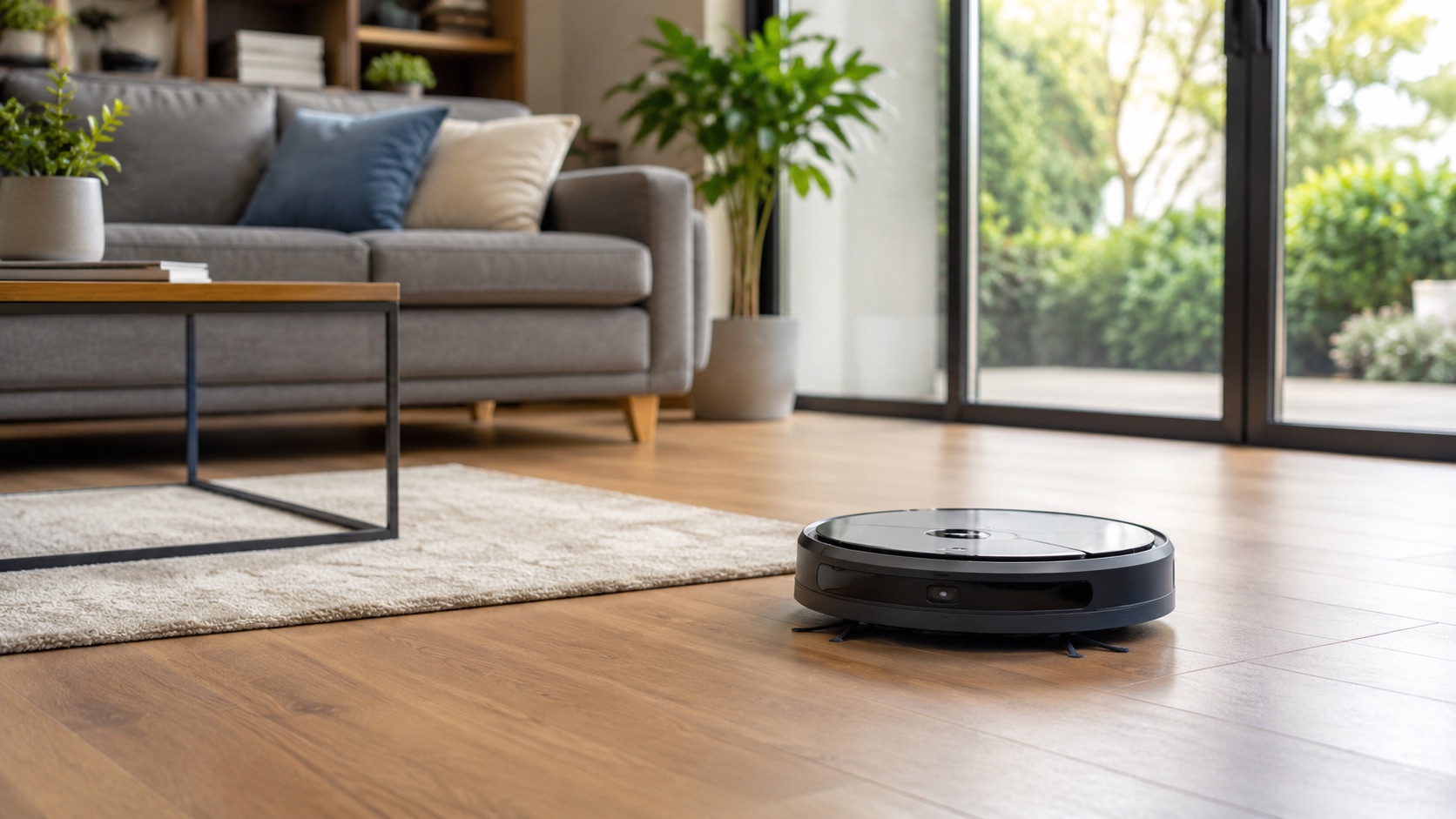
Illustrative image, not evidence of a product test.
Best Robot Vacuum for Multi-Room Homes (2026)
Best Robot Vacuum for Multi-Room Homes (2026)
Not all robot vacuums are created equal — and the difference becomes painfully obvious in multi-room homes. A robot that works perfectly in a studio apartment will get lost, miss rooms, or clean the same hallway three times in a house with multiple bedrooms, different flooring types, and complex layouts. What you need is smart mapping, room recognition, and the ability to customize cleaning settings per room.
In 2026, the best multi-room robot vacuums don’t just navigate — they understand your home. They know your kitchen needs more suction than your bedroom, they remember where the dining room ends and the living room begins, and they can clean specific rooms on command while avoiding others entirely.
This guide covers the top robot vacuums specifically for homes with multiple rooms, hallways, and floor plans that challenge lesser robots.
What Makes a Robot Vacuum Good for Multi-Room Homes?
Before diving into specific models, here’s what separates a multi-room champion from a robot that just bumps around:
- Multi-floor map storage — saves separate maps for each floor of your home so you don’t remap every time you move the robot upstairs
- Room recognition and labeling — automatically identifies rooms and lets you name them
- Selective room cleaning — clean only the kitchen after dinner, or only bedrooms before guests arrive
- Custom suction per room — high power on kitchen tile, quiet mode in the nursery at night
- No-go zones and virtual walls — keep the robot away from pet bowls, cables, or fragile items
- Scheduling by room — different rooms on different days at different times
- Reliable navigation — LiDAR or advanced camera-based mapping that doesn’t get confused by furniture rearrangements
If your home has more than 4–5 rooms, or if you have multiple floors, these features aren’t luxuries — they’re necessities.
Best Robot Vacuums for Multi-Room Homes in 2026
1. Roborock S8 MaxV Ultra — Best Overall Multi-Room Performance
The Roborock S8 MaxV Ultra is the most capable multi-room robot vacuum available in 2026. Its dual-light LiDAR plus RGB camera navigation system creates millimeter-accurate maps of your home, and its ReactiveAI 2.0 obstacle avoidance means it rarely gets stuck even in cluttered rooms.
Why it excels in multi-room homes:
- Stores up to 4 complete floor plans with automatic floor detection
- AI-powered room recognition labels rooms automatically (kitchen, bedroom, bathroom)
- Per-room suction and mop settings — boost suction in the kitchen, gentle mode in the bedroom
- 3D mapping shows furniture placement for more precise cleaning paths
- Room-specific scheduling with different times and frequencies per room
- Virtual walls and no-go zones drawn directly on the map
Navigation: Dual-light LiDAR + RGB camera with ReactiveAI 2.0. Works in complete darkness and navigates around small objects like shoes and cables.
Battery and coverage: 5200mAh battery covers up to 300m² (3,200 sq ft) on a single charge. For larger homes, it returns to charge and resumes exactly where it left off.
Dock: The RockDock Ultra handles auto-emptying, self-washing mop pads, refilling clean water, and draining dirty water. Truly hands-free for weeks at a time.
Price: $1,799.99 (robot + dock)
For a detailed comparison with its biggest competitor, see our Roborock vs Roomba breakdown.
2. Ecovacs Deebot X2 Omni — Best Room-Specific Cleaning
The Ecovacs X2 Omni takes a different approach with its square design that reaches into corners better than round robots. Its TrueMapping 2.0 LiDAR system creates highly accurate room divisions, and the YIKO voice assistant lets you command room-specific cleaning by voice.
Why it excels in multi-room homes:
- TrueMapping 2.0 creates precise room boundaries with minimal overlap
- YIKO voice control: “OK YIKO, clean the kitchen” — no app needed
- Stores up to 3 floor plans with automatic level detection
- Custom cleaning modes per room (vacuum only, mop only, or both)
- AI-powered room suggestions based on usage patterns (cleans kitchen more often automatically)
- Advanced no-go zones with furniture-level precision
Navigation: dToF LiDAR with AINA 2.0 obstacle recognition. The square shape means it covers corner areas that round robots miss entirely — significant in rooms with 90-degree corners.
Battery and coverage: 6400mAh battery for up to 260m² coverage. Recharge-and-resume supported.
Dock: OMNI station with auto-empty, hot water mop washing (55°C), and hot air drying to prevent mold.
Price: $1,499.99 (robot + OMNI dock)
3. iRobot Roomba j9+ — Best Smart Map Customization
The Roomba j9+ runs on iRobot’s most advanced mapping platform, iRobot OS with Smart Maps. While it doesn’t mop, its vacuum-only approach means simpler maintenance and extremely reliable room-to-room navigation powered by years of mapping data from millions of Roomba users.
Why it excels in multi-room homes:
- Smart Maps with automatic room dividers that you can adjust manually
- Clean While I’m Away feature uses phone location to start cleaning when you leave
- Seasonal suggestions — recommends increased cleaning during allergy season or pet shedding periods
- Room-specific Dirt Detect sensors boost suction automatically in high-traffic areas
- Stores multiple floor plans with manual room labeling
- Keep Out Zones and Clean Zones drawn on the map
Navigation: PrecisionVision Navigation with front-facing camera. Identifies and avoids obstacles including pet waste (P.O.O.P. — Pet Owner Official Promise).
Battery and coverage: Covers up to 200m² before needing to recharge. Recharge-and-resume for larger homes.
Dock: Clean Base with automatic dirt disposal (holds up to 60 days of debris).
Price: $899.99 (robot + Clean Base)
Note: If you need mopping too, the Roomba Combo j9+ ($1,399.99) adds an automatic mop that retracts onto the robot’s top when it detects carpet.
4. Dreame L20 Ultra — Best AI Room Detection
The Dreame L20 Ultra uses advanced AI to detect room types based on furniture and layout, automatically optimizing cleaning for each space without manual configuration. It’s the closest to a truly autonomous multi-room cleaner.
Why it excels in multi-room homes:
- AI room detection identifies room types by scanning furniture (bed = bedroom, couch = living room)
- Automatic cleaning optimization per detected room type
- Stores up to 4 floor plans
- MopExtend technology reaches along walls and into corners
- CleanGenius mode automatically adjusts suction and water flow based on dirt level AND room type
- Customizable room cleaning order for efficiency
Navigation: Dual-line LiDAR with 3D structured light obstacle avoidance. Exceptional in low-light conditions and complex layouts.
Battery and coverage: 6400mAh for up to 300m² coverage. One of the longest-lasting in its class.
Dock: Auto-empty, mop washing with hot water, and hot air drying. Self-cleaning base station.
Price: $1,199.99 (robot + dock)
Key Features Explained for Multi-Room Homes
Selective Room Cleaning
All four robots above support selective room cleaning — the ability to send the robot to clean just one or more specific rooms. This is the single most important feature for multi-room homes. Instead of running a full 90-minute whole-house clean after dinner, you tap “Kitchen” in the app and the robot handles just that room in 10–15 minutes.
Custom Suction Per Room
Different rooms have different cleaning needs:
- Kitchen — high suction + mopping for crumbs and spills
- Bedroom — low/quiet suction at night for minimal noise
- Living room — medium suction for everyday dust and pet hair
- Bathroom — mop-only mode for tile floors
- Hallway — standard suction, frequent scheduling due to high traffic
The best multi-room robots let you save these settings per room so they apply automatically every time.
Scheduling by Room
Rather than running the entire house daily (which wastes battery and creates unnecessary noise), schedule rooms independently:
- Kitchen: daily after dinner (7 PM)
- Bedrooms: twice per week (Tuesday/Friday morning)
- Living room: every other day (midday when you’re at work)
- Bathrooms: weekly mop-only (Sunday morning)
No-Go Zones and Virtual Walls
In complex homes, there are always areas the robot shouldn’t go:
- Under furniture where it gets stuck
- Around pet food and water bowls
- Near cables and charging stations
- Rooms with delicate rugs
- Children’s play areas with small toys on the floor
All four recommended robots support drawing no-go zones directly on the map in their companion app.
For more recommendations on robot vacuums across different categories, check our best robot vacuum 2026 guide.
Comparison Table: Best Robot Vacuums for Multi-Room Homes
| Robot | Price | Max Floor Plans | Room Recognition | Custom Per-Room Settings | Selective Cleaning |
|---|---|---|---|---|---|
| Roborock S8 MaxV Ultra | $1,799 | 4 floors | AI-powered auto-labeling | Suction, mop wetness, cleaning mode | Yes — app, voice, or schedule |
| Ecovacs X2 Omni | $1,499 | 3 floors | TrueMapping auto-division | Suction, mop mode, frequency | Yes — app, YIKO voice, schedule |
| iRobot Roomba j9+ | $899 | 10+ maps | Smart Maps with manual adjustment | Suction boost (auto Dirt Detect) | Yes — app, voice assistants |
| Dreame L20 Ultra | $1,199 | 4 floors | AI furniture-based detection | Suction, water flow, cleaning mode | Yes — app, voice, schedule |
Multi-Floor Homes: Special Considerations
If your home has multiple levels, you’ll need to physically carry the robot between floors (no robot vacuum climbs stairs yet). Here’s how each model handles this:
- Roborock S8 MaxV Ultra — automatically detects which floor it’s on and loads the correct map. You can place a second dock on each floor for convenience.
- Ecovacs X2 Omni — similar auto-detection. Switching between 3 floors is seamless.
- Roomba j9+ — supports the most saved maps (10+) but may need a moment to orient itself on a new floor.
- Dreame L20 Ultra — recognizes floors instantly, loads the correct map and room settings automatically.
Pro tip: If you have a large multi-floor home and budget allows, buying two robots (one per floor) with their own docks eliminates the need to carry the robot and ensures both floors get cleaned on schedule.
How to Evaluate Multi-Room Performance
HomeTechTested has not completed a controlled four-model multi-room test. Evaluate shortlisted robots on:
- Mapping accuracy — how precisely does the robot divide rooms? Does it confuse open-plan kitchens with living rooms?
- Room transition — does the robot handle thresholds, different flooring types, and narrow doorways without getting stuck?
- Per-room reliability — when you send it to “clean the kitchen,” does it actually clean the entire kitchen and only the kitchen?
- Map stability — does the map break when furniture is moved or doors are closed?
- Navigation efficiency — does the robot take logical paths between rooms or waste time backtracking?
Published feature lists cannot establish which robot maps most accurately in every home. Floor-plan complexity, thresholds, mirrors, lighting and firmware can change results, so verify mapping and room-selection behavior during the return period.
Tips for Optimizing Multi-Room Robot Vacuum Performance
- Place the dock centrally — a central location (hallway or living room) minimizes travel time to any room
- Run the first mapping clean with doors open — let the robot see your entire floor plan on the first run
- Adjust room boundaries after the first map — robots sometimes merge or split rooms incorrectly; manually fix this in the app
- Set up no-go zones before the first real clean — prevent stuck-robot rescues by blocking problem areas immediately
- Start with a whole-house clean, then switch to room-based — the robot needs one complete run to finalize its map before selective cleaning works reliably
If you’re building out a broader smart home setup, check our guide on how to start a smart home from scratch for tips on integrating your robot vacuum with the rest of your system.
See how we compare products for our full methodology.
FAQ
How many rooms can a robot vacuum map and remember?
Modern robot vacuums in 2026 can map and store between 3 and 10+ complete floor plans, each containing dozens of individual rooms. The Roborock S8 MaxV Ultra and Dreame L20 Ultra store 4 floor plans each, the Ecovacs X2 Omni stores 3, and the Roomba j9+ supports 10+ maps. Within each floor plan, the robots can typically identify and label 15–20+ individual rooms.
Can robot vacuums clean specific rooms on command?
Yes, all top-tier multi-room robot vacuums support selective room cleaning. You can select one or multiple rooms in the companion app, use voice commands through Alexa or Google Assistant (“clean the kitchen”), or set room-specific schedules. The robot navigates directly to the selected room, cleans it, and returns to its dock — without touching other rooms.
Do robot vacuums work well in open floor plans?
Robot vacuums can handle open floor plans but may struggle to define clear room boundaries. Most models use doorways and walls to divide rooms, so an open kitchen/living room layout might be mapped as one large zone. You can manually split these areas into virtual rooms in the app and assign different cleaning settings to each section. The Ecovacs X2 Omni and Roborock S8 MaxV Ultra handle open plans particularly well with manual zone editing.
Is it worth buying two robot vacuums for a multi-floor home?
For homes with 3+ floors or very large floor plans (3,000+ sq ft per floor), having two robots — one per primary floor — is worth considering. Benefits include simultaneous cleaning on both floors, no carrying the robot between levels, dedicated docks that are always ready, and simplified scheduling. The cost is significant (essentially doubling your investment), but for large homes it dramatically increases cleaning frequency and convenience.
How do robot vacuums handle different flooring between rooms?
All four recommended robots automatically detect transitions between carpet, hardwood, tile, and laminate flooring. They boost suction on carpet, reduce it on hard floors, and lift or retract their mop pads when transitioning to carpet. The Roborock S8 MaxV Ultra’s VibraRise 2.0 system lifts the mop 5mm above carpet automatically. The Dreame L20 Ultra’s MopExtend arm retracts completely when carpet is detected. You can also configure per-room settings that override automatic detection if needed.
Which Robot Vacuum Should You Buy?
Choose the Roborock S8 MaxV Ultra if you want the best overall multi-room performance, the most accurate mapping, and the most capable all-in-one dock. It’s the premium choice.
Choose the Ecovacs X2 Omni if you value corner cleaning (square design), built-in voice control, and slightly lower price than the Roborock.
Choose the Roomba j9+ if you prefer vacuum-only simplicity, want the most saved maps (10+), and trust iRobot’s decades of mapping refinement. Best value in this lineup.
Choose the Dreame L20 Ultra if you want AI-powered automatic optimization with minimal manual configuration at a mid-range price point.
For budget options under $50 that still handle basic multi-room navigation, see our guide on the best smart home devices under $50.