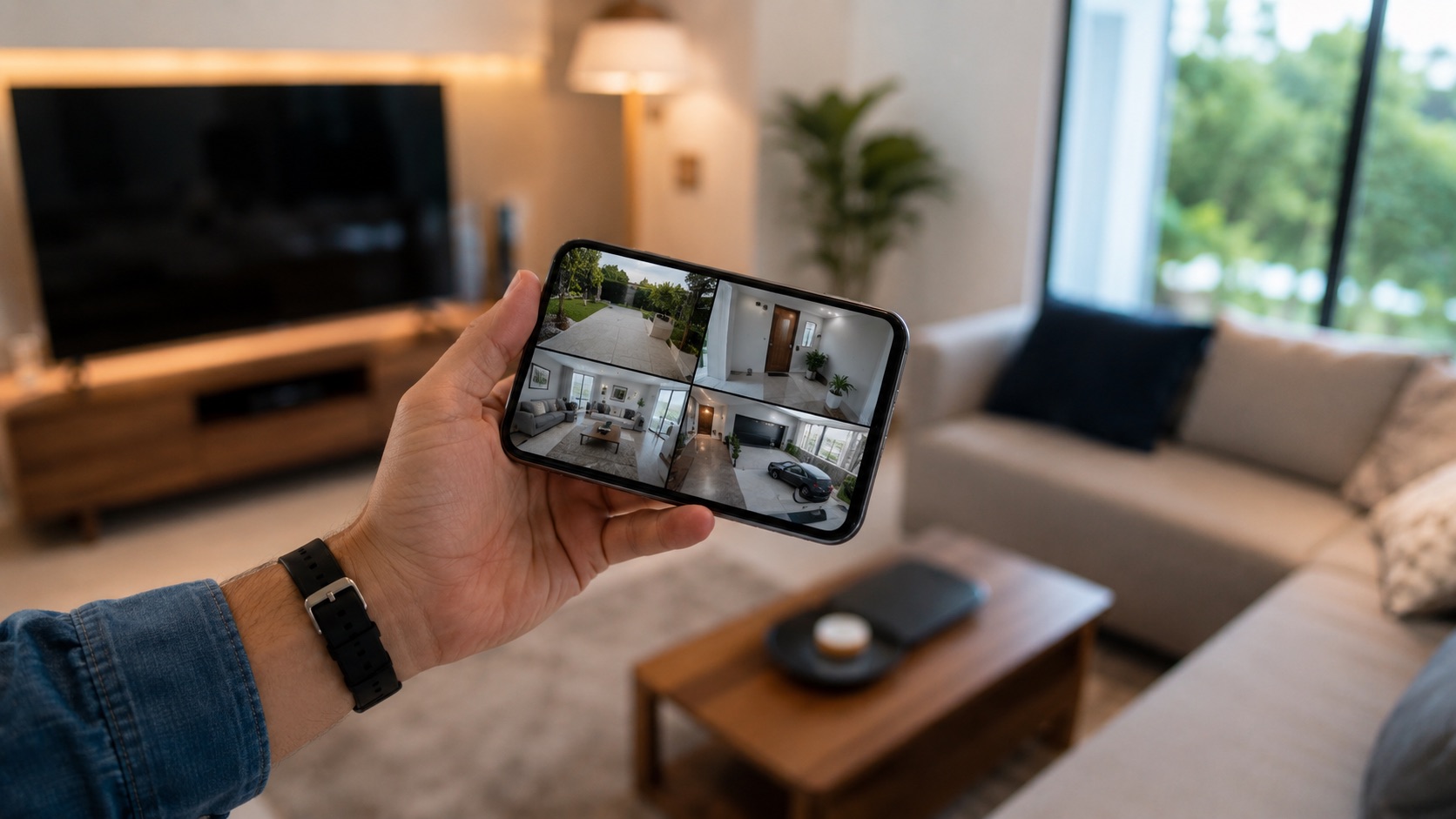
Best Smart Home for Apartment Dwellers (2026)
Apartments present unique smart home challenges. Shared walls mean noise concerns. Small spaces mean every device must earn its footprint. Lease restrictions mean no drilling, no wiring, and no permanent modifications. And when your lease ends, everything needs to pack into a moving box.
I have lived in four apartments over six years and refined my smart home setup each time. This guide covers what works in small spaces, what to skip, and how to build a smart home that moves with you.
The Apartment Smart Home Stack
| Component | Recommendation | Price | Why It Works |
|---|---|---|---|
| Hub | Home Assistant on Raspberry Pi | $55 | Small, quiet, portable |
| Door sensor | Aqara Door Sensor | $8 | Adhesive, removable |
| Motion sensor | Aqara Motion Sensor | $15 | Adhesive, removable |
| Smart plugs | Sonoff S31 Lite zb (x5) | $50 | Plug-in, no installation |
| Smart bulbs | IKEA Tradfri (x4) | $40 | Screw into existing fixtures |
| Indoor camera | Eufy Indoor Cam S350 | $60 | Freestanding, local storage |
| Smart lock | Aqara U200 | $190 | Retrofit, no drilling |
| Water leak sensor | Aqara Water Leak Sensor | $15 | Freestanding |
| Total | $433 |
Why Home Assistant for Apartments
Home Assistant is the best platform for apartment dwellers for three reasons:
Portability. The entire system runs on a Raspberry Pi the size of a deck of cards. Unplug it, pack it, plug it in at your new place. Your automations, device configurations, and dashboards come with you.
No permanent installation. Everything connects wirelessly. No running cables, no drilling holes, no modifying the apartment.
Automation power. Apartments have unique needs: quiet hours (no loud notifications), shared wall concerns (no bright outdoor lights), and small-space efficiency (one switch controlling multiple devices). Home Assistant handles all of this.
For Home Assistant setup, see our beginner guide.
Lighting for Apartments
Apartments usually have existing light fixtures you cannot replace. Smart bulbs are the answer.
IKEA Tradfri bulbs ($8-12 each):
- Screw into existing fixtures
- Zigbee protocol (works with Home Assistant)
- Act as mesh routers for your sensor network
- $8 for white, $12 for color temperature adjustable
- No hub required (pair directly to Zigbee2MQTT)
Smart plugs for lamps ($10 each):
- Plug into existing outlets
- Control lamps, fans, and small appliances
- No modification to the apartment
- Energy monitoring on some models
What to avoid:
- In-wall smart switches (require wiring, landlord will not approve)
- Smart switches that need a neutral wire (many apartments have old wiring)
- Hardwired smart fixtures (permanent modification)
For lighting recommendations, see our best smart bulbs guide.
Security for Apartments
Apartments have different security needs than houses. You share walls, have neighbors nearby, and usually have a building entrance in addition to your unit door.
Door sensors on your unit door:
- Aqara door sensor ($8) on the front door
- Instant notification when opened while you are away
- Log all entry/exit times
Indoor camera:
- Eufy Indoor Cam S350 ($60) on a shelf
- MicroSD local storage (no cloud, no subscription)
- Motion-triggered recording
- Two-way audio for talking to delivery drivers
Smart lock:
- Aqara U200 ($190) retrofit over existing deadbolt
- No exterior changes (landlord cannot tell)
- Fingerprint and PIN entry
- Auto-lock when you leave
Water leak sensor:
- Under the kitchen sink ($15)
- Behind the washing machine ($15)
- Instant notification if water is detected
For security-focused setups, see our security cameras for apartments guide.
Climate Control for Apartments
Apartments usually have limited climate control options. You cannot replace the building HVAC, but you can optimize your unit.
Smart thermostat (if you control your own):
- Ecobee or Nest with Matter
- Schedule around your routine
- Save 15-20% on heating/cooling
Smart plugs for space heaters and fans:
- Control a space heater or fan via smart plug
- Schedule based on occupancy
- Turn off automatically when you leave
Temperature sensors:
- Aqara temperature sensor ($14) in each room
- Monitor temperature differences between rooms
- Trigger fans or heaters based on temperature
For thermostat comparisons, see our best smart thermostat guide.
Automations for Apartment Living
Leave Home Mode
When your phone leaves the geofence:
- Lock the door
- Turn off all lights
- Turn off space heaters and fans
- Arm door sensor notifications
- Set thermostat to eco mode
Arrive Home Mode
When your phone enters the geofence:
- Unlock the door
- Turn on entry light
- Set thermostat to comfort mode
- Disarm security notifications
Quiet Hours
Between 10 PM and 7 AM:
- Disable speaker announcements (use phone notifications instead)
- Reduce notification volume
- Dim hallway lights to minimum
- Lock door automatically
Morning Routine
At your alarm time:
- Turn on bedroom lights at 20% brightness
- Gradually increase to 100% over 15 minutes
- Turn on coffee maker (via smart plug)
- Announce weather and calendar on speaker
Package Delivery
When door sensor detects opening:
- If you are away, send notification with camera snapshot
- If motion detected in hallway, turn on hallway light
For more automation ideas, see our best smart home automations guide.
Noise and Neighbor Considerations
Apartments share walls. Your smart home should not annoy your neighbors.
Avoid:
- Loud alarm sirens (use phone notifications instead)
- Bright outdoor lights (use indoor lighting only)
- Camera pointed at neighbor’s door or window
- Smart speakers at high volume after 10 PM
Do:
- Use phone notifications for alerts
- Dim lights during quiet hours
- Point cameras only at your own space
- Set volume limits on smart speakers
The Pack-and-Move Checklist
When your lease ends:
- Unscrew smart bulbs from fixtures and pack them
- Unplug smart plugs from outlets
- Peel off adhesive sensors (door, motion, temperature)
- Remove smart lock and reinstall original hardware
- Pick up freestanding camera from shelf
- Pack the Raspberry Pi (Home Assistant + coordinator)
- Patch any wall marks with spackle ($5)
Setup at new apartment:
- Plug in Raspberry Pi
- Screw in smart bulbs
- Stick sensors on doors and walls
- Install smart lock
- Place camera on shelf
- Done (2 hours)
Space Optimization
Apartments are small. Every device must earn its footprint.
Multi-purpose devices:
- Smart plug with energy monitoring: controls a device AND tracks its power usage
- Smart display: shows dashboard AND serves as a digital photo frame
- Smart speaker: voice control AND music playback
Compact hardware:
- Raspberry Pi: fits in a drawer
- Sonoff ZBDongle-E: USB stick, invisible
- Aqara sensors: smaller than a matchbox
Hidden installation:
- Mount sensors on the inside of doors (invisible from outside)
- Place the Raspberry Pi behind the TV or in a closet
- Put smart plugs behind furniture
Total Cost of Ownership
| Item | Year 1 | Year 3 | Year 5 |
|---|---|---|---|
| Hardware | $433 | $433 | $433 |
| Subscriptions | $0 | $0 | $0 |
| Battery replacements | $0 | $15 | $30 |
| Total | $433 | $448 | $463 |
No subscriptions, no recurring fees. Your apartment smart home pays for itself in 6-12 months compared to subscription-based alternatives.
FAQ
Can I install a smart lock in an apartment?
Yes, if it is a retrofit lock like the Aqara U200. It fits over your existing deadbolt without replacing any hardware. Your landlord cannot tell it is smart from the outside. Your original key still works. When you move, remove it and reinstall the original thumb-turn.
Do smart bulbs work in apartment fixtures?
Most apartments use standard E26 or E27 bulb sockets, which are compatible with all smart bulbs. Check your fixtures before buying. Some apartments have integrated LED fixtures that cannot use smart bulbs; in those cases, use smart plugs for lamps instead.
Will my smart home work in a different apartment?
Yes. Your Home Assistant setup (Raspberry Pi + Zigbee coordinator) moves with you. Devices that use adhesive (sensors) or freestanding mounts (cameras) relocate easily. Smart bulbs unscrew and screw into new fixtures. Budget 2 hours for a complete move.
Can my landlord see my smart home devices?
No. All devices connect to your local network. Your landlord has no access to your smart home data. Local storage cameras (Eufy, Wyze with microSD) store footage on devices in your apartment. Your landlord cannot access it without physical access to your devices.
What internet speed do I need?
For local-only smart home (Home Assistant + Zigbee devices), you do not need internet at all. For remote access and voice assistants, 10 Mbps download and 5 Mbps upload is sufficient for most apartment setups.