Best Security-Focused Smart Home for Renters (2026)
Renting does not mean you cannot have a secure home. You just cannot drill holes, run Ethernet cables, or hardwire anything. That rules out PoE cameras and wired alarm systems, but it leaves plenty of options: battery cameras, adhesive-mount sensors, smart locks that fit over existing deadbolts, and wireless everything.
I have built security-focused smart homes in three different rental apartments over five years. Each move took about two hours to pack and another two to set up at the new place. Here is the complete playbook.
The Rental Security Stack
| Component | Recommendation | Price | Installation |
|---|---|---|---|
| Door/window sensors | Aqara Door Sensor (Zigbee) | $8 each | Adhesive, removable |
| Motion sensors | Aqara Motion Sensor | $15 each | Adhesive, removable |
| Smart lock | Aqara U200 (Matter over Thread) | $190 | Retrofit, no drilling |
| Security camera (indoor) | Eufy Indoor Cam S350 | $60 | Freestanding |
| Security camera (outdoor) | Blink Outdoor 4 | $100 | Magnetic mount |
| Water leak sensor | Aqara Water Leak Sensor | $15 | Freestanding |
| Smart plug (for lights) | Sonoff S31 Lite zb | $10 each | Plug-in |
| Hub | Home Assistant on Raspberry Pi | $100 | Freestanding |
| Total (basic setup) | ~$350 |
For more renter-specific recommendations, see our best smart home for renters guide.
Door and Window Security
The first line of defense is knowing when doors and windows open. Aqara door sensors are the best option for renters: they stick with adhesive, run on a coin battery for 2-5 years, and cost $8 each.
Placement:
- Front door (obvious)
- Back door or balcony door
- Ground-floor windows
- Garage door (if accessible)
Automations:
- Send phone notification when any door opens while you are away
- Turn on lights when the front door opens after sunset
- Sound an alarm (smart speaker) if a window opens at night
- Log all open/close events with timestamps
For sensor setup, see our Aqara sensors Home Assistant setup guide.
Security Cameras for Renters
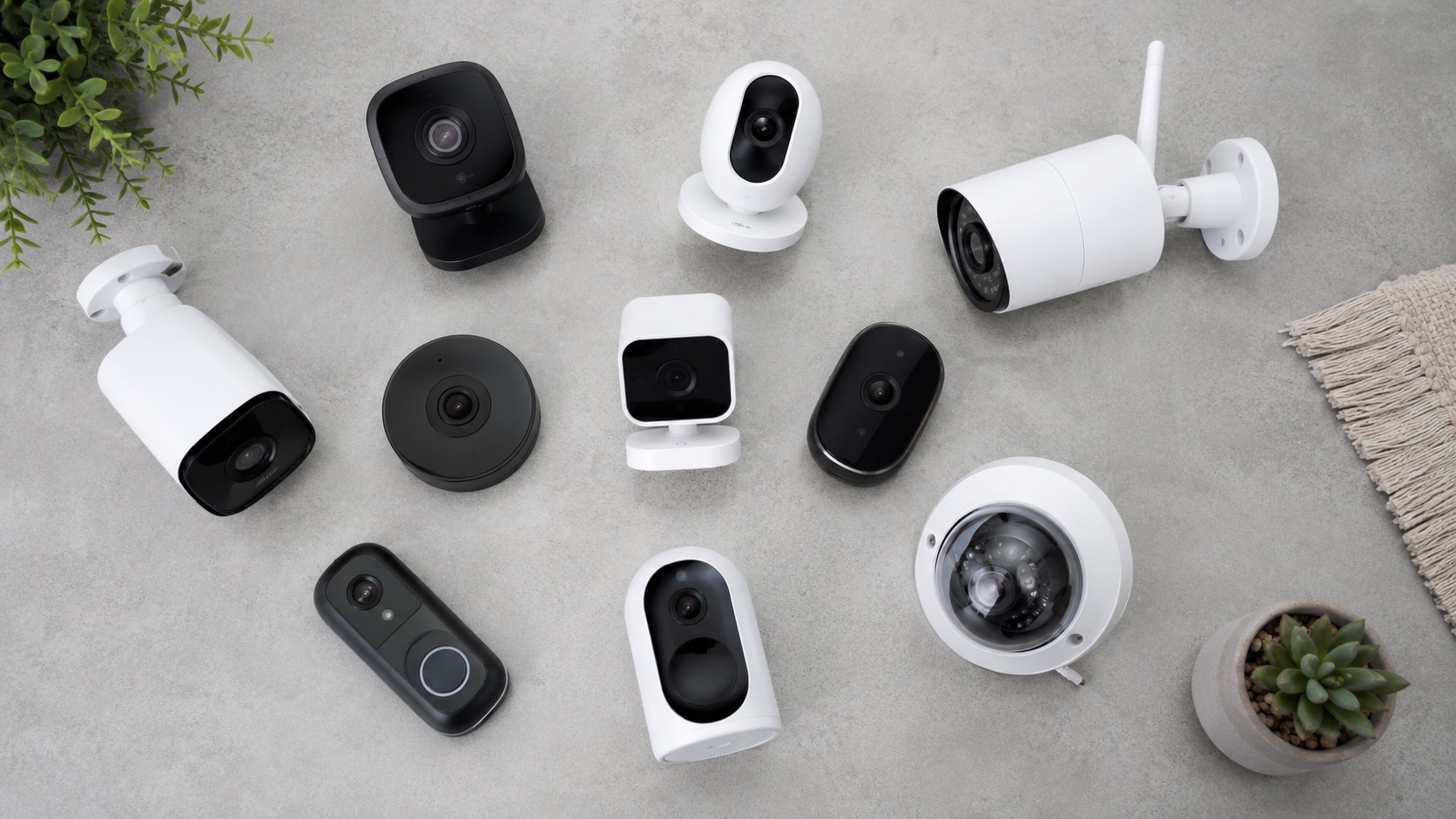
Renters need cameras that do not require drilling or permanent mounting. Battery-powered cameras with magnetic or adhesive mounts are the answer.
Indoor cameras:
| Camera | Price | Mount | Resolution | Local Storage |
|---|---|---|---|---|
| Eufy Indoor Cam S350 | $60 | Freestanding | 2K | MicroSD |
| Wyze Cam v4 | $30 | Freestanding + magnetic | 2.5K | MicroSD |
| Blink Mini 2 | $40 | Freestanding | 1080p | USB (Sync Module) |
Place indoor cameras on shelves, bookcases, or countertops. No mounting required. Point them at entry points, valuables, or common areas.
Outdoor cameras:
| Camera | Price | Mount | Resolution | Local Storage |
|---|---|---|---|---|
| Blink Outdoor 4 | $100 | Magnetic | 1080p | USB (Sync Module) |
| Eufy eufyCam S340 | $120 | Magnetic + adhesive | 4K | HomeBase |
| Ring Stick Up Cam Battery | $100 | Magnetic + adhesive | 1080p | None (cloud only) |
Mount outdoor cameras on metal surfaces (railings, gutters) with magnetic mounts, or use the included adhesive strips on walls. When you move, peel them off and patch any marks with spackle.
For battery camera details, see our best battery security cameras guide.
Smart Lock for Renters
Most smart locks require replacing the entire deadbolt, which landlords will not allow. The Aqara U200 is different: it retrofits over your existing deadbolt without replacing any hardware.
How it works:
- Remove the interior thumb-turn of your existing deadbolt
- Mount the Aqara U200 over the existing mechanism
- Your original key still works from the outside
- The lock adds fingerprint, PIN code, and app control
Why it is renter-friendly:
- No exterior changes (landlord cannot tell it is smart)
- No drilling (mounts with adhesive or existing screws)
- Easy removal (reverse the installation when you move)
- Original key still works (landlord retains access)
Automations:
- Auto-lock 30 seconds after unlocking
- Notify when unlocked with specific PIN codes (know who comes home)
- Lock when everyone leaves (geofencing)
- Unlock when you arrive home
For lock setup, see our Aqara smart lock + Home Assistant guide.
Motion Detection
Aqara motion sensors ($15 each) detect movement and trigger automations or alerts. They stick to walls with adhesive and run on a coin battery for 2-5 years.
Strategic placements:
- Hallway (catches anyone moving through the home)
- Living room (detects activity when you are away)
- Stairway (if applicable)
Security automations:
- If motion is detected while everyone is away, send a phone alert with a snapshot from the nearest camera
- If motion is detected after midnight, turn on lights and sound an alarm
- Log all motion events for review
Water Leak Detection
Water damage is a bigger threat than burglars for most renters. A $15 water leak sensor under the kitchen sink, behind the washing machine, or near the water heater can save thousands in damage.
Aqara Water Leak Sensor:
- Place on the floor where leaks might occur
- Triggers when water bridges the two metal contacts
- Sends instant phone notification
- Can trigger a smart valve to shut off water (if you have one)
Building the Automation Layer
The real power of a security-focused smart home is the automation. Here are the essential automations for renters:
Away Mode
When everyone’s phone leaves the geofence:
- Arm all door/window sensors
- Enable motion detection alerts
- Turn off all lights
- Lock the smart lock
- Set thermostat to eco mode
Home Mode
When the first person arrives:
- Disarm door/window sensors
- Disable motion alerts
- Turn on entry lights
- Unlock the smart lock
- Set thermostat to comfort mode
Night Mode
At a set time (or when you say “Good night”):
- Lock all doors
- Arm ground-floor sensors
- Set motion sensors to alert mode
- Turn off all lights except bedroom
Emergency Mode
If a break-in is detected (door opens while armed + motion detected):
- Sound all smart speakers at maximum volume
- Turn on all lights
- Send urgent phone notification with camera snapshot
- Call a trusted contact (via automation)
The Pack-and-Move Checklist
When your lease ends, here is how to pack your smart home:
- Peel off all adhesive sensors (door sensors, motion sensors)
- Remove camera mounts (magnetic mounts come off instantly)
- Unplug smart plugs from outlets
- Remove the smart lock and reinstall the original thumb-turn
- Pack the Home Assistant device (Raspberry Pi + coordinator)
- Patch any wall marks with spackle ($5)
Setup at the new place: reverse the process. Budget 2 hours for a complete move.
Total Cost of Ownership
| Item | Year 1 | Year 3 | Year 5 |
|---|---|---|---|
| Hardware | $350 | $350 | $350 |
| Subscriptions | $0 | $0 | $0 |
| Battery replacements | $0 | $20 | $40 |
| Total | $350 | $370 | $390 |
Compare to Ring: $300 hardware + $240/year subscription = $540 year 1, $1,020 year 3, $1,500 year 5. Your rental setup saves $1,110 over 5 years.
Related Guides
FAQ
Can I install a smart lock in a rental?
Yes, if it is a retrofit lock like the Aqara U200. It fits over your existing deadbolt without replacing any hardware. Your landlord cannot tell it is a smart lock from the outside. When you move, remove it and reinstall the original thumb-turn.
Do adhesive sensors damage walls?
Aqara sensors use mild adhesive that comes off cleanly in most cases. On painted walls, peel slowly at a 45-degree angle. If residue remains, remove it with a damp cloth. On textured or delicate surfaces, test in an inconspicuous spot first.
Can my landlord see my security cameras?
No. Local storage cameras (Eufy, Wyze with microSD) store footage on devices in your apartment. Your landlord has no access unless you share it. Cloud-stored cameras (Ring, Nest) store footage on the manufacturer’s servers, which your landlord also cannot access.
What internet speed do I need?
10 Mbps upload is enough for 2-3 wireless cameras streaming simultaneously. For local-only recording (no cloud), internet speed does not matter at all. Your smart home runs on your local network.
Can I take my smart home when I move?
Yes. That is the entire point of a renter-friendly setup. Every component uses adhesive, magnetic, or freestanding mounts. Pack everything in a box, move, and set up in 2 hours at your new place.