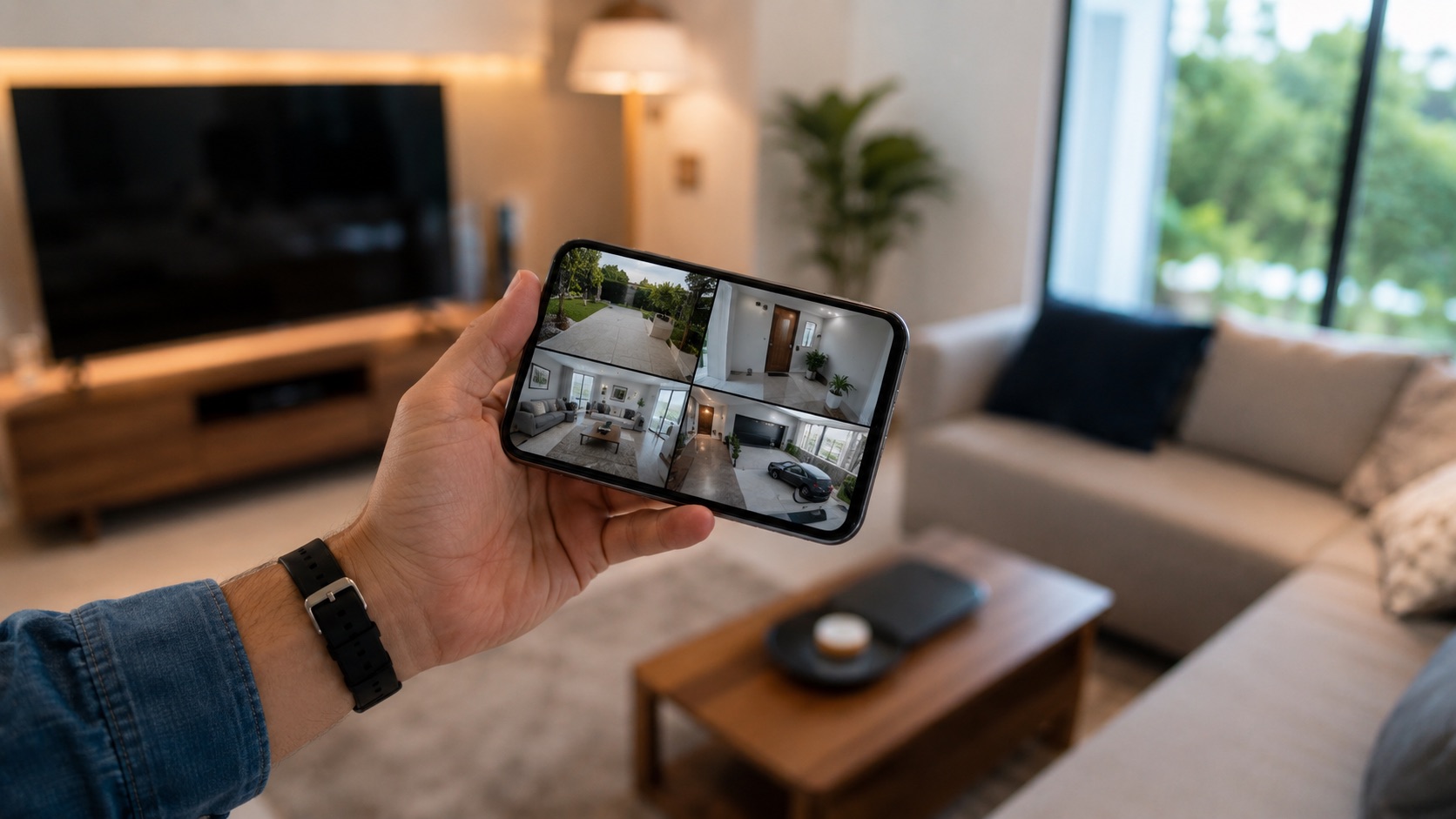
Security Camera Privacy: What Actually Happens to Your Footage (2026)
Your security camera watches your front door, your living room, your backyard. It sees when you leave, when you come home, who visits, and what you carry. The footage goes somewhere. The question is: where, who can see it, and for how long?
Most people do not think about this until it is too late. A Ring employee caught viewing customer cameras. A Eufy security flaw exposing camera streams. A cloud service changing its terms to allow AI training on your footage. These are not hypotheticals. They have all happened.
This guide explains what actually happens to your security camera footage, how the major brands handle your data, and what you can do to protect your privacy.
The Two Storage Models
Every security camera uses one of two storage approaches:
Cloud Storage
Your camera sends footage over the internet to the manufacturer’s servers. You access it through their app.
What happens to your data:
- Camera captures video
- Video is encrypted and uploaded to the manufacturer’s cloud servers
- Manufacturer stores the video for a set period (7-180 days depending on plan)
- You view the video through the manufacturer’s app
- After the retention period, the video is deleted (usually)
Who can access it:
- You (through the app)
- The manufacturer’s employees (in some cases, for support or quality assurance)
- Law enforcement (with a valid warrant or subpoena, in some cases without one)
- Potentially third parties (depending on the privacy policy)
Local Storage
Your camera records to a local device: microSD card, NVR, or HomeBase. The footage never leaves your network.
What happens to your data:
- Camera captures video
- Video is written to local storage (microSD, NVR hard drive)
- You view the video through the camera’s app or NVR interface
- When storage fills up, oldest footage is overwritten
Who can access it:
- You (through the app or directly on the device)
- Anyone with physical access to the storage device
- No one else (unless you explicitly share access)
What the Major Brands Do With Your Footage
Ring (Amazon)
Storage: Cloud-only (no local storage option) Data retention: 180 days (with subscription), 0 days without Who can access: Amazon employees (for “quality assurance”), law enforcement (Ring has a controversial history of sharing footage without warrants) AI training: Ring’s terms allow use of footage for “improving products and services,” which includes AI training Privacy policy: One of the least privacy-friendly in the industry
Ring has faced repeated privacy controversies. In 2023, the FTC fined Ring $5.8 million for allowing employees to access customer cameras. Ring also partnered with over 2,000 police departments to share footage, often without customer consent.
Ring’s September 2026 Throw Away the Key Encryption rollout changes how current buyers should evaluate cloud access. TAKE uses rotating keys and temporarily makes a key copy available inside a secure cloud enclave when an enabled smart feature needs processing, then deletes that copy. Ring intends TAKE to become the worldwide default after a phased rollout. It preserves Smart Alerts and the normal cloud experience, but it is not end-to-end encryption.
Ring’s separate optional E2EE mode keeps keys on enrolled devices and offers stronger key isolation. The tradeoff is reduced compatibility with shared users and cloud-dependent features. Buyers should choose between default TAKE and optional E2EE based on the features they need, not treat the two labels as equivalent. For model and subscription context, see the Ring camera buyer’s guide.
Arlo
Storage: Cloud (with subscription) + microSD (on some models) Data retention: 30 days (with subscription) Who can access: Arlo employees (limited), law enforcement (with warrant) AI training: Arlo’s privacy policy is more restrictive than Ring’s Privacy policy: Moderate
Arlo is better than Ring on privacy but still cloud-dependent for most features. The microSD option on newer models gives you a local backup, but smart features (person detection, activity zones) still require cloud processing.
Eufy (Anker)
Storage: Local (HomeBase) + optional cloud Data retention: HomeBase storage is permanent (until overwritten), cloud varies Who can access: You only (for local storage) AI training: On-device AI processing, footage not used for training Privacy policy: Strong privacy stance, local-first approach
Eufy markets itself as the privacy-friendly option, and for the most part it delivers. Recordings go to the HomeBase, not the cloud. However, Eufy had a security incident in 2022 where camera streams were accessible through unencrypted URLs, which damaged trust. The company has since fixed the issue.
Reolink
Storage: Local (NVR, microSD) + optional cloud Data retention: NVR/microSD is permanent (until overwritten), cloud varies Who can access: You only (for local storage) AI training: On-device AI, footage not used for training Privacy policy: Excellent for local-only users
Reolink is the best choice for privacy-conscious users. Their cameras work completely offline with no account required for recording. The NVR stores everything locally. If you never connect the cameras to the internet, no data leaves your home.
For Reolink setup details, see our Reolink cameras complete guide.
Wyze
Storage: MicroSD (local) + cloud (free tier: 12-second clips) Data retention: Cloud clips: 14 days (free), varies with Cam Plus Who can access: Wyze employees, potentially third-party cloud providers AI training: Wyze’s terms allow use of footage for product improvement Privacy policy: Weak, cloud-dependent features
Wyze offers local storage via microSD, but the free cloud tier and Cam Plus features process footage on Wyze’s servers. For maximum privacy, use microSD recording only and disable cloud features.
What Law Enforcement Can Access
This is where privacy gets uncomfortable.
With a warrant: Law enforcement can obtain your cloud-stored footage with a valid warrant. This applies to Ring, Arlo, Wyze, and any other cloud-storing brand.
Without a warrant (varies by brand):
- Ring: Has shared footage with police without warrants in emergency situations (Ring’s discretion)
- Arlo: Requires a warrant or subpoena in most cases
- Eufy: Local storage means no footage to share (unless you use cloud features)
- Reolink: Local storage means no footage to share
- Wyze: Has shared footage with law enforcement when required by law
If you want your footage to be truly yours, local storage is the only guarantee. A warrant cannot compel a company to hand over footage that does not exist on their servers.
How to Protect Your Camera Privacy
Option 1: Go Fully Local (Best Privacy)
Use cameras that record to local storage only: NVR, microSD, or HomeBase. Never connect them to the manufacturer’s cloud.
Setup:
- PoE cameras connected to a local NVR
- Remote access via VPN (WireGuard or Tailscale)
- No manufacturer account required
- No footage leaves your network
This is the approach I use. Six Reolink cameras recording to a local NVR. Remote access through Tailscale. Zero data leaves my home. See our NVR setup guide for implementation details.
Option 2: Use Privacy-Focused Brands (Good Privacy)
Choose brands with strong privacy practices: Eufy (local-first), Reolink (local-first), or Arlo (decent privacy policy).
Setup:
- Use local storage features (HomeBase, microSD)
- Disable cloud features you do not need
- Review and minimize app permissions
- Use a dedicated email address for camera accounts
Option 3: Isolate Cameras on a Separate Network (Advanced)
Put your cameras on a VLAN (Virtual Local Area Network) that cannot access the internet. This prevents cameras from “phoning home” to the manufacturer while still allowing local recording and access.
Setup:
- Configure a VLAN on your router/switch
- Assign cameras to the VLAN
- Block internet access for the VLAN
- Allow access from your main network to the VLAN (for viewing)
- NVR bridges the networks
Our security camera VLAN setup guide covers this in detail.
The Hidden Costs of Cloud Storage
Cloud storage is not just a privacy concern. It is a financial one.
| Brand | Storage Plan | Monthly Cost | 5-Year Cost |
|---|---|---|---|
| Ring (1 camera) | Ring Protect Basic | $4/month | $240 |
| Ring (unlimited) | Ring Protect Plus | $20/month | $1,200 |
| Arlo (unlimited) | Arlo Secure | $13/month | $780 |
| Nest (1 camera) | Nest Aware | $8/month | $480 |
| Nest (unlimited) | Nest Aware Plus | $15/month | $900 |
Local storage has zero recurring costs. A 4TB hard drive ($80) stores months of footage from multiple cameras and lasts 5+ years.
Related Guides
FAQ
Can camera manufacturers see my live feed?
Technically, yes, if the camera uses cloud processing. Most brands claim they do not view customer feeds without permission, but their terms of service often allow it for “quality assurance” or “product improvement.” Local-only cameras eliminate this concern entirely.
How long do cloud services keep my footage?
Retention periods vary: Ring (180 days), Arlo (30 days), Nest (30-60 days), Wyze (14 days free). After the retention period, footage is supposed to be deleted. However, there is no independent audit verifying deletion.
Is local storage really more secure?
Yes, for privacy. Local storage means no one can access your footage without physical access to your storage device. The trade-off is that you are responsible for backups, and if the storage device is stolen or damaged, you lose the footage.
Can I use cameras without giving the manufacturer my data?
Yes. Reolink cameras work completely without creating an account or connecting to the internet. Set up the camera via its local web interface, connect it to your NVR, and never let it phone home. This requires more technical knowledge but gives you complete data ownership.
What about smart doorbells and privacy?
Smart doorbells (Ring, Nest, Eufy) capture footage of everyone who approaches your door, including visitors, delivery drivers, and passersby. This raises privacy concerns for neighbors and visitors. Some jurisdictions have laws about recording public spaces. Check your local regulations before installing a doorbell camera.