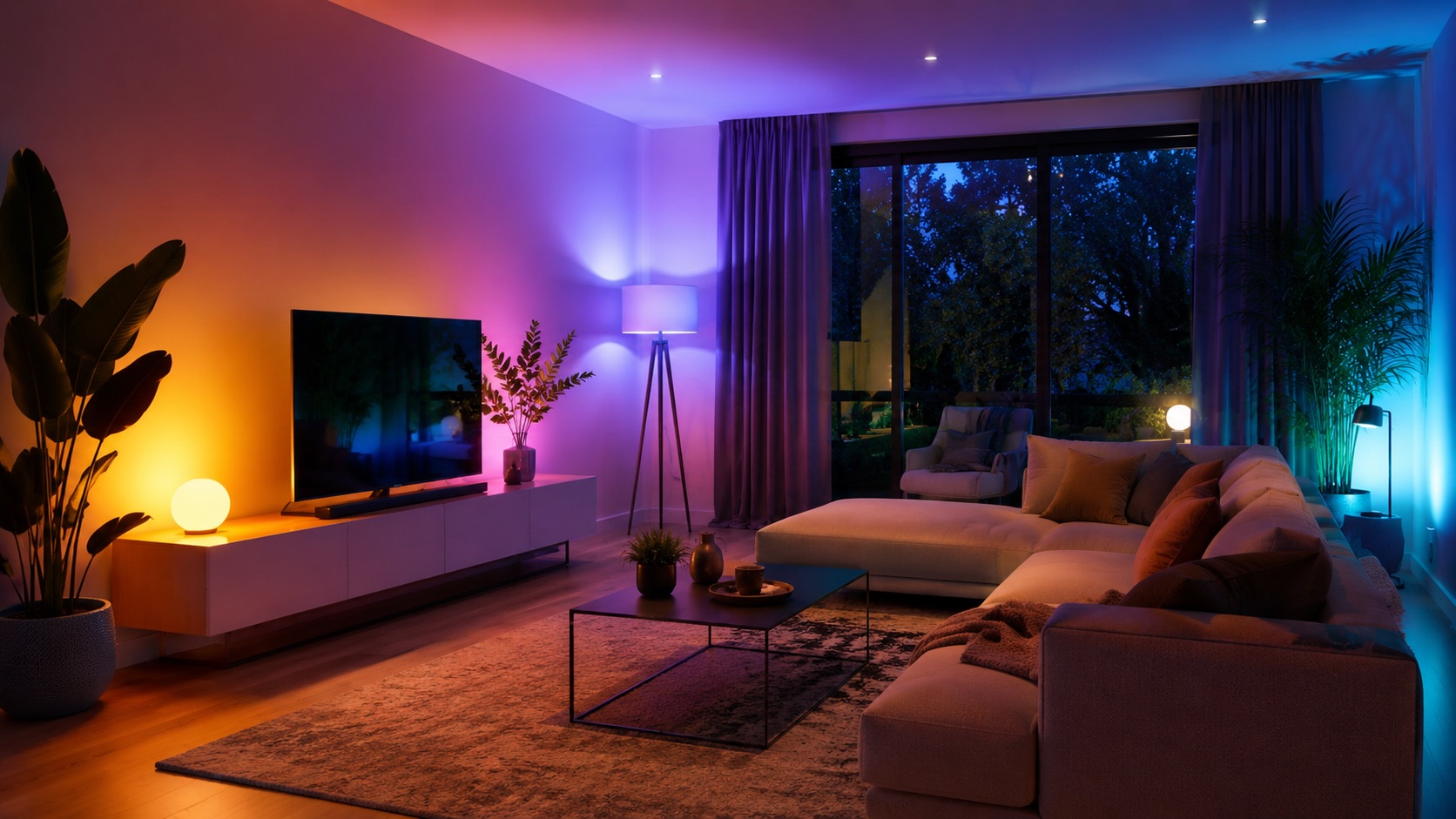
WiZ Lights Review: Best Budget Smart Bulbs? (2026)
I’ve had 12 WiZ bulbs in my house for over a year. At €8-15 per bulb with full color, Matter support, and no hub required, they’re the cheapest “real” smart bulbs you can buy. But a year of daily use has revealed both their strengths and their limits. Here’s my honest take.
What Are WiZ Bulbs?
WiZ is owned by Signify (the same company behind Philips Hue), but positioned as the budget WiFi option versus Hue’s premium Zigbee system. WiZ bulbs connect directly to your WiFi router, no hub needed. They support Matter (since late 2024), and work with Google Home, Alexa, Apple Home, and Home Assistant.
The lineup includes standard A60 bulbs, GU10 spots, E14 candles, light strips, and even some fixtures. Prices range from €8 for a basic tunable white to about €15 for a full-color bulb. Compare that to Philips Hue where a single color bulb costs €50+.
For the broader smart bulb landscape, see our best smart bulbs 2026 roundup.
My Setup
- 4x WiZ A60 color bulbs (living room, €12 each)
- 4x WiZ GU10 tunable white spots (kitchen, €9 each)
- 2x WiZ E14 candle bulbs (hallway, €10 each)
- 2x WiZ A60 tunable white (bedroom, €8 each)
Total: 12 bulbs, roughly €125. The same setup in Philips Hue would cost about €500 plus a €50 bridge. That’s a massive difference for what is, functionally, very similar smart lighting.
All controlled through Home Assistant on my mini PC, with some Google Home voice control for convenience.
What Works Well
The Price (Obviously)
This is the main selling point and it delivers. €8-15 for a smart bulb with Matter certification is remarkable. Two years ago, the cheapest Matter bulbs were €25+. WiZ brought real competition to this space.
For a household wanting 10-15 smart bulbs, WiZ saves you €300-400 compared to Philips Hue. That’s money for other smart home upgrades.
Matter Support
WiZ bulbs got Matter certification in late 2024, and it actually works. I tested pairing them directly with Home Assistant via Matter (no WiZ app needed after initial WiFi setup). They show up as Matter devices, respond to commands, and report state correctly.
Matter means these bulbs work with any Matter controller: Apple Home, Google Home, Samsung SmartThings, or Home Assistant. You’re not locked into the WiZ app ecosystem.
Color Quality Is Decent
The full-color WiZ bulbs produce genuinely good colors for the price. Saturated reds, blues, and greens all look right. The color temperature range (2200K-6500K) covers everything from warm candlelight to cool daylight.
Are they as good as Hue? No. Hue has noticeably richer reds and a wider gamut at the extremes. But for general ambiance lighting, WiZ colors are perfectly fine. I’d say 80% of Hue quality at 25% of the price.
App Is Fine
The WiZ app isn’t going to win design awards, but it works. Room grouping, scenes, schedules, and rhythm mode (color changes throughout the day) all function as expected. I rarely use it since everything goes through Home Assistant, but for people without HA it’s a solid standalone experience.
Multi-Platform Compatibility
Google Home, Alexa, Apple Home (via Matter), Home Assistant, SmartThings. Everything works. Voice commands respond in about 1 second. Group commands (“turn off all lights”) work reliably.
What Doesn’t Work Well
WiFi Network Load
This is the big one. Every WiZ bulb is a WiFi device with its own IP address. I have 12 bulbs, that’s 12 devices on my WiFi network. Add phones, laptops, tablets, cameras, and other IoT devices, and you’re pushing toward the limits of a consumer router.
Most home routers handle 30-50 devices fine. But if you’re running 20+ smart bulbs plus cameras plus other WiFi gadgets, you’ll hit problems. Dropped connections, slow responses, or devices going offline randomly.
This is where Zigbee systems (Hue, IKEA Tradfri) have a structural advantage. Zigbee bulbs talk to a hub, not your router. You could have 50 Zigbee bulbs and they’d use exactly one IP address (the hub). With WiFi bulbs, 50 bulbs means 50 IP addresses.
For my 12 bulbs, it’s fine. My mesh router handles it without issue. But I wouldn’t go above 20 WiZ bulbs on a single network without a serious router upgrade.
Occasional Response Delay
Most commands execute in under a second. But maybe once or twice a day, I get a noticeable 1-2 second delay on a command. It’s not long enough to be a real problem, but it’s perceptible. Zigbee systems (especially Hue with its dedicated bridge) are consistently faster and more predictable.
The delay seems worse during peak WiFi hours (evening, when everyone’s streaming video). That makes sense since the bulbs are competing for airtime on the same 2.4 GHz band as everything else.
Dimming Isn’t Smooth
Here’s where WiZ genuinely disappoints. When you dim a WiZ bulb from 100% to 10%, the transition has visible steps. It’s not a smooth fade, it’s more like 5-6 distinct brightness levels between full and minimum. Hue does this smoothly, Tradfri is somewhere in between.
This matters if you use slow transitions (like a “gradually brighten for wake-up” routine). The stepping is obvious and somewhat jarring. For quick on/off or immediate brightness changes, it’s fine. For slow fades, it’s noticeable.
No Mesh Networking
Zigbee bulbs form a mesh network, each bulb acts as a repeater, extending range to other devices. WiFi bulbs don’t do this. Each bulb needs its own direct connection to your router (or mesh access point).
In practice, this means you might have dead spots where a WiZ bulb can’t reach your WiFi. I had to add a mesh access point in my hallway specifically because a WiZ bulb in the far corner kept dropping offline.
Power-On Behavior Is Limited
When a WiZ bulb loses power (someone flips the physical switch), it can be set to restore its previous state or go to a default (warm white at 100%, for example). But the options are limited compared to Hue, which lets you pick any specific color/brightness as the power-on default.
My workaround: smart switches for the rooms where this matters. The bulbs stay powered, and the smart switch sends a command rather than cutting power.
Comparison Table
| Feature | WiZ | Philips Hue | IKEA Tradfri | My Take |
|---|---|---|---|---|
| Price per color bulb | €12-15 | €50-55 | €15-20 | WiZ wins on pure price |
| Hub required | No (WiFi) | Yes (€50 bridge) | Yes (€30 gateway) | WiZ easier to start |
| Protocol | WiFi + Matter | Zigbee + Matter | Zigbee + Matter | Zigbee better for scale |
| Response time | 0.5-2s | 0.2-0.5s | 0.5-1s | Hue is noticeably faster |
| Dimming smoothness | Stepped (6-7 levels visible) | Smooth | Mostly smooth | Hue best, WiZ worst |
| Color quality | Good (80% of Hue) | Excellent | Decent | Hue leads clearly |
| Max recommended bulbs | 15-20 per network | 50 per bridge | 50 per gateway | Zigbee scales better |
| Matter certified | Yes | Yes | Yes (newer) | All three now support it |
| Network impact | High (1 IP per bulb) | Low (1 IP for bridge) | Low (1 IP for gateway) | Big WiZ downside |
| Home Assistant integration | Good (native + Matter) | Excellent (Zigbee) | Good | All work well |
| Power-on behavior | Basic | Fully customizable | Basic | Hue advantage |
| Ecosystem lock-in | Low (Matter) | Medium | Low (Matter) | WiZ most flexible |
For a detailed breakdown of how these brands compare across more categories, visit how we compare.
Who Should Buy WiZ?
WiZ is perfect if you:
- Want smart lighting for under €150 total
- Have fewer than 15-20 bulbs planned
- Don’t want to buy a separate hub
- Want Matter compatibility for future flexibility
- Use Home Assistant, Google Home, or Alexa as your controller
- Don’t care about perfectly smooth dimming transitions
Skip WiZ and get Zigbee (Hue or Tradfri) if you:
- Plan to install 20+ smart bulbs
- Want the fastest, most reliable responses
- Care about smooth dimming and transitions
- Already have a Zigbee hub for other devices
- Have a crowded WiFi network (40+ devices already)
WiZ vs Hue: The Real Difference
People ask me this constantly. Here’s the honest answer: Hue is objectively better in every technical metric. Faster response, smoother dimming, richer colors, better app, more accessories, Zigbee mesh benefits.
But WiZ is 75% cheaper. And for most people, “good enough” lighting at €12 per bulb beats “perfect” lighting at €50 per bulb. If you’re building a budget smart home ecosystem, that price difference adds up fast.
I chose WiZ because I’d rather spend €125 on 12 bulbs than €600 on the same setup in Hue. The money I saved went toward other upgrades (cameras, sensors, my smart blinds).
Home Assistant Integration
WiZ works with Home Assistant through two paths:
- Native WiZ integration: Autodiscovers bulbs on your network. Fast, reliable, local control (no cloud).
- Matter: Pair via Matter for controller-agnostic setup. Slightly more setup effort but more standardized.
I use the native integration because it was set up before WiZ got Matter support, and it works great. Commands are local (no internet needed), state updates are instant, and it integrates with all my automations.
My lighting automations in HA:
- Living room lights dim to 30% at sunset + 1 hour
- Kitchen lights go to full cool white when someone enters (FP2 sensor)
- Bedroom lights slowly warm and dim starting at 9 PM
- All lights off when everyone leaves (tied to presence detection)
- Hallway lights on at 5% at night (nightlight mode via motion sensor)
For more on getting started with HA, see our complete beginner guide.
Tips From 1 Year of Use
Assign static IPs. WiZ bulbs can lose their connection if your router reassigns their IP. Set static DHCP leases for every bulb.
Use 2.4 GHz only. WiZ bulbs only connect to 2.4 GHz WiFi. If your router has a combined 2.4/5 GHz network, some bulbs might struggle to connect initially. I temporarily split my network during setup, then recombined.
Group bulbs in the same room. Both in the WiZ app and in Home Assistant. Grouped bulbs respond simultaneously rather than one-by-one, which looks much better.
Don’t mix WiZ and Hue. If you have both, you end up with two separate systems that don’t talk to each other natively. Pick one for lighting consistency. (Unless you use HA, which controls both.)
Buy the tunable white for utility rooms. Full color costs more and you’ll never set your kitchen to purple. Save the color bulbs for living spaces where ambiance matters.
Check out our guide on starting a smart home from scratch if you’re deciding what to invest in first.
My Verdict After 1 Year
I tested WiZ bulbs for over a year across every room in my house. They’re the best value in smart lighting for 2026, period. The combination of Matter support, no hub requirement, decent quality, and sub-€15 pricing makes them the obvious choice for budget-conscious smart homes.
The tradeoffs are real: WiFi congestion with many bulbs, stepped dimming, occasional delays. If those bother you, IKEA Tradfri is the next step up at similar pricing but with Zigbee benefits. If you want the absolute best, Hue remains king (at 4x the price).
For my needs (12 bulbs, HA automation, mixed color and tunable white), WiZ delivers exactly what I want for a fraction of what I’d spend elsewhere. That’s a win.
For more budget recommendations, see our best smart home devices under €50 roundup.
FAQ
Do WiZ bulbs work without internet?
Yes, with some caveats. If you control them via Home Assistant’s native WiZ integration, everything is local. No internet needed for on/off, dimming, or color changes. The WiZ app itself needs internet for initial setup and some features (schedules stored in the cloud, for example). Once set up in HA, you’re fully local.
How many WiZ bulbs can one router handle?
It depends on your router, but I’d say 15-20 is a practical maximum for a standard consumer router. I run 12 without issues on my mesh system. Beyond 20 bulbs, you’ll likely see dropped connections or slow responses, especially if you have many other WiFi devices. At that scale, switch to a Zigbee system (Hue or Tradfri).
Are WiZ bulbs as good as Philips Hue?
No, not technically. Hue has faster response times, smoother dimming, richer color reproduction, and Zigbee mesh benefits. But WiZ costs 75% less and is “good enough” for most people. If you’re not doing slow transitions or managing 30+ bulbs, the differences are minimal in daily use. I tested both and chose WiZ for the value.
Do WiZ bulbs support Matter?
Yes, since late 2024. You can pair WiZ bulbs as Matter devices with Home Assistant, Apple Home, Google Home, or any Matter controller. This means they’re not locked into the WiZ ecosystem. In my testing, Matter pairing works reliably though the initial setup process takes a few more steps than the native integration.
Can I use WiZ bulbs with a physical light switch?
Yes, but with a catch. If you flip the physical switch off, the bulb loses power and becomes unresponsive to smart commands. WiZ bulbs have a “power-on behavior” setting (restore last state or default to a specific setting), but you can’t control them when they’re powered off. The proper solution: use smart switches that send commands without cutting power, or just tell household members to use voice/app instead of the physical switch.