Illustrative image, not evidence of a product test.
Portable Smart Home Devices You Can Take When You Move (2026)
Moving with a smart home used to mean leaving half your tech behind or patching a dozen screw holes. Not anymore. The best smart home devices in 2026 are designed to unplug, peel off, and box up in minutes.
I’ve categorized every common smart home device by how portable it actually is, what (if any) damage removal causes, and how long setup takes at your new place.
Devices That Are 100% Portable
These require zero thought when moving. Unplug them, put them in a box, set them up at the new place.
Smart Speakers and Displays
Every smart speaker on the market (Echo, Nest, HomePod Mini) is just a plug-in device. Unplug it, coil the cable, done. At your new place, plug it in and it reconnects to your new WiFi in about 2 minutes. All your routines, smart home groups, and preferences live in the cloud.
The Echo Show and Nest Hub displays are equally simple. Slightly more fragile to pack (wrap the screen), but still just plug-and-play.
Smart Plugs
Smart plugs are literally the most portable smart home device in existence. Pull them from the outlet, toss them in a bag. Each one weighs about 2 ounces. At the new place, plug them in and reassign them in your app. Setup time: 30 seconds each.
Top picks: TP-Link Kasa KP125 ($10), Tapo P125 Mini ($8), and Amazon Smart Plug ($15). All work on any standard outlet. Check our best devices under $50 list for more in this category.
Smart Bulbs
Unscrew, wrap in paper or bubble wrap, screw into your new fixtures. The only consideration: make sure you save the original “dumb” bulbs your rental came with. Put them back before you leave, or your landlord might charge you for missing bulbs (yes, some landlords are that petty).
Robot Vacuums
Your Roomba, Roborock, or Ecovacs just rolls out the door. Pack the dock in its original box if you kept it, or wrap it in a towel. At the new place, set it down and run a new mapping cycle. The vacuum learns your new floor plan in one cleaning session.
The dock takes up minimal space. The only “installation” is plugging it into a wall outlet with 1.5 feet of clearance on each side. Total setup time at new place: 5 minutes.
Smart Displays and Tablets
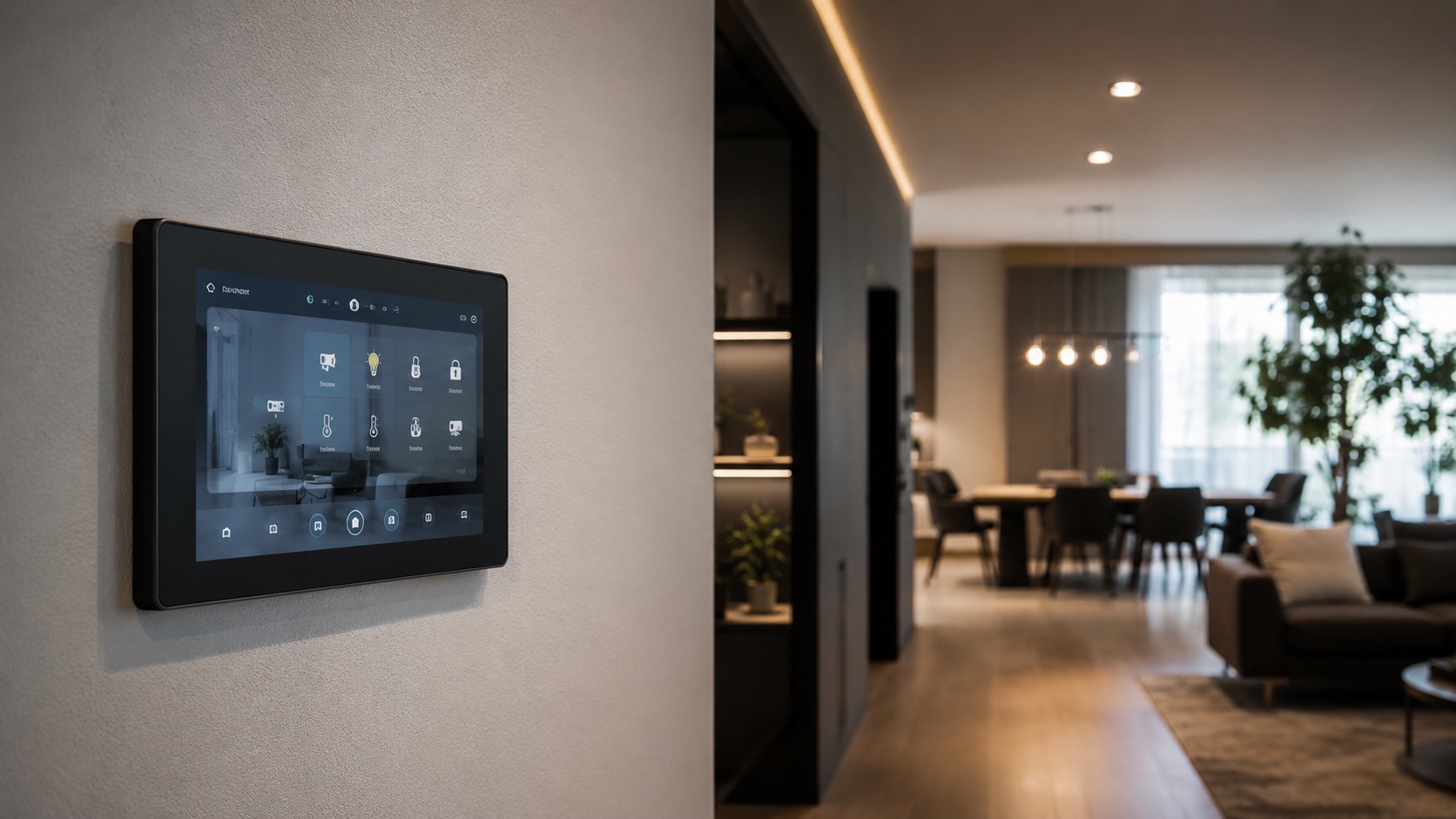
Nest Hub, Echo Show, or any smart home dashboard tablet just unplugs and travels. If you wall-mounted a tablet with a magnetic mount, pop it off. These usually use adhesive metal plates that peel off walls cleanly with a hair dryer.
Portable Air Purifiers
Smart air purifiers (Coway, Levoit, Dyson) are freestanding plug-in devices. Nothing attaches to your apartment. Just be aware they’re bulky, so budget box space accordingly. The Levoit Core 300S weighs 7 pounds. The Dyson Big Quiet is closer to 20 pounds.
Devices That Peel Off (Minimal Effort)
These use adhesive mounts. They leave with you, but require a bit more care during removal.
Battery Security Cameras
Blink, Arlo, eufy, and Ring battery cameras all use adhesive or magnetic mounts. Pop them off or peel them off. If you used adhesive, warm it with a hair dryer first to avoid pulling paint. Total removal time per camera: under 60 seconds.
For specific camera recommendations, see our best battery cameras for renters guide.
SwitchBot Devices
SwitchBot Bot (the button pusher), SwitchBot Curtain, and SwitchBot Contact Sensors all use 3M adhesive. The Bot peels off switches cleanly. The Curtain rod attachment just slides off the rod (no adhesive). Contact sensors peel off door frames with minimal effort.
The SwitchBot Hub Mini plugs into a USB port or outlet, so that’s fully portable too.
Adhesive Sensors (Door/Window/Motion)
Sensors from Aqara, SmartThings, and Hue use small adhesive pads on doors and window frames. They’re tiny (matchbook-sized) and light. The adhesive comes off cleanly in almost all cases. If you’re paranoid, use Command strips under them instead of the included adhesive for guaranteed damage-free removal.
These are essential to any smart home setup. See our best smart sensors guide for top picks.
LED Strip Lights
Adhesive LED strips (Govee, Hue, WiZ) need the hair dryer treatment for clean removal. Heat for 30 seconds, peel slowly at a flat angle. The strip itself might not survive reapplication since the adhesive loses stickiness after one removal. Budget for new adhesive tape or mounting clips at your new place.
Devices That Travel With Some Effort
These work in rentals but need a few extra minutes during move-out.
Smart Locks (Retrofit Only)
Smart locks fall into two categories. Retrofit locks (like August WiFi Smart Lock) fit over your existing deadbolt without replacing it. These are fully portable: unscrew the interior housing (2 screws, included tool), put the original thumbturn back, done. Your landlord’s key still works the entire time you have it installed.
Full-replacement locks (like Schlage Encode or Yale Assure) replace the entire deadbolt. These are still portable, but you need to keep the original lock hardware and swap it back before move-out. Takes about 10 minutes with a screwdriver. See our best smart locks guide for renter-friendly picks.
Smart Thermostats
If your apartment has a standard thermostat, you can usually swap in a Nest or Ecobee. Keep the original thermostat and the photo you took of the wiring (always photograph wiring before removing). Swap back on move-out day. Takes 15-20 minutes.
Some landlords don’t allow thermostat swaps, so check your lease. If you can’t swap it, smart TRVs (thermostatic radiator valves) are an alternative that just screws onto existing radiators.
Devices That DON’T Move Well
Be honest about these before buying. They’ll work in your rental, but moving them is a hassle or might not be worth it.
Smart Light Switches
Lutron Caseta, TP-Link Kasa switches, and other in-wall switches are wired into your electrical system. Removing them means rewiring the original switch back in. If you’re comfortable with basic electrical work, it’s a 10-minute job per switch. If not, you’ll need an electrician ($75-150 for a service call). Not worth it for most renters.
Hardwired Security Cameras
Cameras that run on PoE (Power over Ethernet) or are wired into your home’s electrical have cables running through walls. You can remove the camera itself, but you’ll leave cable runs behind. Stick to battery cameras in rentals.
Built-In Smart Speakers (In-Ceiling/In-Wall)
Sonance in-wall speakers, Sonos Architectural, or any speaker requiring a cutout in drywall. These stay with the house. They’re expensive and you can’t easily patch the holes. Only install these if you own the place.
Smart Blinds (Hardwired)
Motorized blinds that wire into your home (like Lutron Serena hardwired) stay put. Battery-powered smart blinds (IKEA FYRTUR, SwitchBot Blind Tilt) are fine since they just clip or adhesive-mount onto existing blinds.
Comparison Table
| Device | Portable | Removal Damage | Packing Difficulty | Set Up Time at New Place |
|---|---|---|---|---|
| Smart speakers/displays | Fully portable | None | Easy (wrap screen) | 2 min (WiFi reconnect) |
| Smart plugs | Fully portable | None | Effortless | 30 seconds |
| Smart bulbs | Fully portable | None | Easy (wrap in paper) | 1 min per bulb |
| Robot vacuum | Fully portable | None | Medium (bulky box) | 5 min (new map) |
| Battery cameras | Peel off | None if heated | Easy | 5 min per camera |
| SwitchBot devices | Peel off | None | Easy | 2-3 min per device |
| Adhesive sensors | Peel off | Rare minor residue | Effortless (tiny) | 1 min per sensor |
| LED strips | Peel off | Possible if rushed | Easy | 10 min (new adhesive) |
| Retrofit smart lock | Unscrew | None | Easy | 10 min |
| Smart thermostat | Rewire original | None if careful | Easy | 15-20 min |
| Smart switches | Rewire original | None if careful | Easy | Not recommended |
| Hardwired cameras | Cable left behind | Yes (cable holes) | Hard | Not recommended |
Moving Day Checklist
Here’s my recommended order for packing up your smart home:
- Week before move: Remove LED strips and adhesive sensors (gives time to touch up any marks)
- Day before: Unmount cameras, remove smart lock, swap back thermostat
- Moving day: Unplug all speakers, displays, hub, and router last
- At new place: Set up router/mesh first, then hub, then devices room by room
The whole process takes about 30-60 minutes for a typical smart apartment with 15-20 devices.
Pro Tips for Smart Home Portability
Keep all original hardware in one labeled box. Every “dumb” item you replace (bulbs, thermostat, lock) goes in one container. On move-out day, you grab that box and swap everything back in one session.
Photograph your wiring before changes. If you install a smart thermostat or smart switch, take a clear photo of the original wiring. You’ll thank yourself 18 months later when you need to reverse it.
Use Command strips instead of included adhesive. For sensors and light cameras, 3M Command strips are stronger AND come off cleaner than most included adhesive pads. The small Velcro-style strips work great for lightweight devices.
Buy WiFi devices for maximum portability. Zigbee and Thread devices need a hub. That hub needs specific placement. WiFi devices connect to whatever router you have next. One less thing to worry about at the new place. For a complete breakdown, see our WiFi-only smart home guide.
See how we compare products for our full methodology.
FAQ
How long does it take to set up a smart home at a new apartment?
For a typical setup of 15-20 devices, about 2-3 hours spread across your first evening. Start with the WiFi router and smart home hub, then add devices room by room. Most devices just need to reconnect to your new WiFi network. Automations and routines carry over from the cloud.
Do I lose my automations when I move?
No. Alexa routines, Google Home automations, and HomeKit scenes all live in the cloud (or on your phone). They transfer to your new home automatically. You might need to adjust motion sensor triggers or camera zones for your new layout, but the logic stays intact.
Should I tell my landlord about my smart home devices?
You don’t need permission for anything that plugs in, screws in, or uses adhesive (speakers, bulbs, plugs, cameras). For devices that modify the apartment (thermostat swap, smart lock), check your lease first. Many landlords are fine with it if you commit to restoring the original on move-out.
What’s the hardest smart home device to move?
Smart light switches are the biggest hassle because they require rewiring the originals back in. If you have more than 3-4 switches, budget 30-45 minutes for swap-back. Everything else in a renter’s smart home takes under 5 minutes per device.
Can I set up my smart home before moving furniture in?
Absolutely, and I recommend it. An empty apartment is the best time to run your robot vacuum’s first map, position cameras, and test WiFi signal strength in every room. Bring your smart home gear on day one, set it up before the furniture arrives, and your first night in the new place already feels connected.
Final Thought
The entire smart home category has shifted toward portability over the past few years. Manufacturers know their customers rent. They know people move every 2-3 years on average. That’s why adhesive mounts, battery power, and WiFi connectivity dominate the market.
If you’re building a smart home as a renter, prioritize devices from the “fully portable” and “peel off” categories. Skip anything that requires permanent modification unless you’re very comfortable with the swap-back process. Your future self on moving day will thank you.
For more on building a renter-optimized smart home, start with our how to start a smart home from scratch guide.