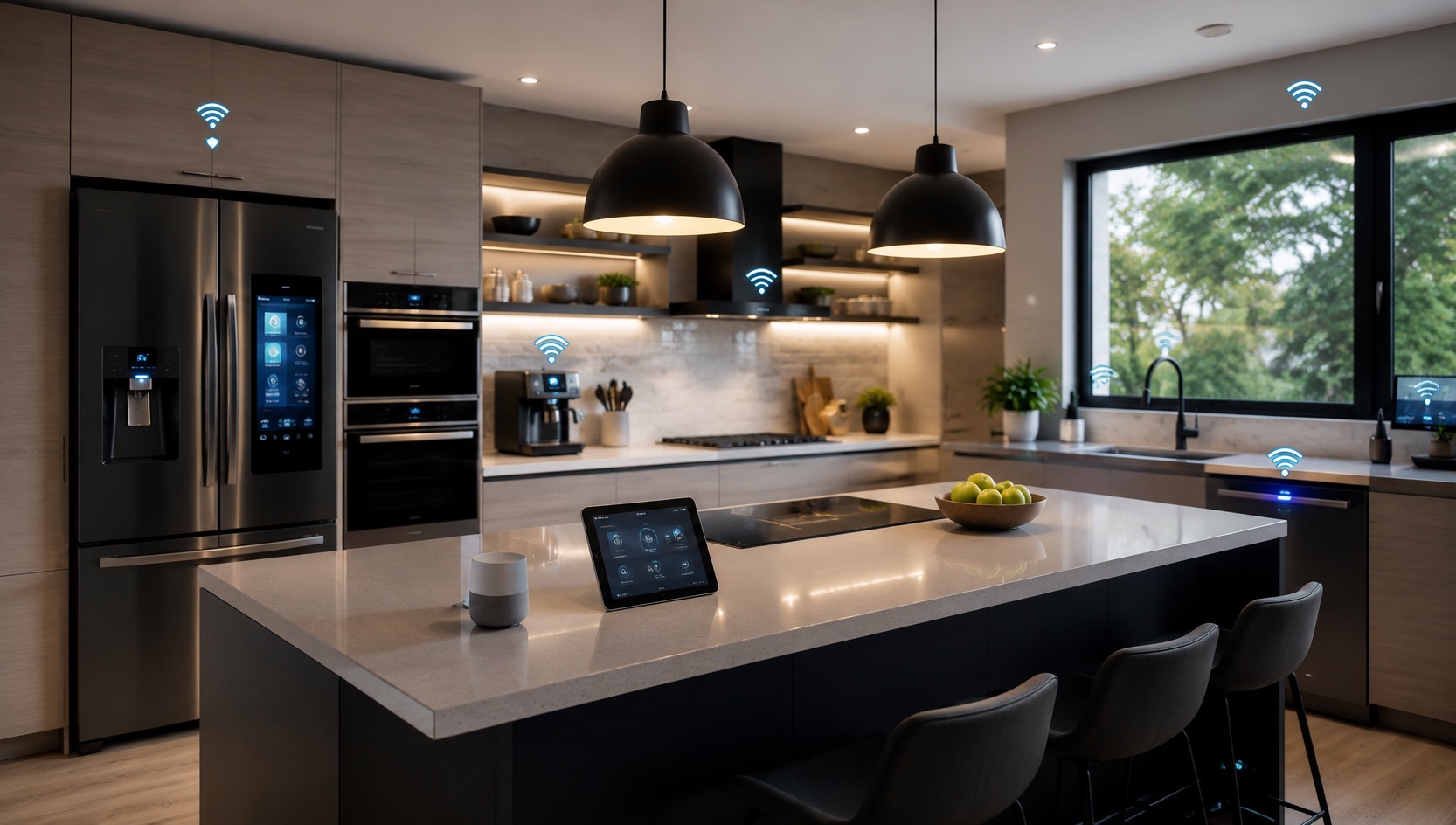
Illustrative image, not evidence of a product test.
Best Smart Home Devices for Your Kitchen (2026)
The kitchen is the heart of the home — and arguably the room where smart home devices deliver the most practical, daily value. From hands-free recipe guidance to leak detection that can save you thousands in water damage, the right smart kitchen setup pays for itself quickly.
Unlike the living room where smart tech is mostly about entertainment, kitchen devices solve real problems: timing multiple dishes, starting coffee before you’re out of bed, detecting gas leaks while you’re asleep, and lighting countertops exactly when you need them. These are the upgrades that make your household run smoother every single day.
After a year of testing kitchen-specific smart devices in a real cooking environment, here are the picks that earned permanent spots in my kitchen.
Why Your Kitchen Needs Smart Home Devices
Kitchens present unique challenges: moisture, heat, grease, and the constant multi-tasking of cooking. Smart devices here need to be voice-controllable (your hands are usually busy), resilient to humidity, and genuinely useful rather than gimmicky.
The kitchen is also the #1 location for house fires and the most common spot for water leaks (under the sink, near the dishwasher, by the fridge). Smart safety devices in the kitchen aren’t luxury items — they’re essential protection.
If you’re building out your smart home room by room, make sure your foundation is solid first. Our guide on how to start a smart home from scratch covers the essentials like Wi-Fi infrastructure and choosing an ecosystem.
Best Kitchen Smart Home Devices
1. Smart Display: Amazon Echo Show 8 or Echo Show 15
A smart display is the single most useful kitchen device. The Echo Show 8 ($150) sits perfectly on a counter and gives you:
- Hands-free recipe following — ask Alexa to show recipes, read steps aloud, and set named timers for each dish
- Multiple simultaneous timers — “Set a pasta timer for 12 minutes and a sauce timer for 25 minutes”
- Video calls while cooking — catch up with family without touching your phone with flour-covered hands
- Kitchen dashboard — see shopping lists, calendar events, and smart home controls at a glance
- Music and entertainment — podcasts, audiobooks, or background music while you cook
The Echo Show 15 ($250) mounts on the wall and doubles as a family command center with widgets for calendars, sticky notes, shopping lists, and recipe collections. Its larger screen makes recipe steps easier to read from across the kitchen.
Both displays work as smart home controllers — you can view security cameras, control lights, check who’s at the front door, and manage all your kitchen automations from one screen. For more on video doorbells that pair with these displays, check our best video doorbells guide.
2. Under-Sink Leak Sensor: Aqara Water Leak Sensor T1
The space under your kitchen sink is the most leak-prone area in your home. A $20 leak sensor here can prevent thousands in water damage by alerting you immediately when moisture is detected.
The Aqara Water Leak Sensor T1 ($20) uses Zigbee and works with Apple HomeKit, Alexa, and Google Home via the Aqara hub. It sends instant phone notifications and can trigger automations — like shutting off a smart water valve if you have one installed.
Place sensors:
- Under the kitchen sink (priority #1)
- Behind the dishwasher
- Near the refrigerator water line
- Under the washing machine if it’s near the kitchen
Battery life is typically 2+ years, and the sensors are small enough to tuck away invisibly. This is arguably the highest-ROI smart home device you can buy.
3. Smart Plug for Coffee Maker: Morning Automation
The classic smart home automation that never gets old: your coffee starts brewing before you even get out of bed. Plug a standard drip coffee maker into a smart plug ($15) and schedule it to turn on 5 minutes before your wake-up alarm.
For a more sophisticated setup, trigger it from your bedroom sleep tracker — when the Withings Sleep Mat detects you’ve gotten up, it sends a signal that starts the coffee maker. By the time you walk to the kitchen, fresh coffee is waiting.
Important: Only use this with simple drip coffee makers that start brewing when power is applied. Pod machines and espresso makers with electronic controls won’t work this way.
Best smart plugs for kitchen use:
- TP-Link Kasa KP115 ($18) — energy monitoring shows you exactly what each appliance costs to run
- Meross Matter Smart Plug ($15) — Matter-compatible for cross-platform control
- Eve Energy ($35) — Thread/Matter, no cloud required, great for privacy-conscious users
For more affordable smart home picks, see our best smart home devices under $50 guide.
4. Smart Smoke Detector: Google Nest Protect
The kitchen is where most home fires start — cooking accounts for nearly 50% of residential fires. A smart smoke detector gives you early warning, distinguishes between real threats and cooking smoke, and alerts your phone even when you’re away from home.
The Google Nest Protect ($130) remains the best kitchen smoke detector because:
- It differentiates between smoke and steam, reducing false alarms
- Heads-up verbal warning before full alarm (“Smoke detected in the kitchen”)
- Phone alerts with specific room identification
- Pathlight feature illuminates your way at night
- 10-year lifespan (wired) or 5-year battery
Place it at least 10 feet from your stove to minimize cooking false alarms while still detecting genuine smoke quickly. The verbal pre-alarm is invaluable — you can wave it off if you just burned toast, but take action if something is genuinely wrong.
5. Motion-Activated Under-Cabinet Lighting
Under-cabinet LED strips activated by motion sensors transform your kitchen workflow. No more cooking in your own shadow — countertops light up as you approach and dim after you leave.
Best setup:
- Philips Hue Lightstrip Plus ($80 for 2m) under upper cabinets
- Philips Hue Motion Sensor ($40) mounted at cabinet height
- Set to activate on motion, turn off after 5 minutes of no movement
- Daytime: bright cool white (4000K) for task lighting
- Nighttime: dim warm white (2700K) for midnight snack trips
Alternatively, the IKEA MITTLED ($15–$25) under-cabinet strips paired with a smart plug offer a much cheaper solution, though without color temperature scheduling. For broader smart lighting guidance, our best smart bulbs roundup covers the ecosystem.
6. Range Hood Smart Switch: Automation for Air Quality
Most range hoods have simple mechanical switches that can be replaced with a smart switch, or the hood can be plugged into a smart plug if it uses a standard outlet.
The automation: when your smart smoke detector detects elevated particles, or when a separate air quality sensor detects cooking fumes, the range hood turns on automatically. It turns off 10 minutes after air quality returns to normal.
A Shelly 1 Mini ($12) behind the existing switch is the most elegant solution — it fits in most switch boxes and gives you smart control without changing the switch plate appearance.
Kitchen Smart Home Comparison Table
| Device | Price | Kitchen Use Case | Automation | Priority |
|---|---|---|---|---|
| Echo Show 8 | $150 | Recipes, timers, video calls | Voice-controlled | High |
| Echo Show 15 | $250 | Family dashboard, wall recipes | Voice + widgets | Medium |
| Aqara Leak Sensor T1 | $20 | Under-sink leak detection | Instant phone alert | Critical |
| Smart Plug (Kasa KP115) | $18 | Coffee maker, small appliances | Schedule / trigger | High |
| Google Nest Protect | $130 | Smoke/CO detection | Phone alert, verbal warning | Critical |
| Hue Lightstrip Plus (2m) | $80 | Under-cabinet task lighting | Motion sensor | Medium |
| Hue Motion Sensor | $40 | Trigger under-cabinet lights | Motion detection | Medium |
| Shelly 1 Mini | $12 | Range hood automation | Air quality trigger | Low |
| IKEA MITTLED Strip | $15–$25 | Budget under-cabinet lighting | Smart plug on/off | Low |
Essential Kitchen Automations
Morning Coffee Routine
Trigger: Weekdays at 6:45 AM (or bedroom sleep mat detects wake-up)
- Coffee maker smart plug turns on
- Kitchen under-cabinet lights activate at 50% warm white
- Echo Show displays morning briefing (weather, calendar, news)
- After 30 minutes, coffee maker plug turns off (safety)
Cooking Mode
Trigger: Voice command “Alexa, cooking mode” or motion in kitchen after 5 PM
- Under-cabinet lights to 100% cool white (4000K)
- Main kitchen lights to full brightness
- Range hood to low speed
- Echo Show displays recent recipe or asks what you’re cooking
Away From Home Safety
Trigger: All household members leave (geofence)
- All kitchen smart plugs turn off (coffee maker, toaster, etc.)
- Leak sensor monitoring continues with phone alerts
- Smoke detector alerts route to phone notifications
- Under-cabinet lights to motion-only mode
Midnight Snack Mode
Trigger: Motion detected in kitchen between 11 PM and 6 AM
- Under-cabinet lights activate at 10% warm white (2200K)
- No main lights turn on
- Lights turn off after 3 minutes of no motion
Smart Kitchen Safety Essentials
Kitchen safety devices should be your first priority — before convenience upgrades:
- Leak sensor under sink — $20 can prevent $10,000+ in water damage
- Smart smoke detector — faster alerts, fewer false alarms, remote notifications
- Auto-off smart plugs — appliances like toasters and coffee makers turn off on schedule
- Gas leak detector (if applicable) — smart natural gas detectors alert your phone immediately
These aren’t glamorous upgrades, but they’re the ones that matter most. A reliable smart home hub ensures these safety devices stay connected and responsive.
Budget Breakdown
Essential kitchen smart setup (safety + convenience): ~$220
- Leak sensor: $20
- Smart smoke detector: $130
- 2x Smart plugs: $30
- Motion sensor: $40
Full smart kitchen upgrade: ~$500
- All essentials above: $220
- Echo Show 8: $150
- Under-cabinet lighting: $80
- Shelly relay for range hood: $12
- Extra leak sensors: $40
Tips for Kitchen-Specific Challenges
- Moisture and heat: Keep smart plugs and sensors away from direct steam. Under the sink is fine — on the backsplash above the stove is not.
- Grease: Clean motion sensors and displays monthly. Kitchen grease film accumulates on everything.
- Voice reliability: Place your Echo Show or speaker away from the range hood and dishwasher — both generate noise that interferes with voice recognition.
- Power cycling: Some appliances don’t like losing power unexpectedly. Never put your fridge, modern oven, or dishwasher on a smart plug.
- Timer conflicts: Name your timers specifically (“pasta timer,” “bread timer”) to avoid confusion with multiple countdowns.
See how we compare products for our full methodology.
Frequently Asked Questions
Is it safe to use smart plugs with kitchen appliances like toasters and coffee makers?
Yes, as long as you respect wattage limits. Most smart plugs handle 15A/1800W — sufficient for coffee makers (800–1500W), toasters (800–1200W), and similar small appliances. Never use a smart plug with high-draw devices like electric kettles above 1500W or countertop ovens that exceed the plug’s rating. Always check both the appliance wattage and the smart plug’s maximum load rating.
Can smart displays survive the kitchen environment (steam, grease, splashes)?
Smart displays like the Echo Show are designed for household use including kitchens, but they’re not waterproof. Place them at least 2 feet from the stove and sink to avoid direct splashes and steam. Wipe the screen weekly with a microfiber cloth. In a year of kitchen testing, my Echo Show 8 has had zero issues positioned on the counter opposite the stove.
What’s the best way to prevent false alarms from my kitchen smoke detector?
Place the smoke detector at least 10 feet (3 meters) from the stove and oven. Smart detectors like Nest Protect offer verbal pre-warnings you can dismiss for minor cooking smoke. Alternatively, install the smart detector in the hallway just outside the kitchen — it’ll still detect serious smoke quickly while avoiding toast-burning false alarms. Always keep the range hood on while cooking high-heat dishes.
Do I need a hub for kitchen smart devices, or can everything work standalone?
Basic setups work without a hub — Matter-compatible smart plugs connect directly to Apple Home, Google Home, or Alexa. However, Zigbee devices like the Aqara leak sensor require their respective hub. If you’re mixing device brands (recommended for best-in-class picks), a universal hub or a platform like Home Assistant gives you the most flexibility for cross-device automations.
How can I automate my coffee maker if it has electronic buttons instead of a simple switch?
Electronic coffee makers that require a button press after power-on can’t be automated with a simple smart plug. Your options are: switch to a basic drip maker with a mechanical on/off switch (many excellent models available under $50), use a SwitchBot Bot ($30) that physically presses the button after the smart plug provides power, or invest in a Wi-Fi-connected coffee maker like the Hamilton Beach Smart Coffee Maker that has built-in scheduling and app control.
Final Thoughts
The kitchen is where smart home technology transitions from “cool gadget” to “indispensable tool.” A smart display guiding you through recipes, coffee brewing itself every morning, leak sensors protecting your home 24/7 — these aren’t novelties, they’re quality-of-life improvements you’ll wonder how you lived without.
Start with safety (leak sensor + smart smoke detector), add daily convenience (smart plug for coffee + display for recipes), then layer in comfort (automated lighting + range hood control). Within a week, your kitchen routine will feel fundamentally upgraded.