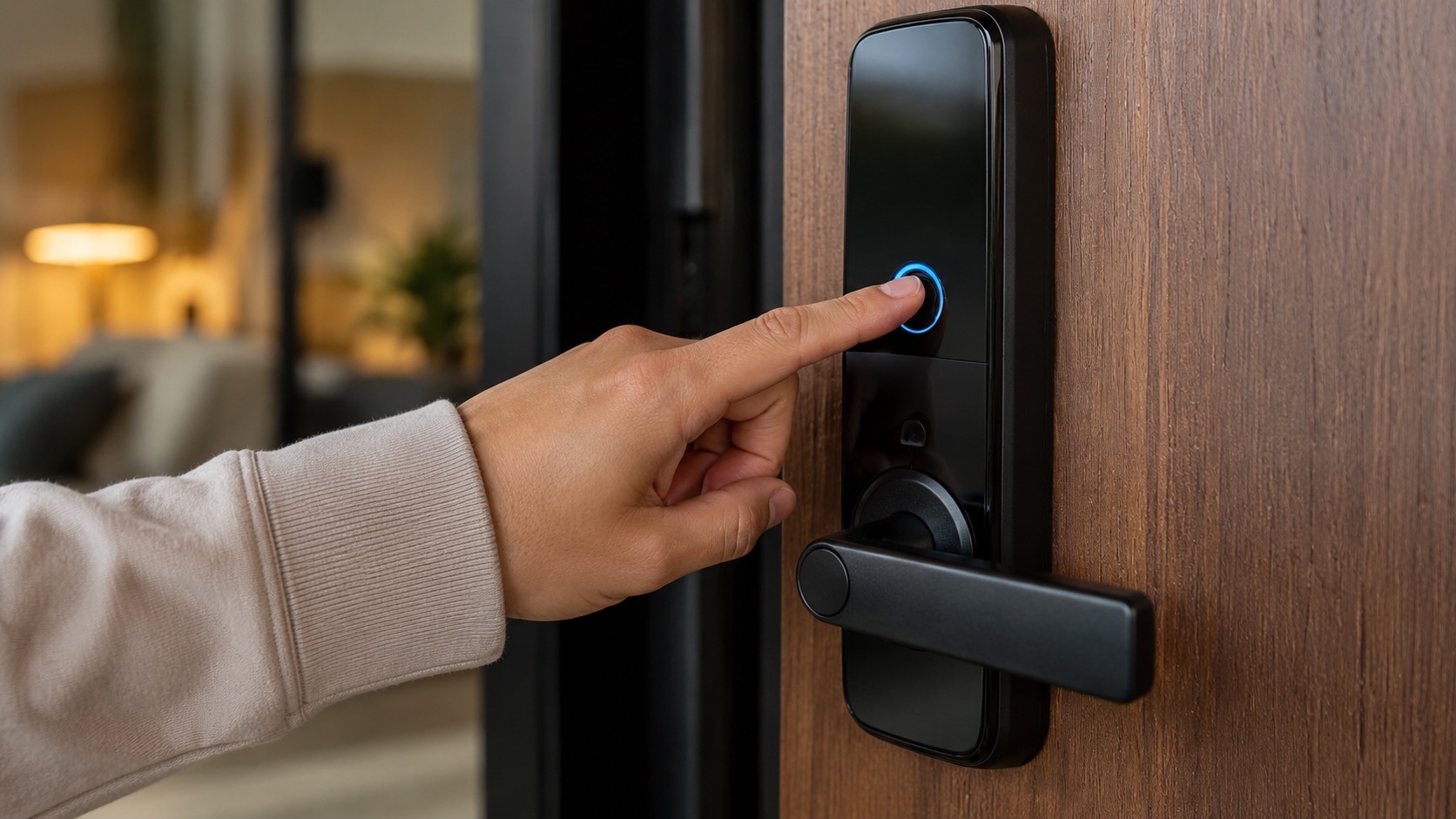
Illustrative image, not evidence of a product test.
Kid-Proof Smart Home: Safety Locks and Automations (2026)
Toddlers are tiny chaos agents with zero sense of self-preservation. They’ll find the one outlet you forgot to cover, open every cabinet, and figure out your front door lock faster than you’d believe possible. A smart home can either help protect them or give them new buttons to press.
Here’s how to make your smart home work for child safety, not against it. Every solution here is something I’ve either used or seen work in real homes with real kids.
The Escape Artist Problem: Front Door Auto-Lock
Kids figure out doors. My friend’s 3-year-old opened the front door and wandered into the street at 6am while both parents were asleep. This is the automation that matters most.
Solution: A smart lock with auto-lock enabled. Set it to lock automatically after 30 seconds of being unlocked. Even if your toddler figures out the thumb-turn, the lock re-engages before they can open the door again (most toddlers can’t turn and pull simultaneously fast enough).
Better yet: set up a contact sensor on the front door. If the door opens between 9pm and 7am (when kids should be in bed), trigger an instant alert to your phone AND flash a hallway light. You’ll wake up immediately.
Devices needed:
- Smart lock with auto-lock (August Wi-Fi Smart Lock, $230, or Schlage Encode Plus, $300)
- Door contact sensor (Aqara, $15)
- Smart bulb in hallway for visual alert (smart bulbs guide)
Cost: $260-330 total Ages: Crawling through age 5 (when they can reach and manipulate door hardware)
Cabinet and Drawer Sensors: Know When They’re Into Things
Traditional child locks on cabinets work. But they’re annoying for adults, and older toddlers (2.5+) figure them out. Smart contact sensors add an alert layer on top of physical locks.
Put a contact sensor on any cabinet that holds dangerous items:
- Under-sink cleaning supplies
- Medicine cabinet
- Knife drawer
- Liquor cabinet
- Laundry pod storage
When the sensor triggers (cabinet opens), you get an instant phone notification. Pair it with an automation: if the cabinet opens AND it’s between 6am-9pm AND your phone is not in the same room, play an alert sound on your nearest speaker.
The $15 Aqara door/window sensor works perfectly for this. You’ll need 3-5 of them for a typical home with a toddler. At $15 each, that’s $45-75 for whole-home coverage on dangerous cabinets.
Important: Contact sensors are an alert layer, not a physical barrier. You still need traditional cabinet locks. The sensor tells you when the lock has failed or when an older sibling left the cabinet open.
The Kitchen: iGuardStove Auto-Shutoff
The kitchen is the most dangerous room in your home for kids. Burns from stovetops are one of the most common household injuries for children under 5.
iGuardStove ($200) is a device that auto-shuts your stove off after a set time (you choose 1-12 minutes of no motion detected nearby). It plugs in between your stove and the wall outlet, and it cuts power when its motion sensor detects nobody is near the range.
This isn’t just for kids. It prevents kitchen fires from forgotten stovetops. But with a toddler who might reach up and turn knobs, it’s essential safety gear.
Alternative for gas stoves: Stove knob covers ($10 for a 5-pack) are still your best option. Smart solutions for gas are limited because you can’t just cut power. The iGuardStove works with electric and induction ranges only.
Automation add-on: Put a temperature sensor near the stove. If temp rises above 100F and it’s been more than 15 minutes since any motion was detected in the kitchen, send an alert. Belt and suspenders approach.
Pool Gate and Backyard Safety
If you have a pool, this is life-or-death stuff. Drowning is the leading cause of death for children ages 1-4.
Layer 1: Pool gate sensor + alarm A contact sensor on the pool gate that triggers an immediate, loud siren. Not a gentle notification. A screaming alarm on an outdoor smart speaker or dedicated siren. Use a Zigbee siren ($25) that doesn’t depend on WiFi or your phone being nearby.
Layer 2: Pool area motion sensor A weatherproof motion sensor pointed at the pool area. If motion is detected between 8pm-7am or when you’ve set the house to “kids unsupervised” mode, trigger the alarm.
Layer 3: Dedicated pool alarm Consider a water-disturbance sensor like the PoolGuard PGRM-SB ($180) that detects waves when something enters the pool. This is independent of your smart home system, which is good. Redundancy saves lives.
Don’t rely on a single smart home automation for pool safety. Use multiple independent layers. If your Zigbee hub crashes, the PoolGuard still works because it’s standalone.
Smart Outlet Covers and Power Management
Toddlers love outlets. Traditional plastic outlet covers ($5 for a 12-pack) work fine for standard outlets, but smart homes have more exposed plugs than average: smart plugs, charging stations, USB hubs.
Strategy:
- Use furniture to physically block outlets you don’t need accessible
- For active smart plugs, use outlet boxes with cord pass-throughs ($15 each)
- Smart power strips behind furniture should be cable-managed so cords aren’t dangling at kid height
- Consider in-wall smart outlets (Lutron or Leviton, $40) that look like regular outlets but have no protruding smart plug for kids to pull at
The biggest hazard isn’t shock (modern outlets have tamper-resistant shutters). It’s pulling out smart plugs and either swallowing small parts or accessing the device that was being controlled. A toddler yanking out a smart plug that controls a space heater means the heater either turns off (safe) or turns on uncontrolled (dangerous, depending on the plug’s fail state).
Always choose smart plugs that default to OFF when power is interrupted.
Night Light Path: Bathroom Navigation
Kids 2-5 who are potty training will get up at night to use the bathroom. A dark hallway means they’ll cry for you (waking everyone) or stumble into furniture.
Automation: Motion sensor in the hallway triggers a warm, dim (5-10%) path of lights from bedroom to bathroom. The lights turn off 5 minutes after last motion detected.
Devices:
- Aqara motion sensor ($20) in the hallway
- 2-3 smart bulbs set to warm dim (our bulb picks)
- Automation in Home Assistant or your hub of choice
This is one of those automations that families set up first because it immediately reduces nighttime wake-ups for everyone in the house.
Make sure the motion sensor is at kid-height (about 2-3 feet) so it catches a small person walking by. Many sensors mounted at adult height will miss a toddler.
Medicine Cabinet Contact Sensor
This one is simple but critical. A contact sensor on the medicine cabinet. If it opens when no adult phone is detected at home (everyone’s away and a babysitter is watching the kids), send an instant alert to all parents.
Set it up with a secondary automation: if the cabinet stays open for more than 60 seconds, alert regardless of who’s home. That means someone forgot to close it, and an open medicine cabinet with a toddler in the house is a race against time.
Cost: $15 for one Aqara sensor. That’s it.
What NOT to Rely On: Voice Commands for Safety
Here’s the biggest mistake I see in “smart home for kids” guides: using voice commands for safety-critical functions.
Never use voice-activated unlock on doors. Kids learn to say “Alexa, unlock the front door” faster than you’d think. A 3-year-old who’s heard you say it twice will try it. Voice-activated locks should require a PIN spoken aloud, but even then, kids memorize PINs.
Never use voice commands as the only way to trigger safety alarms. If your pool alarm relies on someone saying “Hey Google, pool alert,” that requires a conscious adult to notice the problem first. Sensor-triggered automations work even when humans fail.
Never give voice assistants control over stove/oven power. “Alexa, turn on the kitchen outlet” should not be able to power up a stove. Exclude dangerous appliances from voice control entirely.
The rule is simple: safety automations should be sensor-triggered (automatic) or require physical action (button press, code entry). Never voice-only.
Comparison Table
| Hazard | Solution | Device | Price | Age Range |
|---|---|---|---|---|
| Front door escape | Auto-lock + door sensor alert | Smart lock + Aqara sensor | $245-315 | 1-5 years |
| Dangerous cabinets | Contact sensor alert + physical lock | Aqara sensor (x3-5) | $45-75 | 9 months - 4 years |
| Stove/range burns | Auto-shutoff after no motion | iGuardStove | $200 | 1-6 years |
| Pool drowning | Gate sensor + siren + motion | Sensor + siren + PoolGuard | $220+ | 1-8 years |
| Outlet tampering | In-wall smart outlets, cord management | Lutron in-wall outlet | $40 each | 9 months - 3 years |
| Nighttime wandering | Motion-activated dim light path | Motion sensor + bulbs | $50-80 | 2-6 years |
| Medicine access | Cabinet sensor with alerts | Aqara contact sensor | $15 | 2-8 years |
| Voice command abuse | Disable voice unlock, use sensors | Configuration only | $0 | 2-7 years |
Full-Home Kid Safety Budget
Minimum protection (apartment/small home):
- Front door auto-lock + sensor: $260
- 3 cabinet sensors: $45
- Nighttime light path: $60
- Total: $365
Full house with yard:
- Everything above: $365
- iGuardStove: $200
- Pool safety (gate sensor + siren): $50
- Medicine cabinet sensor: $15
- Total: $630
Not cheap. But one ER visit costs $1,500+, and a single serious incident isn’t worth saving on. Start with the front door lock, which addresses the most dangerous scenario (street access), and add layers as your budget allows.
For the full picture on setting up a safe smart home for families with kids, pair these safety measures with a reliable smart home ecosystem that won’t fail when you need it most.
FAQ
At what age can I start removing kid-proofing from my smart home?
It depends on the child, but general guidelines: outlet covers can go around age 4-5 when kids understand “don’t touch.” Cabinet sensors on cleaning supplies stay until age 6-7 when kids can read warning labels and understand consequences. Front door auto-lock stays until the kid is old enough to have their own door code (age 8-10 typically). Pool alarms stay forever. Don’t rush removal based on age alone. Watch your specific child’s behavior.
Do smart locks actually prevent toddlers from leaving?
Yes, if configured correctly. Auto-lock (re-engages after 30 seconds) prevents the “door left unlocked” scenario. A toddler can typically turn a thumb-turn but struggles to simultaneously hold the handle and pull/push within 30 seconds. It’s not foolproof. Pair it with a door sensor alert so you know immediately if they succeed. Some parents add a secondary deadbolt mounted at adult height (6 feet) as a physical backup that no child can reach.
Will my smart home automations work during a power outage?
It depends on your setup. Zigbee sensors with local processing (Home Assistant on a UPS) will continue working through brief outages. WiFi-dependent cloud automations (Alexa routines, Google Home) will fail immediately. For safety-critical automations like pool alarms, use devices with battery backup or standalone systems that don’t depend on your hub. The iGuardStove, for example, has its own power management and will cut stove power if it loses its connection.
Is it worth buying a dedicated child safety smart home kit?
No. The “kid safety starter kits” on Amazon bundle cheap sensors with limited hubs that don’t integrate with standard ecosystems. You’re better off buying Aqara or Zigbee sensors individually and connecting them to your existing smart home ecosystem. This way everything works together: your kid-safety sensors, your lighting, your locks, and your cameras all in one system with unified automations.
Can older kids (8-12) bypass smart home safety features?
Yes, and they will try. By age 8-10, kids can figure out voice commands, memorize PIN codes, and understand how automations work. This is actually fine. At that age, shift from “prevent access” to “monitor and educate.” Keep the alerts active (you’ll know when they open the medicine cabinet), but start teaching them why those rules exist. Disable voice unlock permanently since even teenagers shouldn’t be able to shout-open a door. Move from childproofing to accountability.