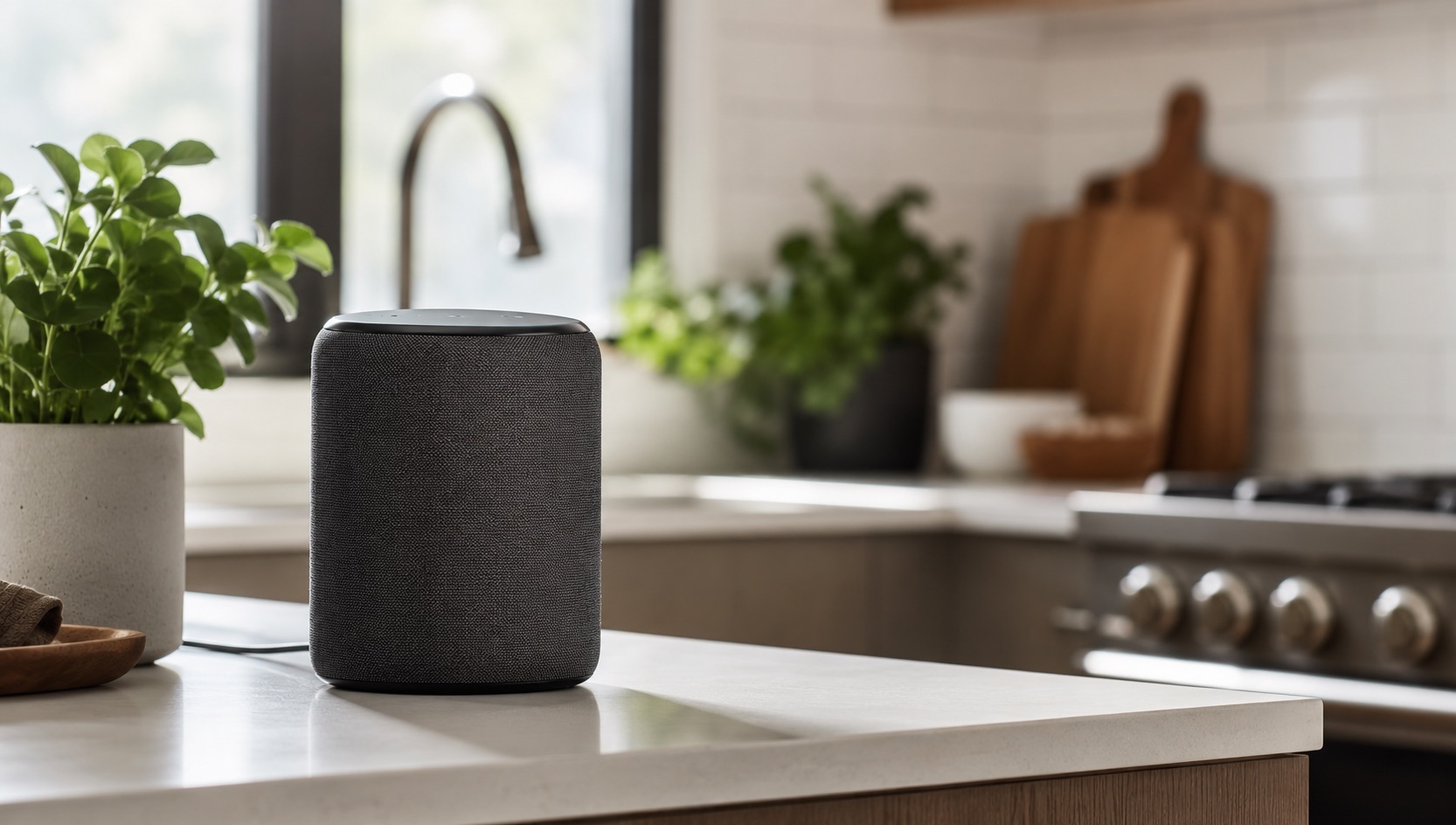
Illustrative image, not evidence of a product test.
The Simplest Smart Home Setup for Non-Techies (2026)
My husband doesn’t use apps. He barely tolerates his phone. If a smart device requires more than one step to operate, he’ll just walk over and flip the regular switch. After two years of finding what actually works for both of us, I’ve landed on the simplest smart home setup that even the most tech-resistant person will use.
The “Husband Test”
Before anything goes into our house, it has to pass three rules:
- Must work by voice. He won’t open an app. Ever. If it can’t be controlled by saying “Hey Google” followed by plain English, it fails.
- Must not break regular switches. If the power goes out, if WiFi dies, if Google’s servers crash, the device still has to work the normal way. Flip a switch, turn a dial, press a button.
- Must not require maintenance. No firmware updates to manually approve, no batteries to replace monthly, no “recalibration” steps. Set it up once and forget it.
These sound like obvious requirements, but you’d be shocked how many smart home products fail at least one of them. My husband isn’t unreasonable. He just wants things to work like they always have, with the option of voice control as a bonus rather than a requirement.
The Devices That Pass (Our Actual Setup)
Google Nest Speakers: The Foundation ($99 each)
Everything starts here. We have a Nest Audio in the living room, bedroom, and kitchen (Nest Hub with screen). I’ve tested these for over two years and they’re rock solid.
Why it passes the test:
- Voice controls everything else in the house
- No app needed after initial setup (which I did)
- Never needs maintenance, updates happen automatically overnight
- If WiFi dies, it’s just a speaker that doesn’t respond. Nothing breaks.
What my husband uses it for:
- “Hey Google, turn off all the lights” (every night before bed)
- “Hey Google, what time is it?” (yes, instead of looking at his phone)
- “Hey Google, set a timer for 15 minutes” (while cooking)
- “Hey Google, play the news” (every morning)
The initial setup takes about 10 minutes per speaker through the Google Home app. I did all of them. He’s never opened the app and never will. That’s fine. It works.
Philips Hue Bulbs + Dimmer Switch ($50-70 per room)
This is the smartest purchase I made. Hue bulbs in lamps combined with the Hue Dimmer Switch (that magnetic puck you stick on the wall) solved every “but what if I just want to flip a switch” complaint.
Why it passes the test:
- Voice: “Hey Google, turn off the living room lights” works perfectly
- Physical: The Hue Dimmer Switch on the wall works like a normal switch (on, off, dim up, dim down)
- No maintenance: Hue bulbs last 25,000 hours, dimmer switch battery lasts 3 years
- Fails gracefully: If the Hue bridge dies, the dimmer switch still controls the bulbs directly
Cost breakdown per room:
- 2x Hue White bulbs: $30
- 1x Hue Dimmer Switch: $25
- Total: $55 per room
We have Hue in four rooms. Total cost was about $220 plus the Hue Bridge ($60). So $280 for whole-house smart lighting that my husband actually uses without complaining.
The key insight: never put smart bulbs in a fixture that’s controlled by a wall switch. If someone flips the wall switch off, the smart bulb has no power and can’t respond to voice commands. We only use Hue in table lamps and floor lamps where the wall switch stays permanently on, and the Hue Dimmer Switch mounted next to the door replaces the wall switch experience.
For more on smart bulbs, see our complete smart bulbs guide.
Nest Thermostat: Set and Forget ($129)
I wrote a full review of the Nest Thermostat for family use. For the non-techie perspective, here’s what matters: after the initial two-week learning period, you never have to think about it again.
Why it passes the test:
- Voice: “Hey Google, make it warmer” or “set the temperature to 70”
- Physical: You can still turn the dial on the wall like a normal thermostat
- Maintenance-free: Updates automatically, learns your schedule automatically
- Fails gracefully: Without WiFi, it runs the last saved schedule as a basic thermostat
My husband’s entire interaction with the Nest Thermostat is either turning the physical dial or saying “Hey Google, I’m cold.” That’s it. The learning, the scheduling, the energy reports, he doesn’t know any of that exists and it still saves us about $30/month.
Chromecast with Google TV: Voice-Controlled Television ($49)
This replaced having to juggle three remotes. The Chromecast remote has a Google Assistant button, and the whole thing responds to the Nest speakers too.
Why it passes the test:
- Voice: “Hey Google, play The Office on Netflix” works from the couch
- Physical: The Chromecast remote works like any normal TV remote
- No maintenance: Auto-updates, streams everything
- Fails gracefully: If voice fails, the remote has all the buttons you need
The voice remote is the key. My husband holds the button and says “play sports” or “find action movies” and it works. He doesn’t need to navigate menus, remember which app has which show, or type with an on-screen keyboard.
What I Deliberately Avoided (And Why)
Home Assistant
I know it’s powerful. I know the community loves it. But it requires a server, regular maintenance, YAML editing (or at least understanding the UI), and troubleshooting when things break. My husband would lose his mind. Home Assistant is for hobbyists who enjoy tinkering. We are not those people.
Smart Switches (Replacing Wall Switches)
Smart switches require an electrician for installation ($50-100 per switch), and if they fail, you have no switch at all until it’s replaced. Hue bulbs with dimmer switches accomplish the same thing without touching wiring. If I had a new build, I might go this route, but for an existing home, it’s unnecessary complexity.
Check out our smart light switches guide if you’re more adventurous than we are.
Complex Automations
I tried setting up motion-sensor lights, geofencing triggers, and multi-step automations. My husband hated all of them. The motion sensor turned lights on when the cat walked by at 3 AM. The geofencing turned off all lights when he went to check the mailbox. The automation that was supposed to turn on the porch light at sunset sometimes fired at 4 PM in winter.
Simple voice commands and scheduled routines are predictable. Complex automations are surprising, and not in a good way. The only automation we kept: lights turn off automatically at 11 PM if we forget.
Robot Vacuums with Smart Features
We have a robot vacuum. It’s not “smart.” It runs on a schedule via a button press. The WiFi-connected vacuums that integrate with Google Home constantly disconnected, needed app updates, and failed at the “no maintenance” rule. A dumb scheduled vacuum works better for us than a smart one that needs babysitting.
The Complete Setup: Cost and Effort
Here’s what our entire non-techie smart home cost:
| Device | Price | Tech Level Needed | Fails Gracefully | Husband Approved |
|---|---|---|---|---|
| Google Nest Hub (kitchen) | $99 | None after setup | Yes (becomes photo frame) | ✅ Uses daily |
| Google Nest Audio x2 | $198 | None after setup | Yes (just stops responding) | ✅ Uses daily |
| Philips Hue Bridge | $60 | Easy one-time setup | Yes (dimmer switches still work) | ✅ Never notices it |
| Hue White Bulbs x8 | $120 | Screw in like normal bulbs | Yes (dimmer switch backup) | ✅ Approved |
| Hue Dimmer Switch x4 | $100 | Peel and stick to wall | Yes (works without WiFi) | ✅ His favorite thing |
| Nest Thermostat | $129 | 30-min DIY install | Yes (runs as normal thermostat) | ✅ “Make it warmer” daily |
| Chromecast with Google TV | $49 | Plug into TV HDMI | Yes (remote works normally) | ✅ Actually impressed |
| Total | $755 |
Under $800 for a whole-house smart home that a non-techie person uses daily without frustration. No subscriptions required for any of this (Nest Cam would add subscriptions, but we’re not including that here).
Setup Tips for Non-Techie Households
Do all the setup yourself. Don’t hand your partner a phone and say “just follow the instructions.” Set everything up, test it, configure the voice commands, and then present the finished product. My husband’s first experience was saying “Hey Google, turn off the lights” and having it work. That’s how you get buy-in.
Use room names, not device names. “Turn off the living room lights” is natural language. “Turn off Hue Color Lamp 3” is absurd. Rename everything in the app before your partner ever uses it.
Print a cheat sheet. I stuck a small card on the fridge with five voice commands: lights on/off, thermostat up/down, TV on, timer, and weather. After two weeks, he’d memorized them and the card came down. But those first two weeks, it helped.
Don’t add too much at once. We started with one Nest speaker and voice-controlled lights in the living room only. After a month of successful use, we expanded to more rooms. If you deploy ten devices on day one, something will go wrong and the whole concept gets rejected.
Why Google Home for Non-Techies?
I picked Google Home over Alexa for one reason: natural language understanding. You can say “Hey Google, turn off the lights” or “Hey Google, lights off” or “Hey Google, kill the lights” and all three work. You don’t have to remember exact phrases. My husband mumbles half-formed commands and Google figures it out most of the time.
The Google Home ecosystem also has fewer skills/apps to configure. Alexa has thousands of “skills” you have to enable, which is overwhelming. Google just connects to things and they work. Less choice means less confusion.
For a complete comparison of ecosystems, see our best smart home ecosystem guide. And if you’re starting from absolute zero, our how to start a smart home from scratch guide walks through the first steps.
The Result
Two years in, my husband uses voice commands roughly 10-15 times per day. He controls lights, thermostat, TV, timers, and music without ever touching his phone. He’s never once complained about something not working (because everything fails gracefully to normal operation). He even bragged to his brother about it last month.
That’s the goal. Not a flashy smart home that impresses guests with complexity. A simple smart home that makes life slightly easier without ever creating friction. If your tech-resistant family member ends up using it unprompted, you’ve won.
FAQ
What’s the absolute cheapest way to start a non-techie smart home?
One Google Nest Mini ($49) and two Philips Hue bulbs with a dimmer switch ($55). Total: $104. That gives you voice-controlled lights in one room. If the non-techie person in your house likes it after a month, expand from there. Don’t invest $700+ on day one without testing the concept first.
Do smart home devices slow down your WiFi?
Not noticeably with this setup. The Hue bulbs use Zigbee (through the Hue Bridge), not WiFi. The Nest speakers and Chromecast use WiFi but consume minimal bandwidth when idle. With our setup of 15ish connected devices, I’ve never noticed any WiFi degradation. You’d need 40+ WiFi devices before most routers struggle.
What happens during a power outage?
Everything stops working, same as it would without smart devices. When power returns, all our devices reconnect automatically within 2-3 minutes. The Nest Thermostat maintains its schedule through brief outages using its internal battery. The Hue Bridge reconnects without intervention. No device has ever needed manual reconfiguration after a power outage.
Can elderly parents use this setup?
Yes, and I’ve actually set up a simplified version for my mother-in-law. One Nest Hub (the screen helps her), two Hue bulbs in her bedroom and living room, and that’s it. She uses “Hey Google, turn on the light” and “Hey Google, call Marie” daily. The visual interface on the Nest Hub helps because she can see photos of the grandkids and tap to call us. Voice assistants are genuinely great for older adults who struggle with small phone screens.
Is Google Home safe for privacy?
This is the trade-off. Google speakers listen for the wake word constantly (though they only record after hearing “Hey Google”). You can review and delete recordings in the Google Home app. You can also turn off voice history entirely. For our family, the convenience outweighs the privacy concern, but I understand people who feel differently. There’s no way to get the voice control benefit without some level of always-listening technology.