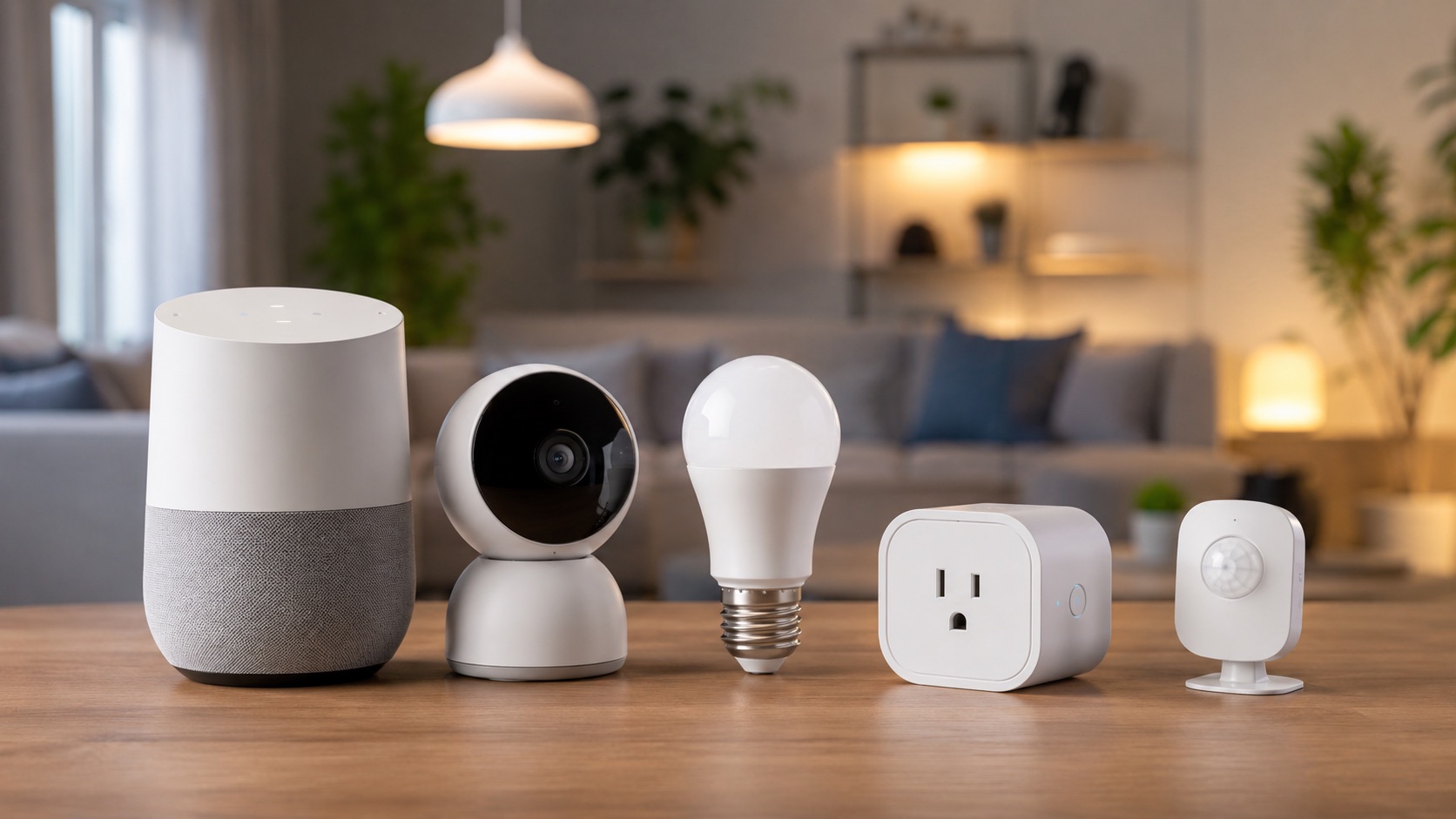
Illustrative image, not evidence of a product test.
Smart Home Buying Guide — What to Look For (2026)
Shopping for smart home devices in 2026 is overwhelming. Thousands of products, conflicting reviews, and marketing buzzwords make it hard to separate genuinely good devices from ones that’ll frustrate you or become paperweights in two years. This universal buying guide gives you a framework for evaluating any smart home device — regardless of category — so you can make confident purchases that last.
The 8 Criteria That Actually Matter
When evaluating any smart home device, run it through these eight criteria before buying. They’re listed in rough order of importance, though your personal priorities may differ.
1. Communication Protocol
The protocol a device uses determines its reliability, speed, range, and future compatibility. This is the single most important technical consideration in 2026.
Matter/Thread (future-proof): The industry standard that all major platforms (Apple, Google, Amazon, Samsung) have committed to supporting. Thread provides a mesh network that’s fast, low-power, and doesn’t rely on WiFi. If a device supports Matter, it’ll work with whatever ecosystem you choose — now or in the future.
WiFi (easy but fragile): Most consumer devices still use WiFi. It’s easy to set up but adds load to your router, doesn’t scale well past 30-40 devices, and fails entirely during internet outages (for cloud-dependent devices). Fine for cameras and displays that need bandwidth, problematic for switches and sensors.
Zigbee (proven): Mature mesh protocol used by many reliable devices. Requires a hub (or a hub built into Echo/HomePod) but creates a robust local mesh. Excellent for sensors and switches.
Z-Wave (reliable, shrinking): Another mature mesh protocol with guaranteed interoperability between Z-Wave devices. Strong in North America, fewer new products launching.
Bluetooth (limited range): Only suitable for devices within 30ft of your phone or hub. Acceptable for locks and some sensors, problematic for whole-home automation.
For anyone building a new system in 2026, prioritize Matter/Thread devices where available, and WiFi for cameras. Read our Matter-compatible devices guide for specific product recommendations.
2. Local vs Cloud Processing
Ask yourself: what happens to this device if the company goes out of business, gets acquired, or shuts down their cloud service? This isn’t hypothetical — it’s happened repeatedly (Wink, Insteon, iHome, etc.).
Local control (preferred): The device works without internet. Commands process on your home network. If the company disappears, your device still functions. Examples: Philips Hue (with bridge), Lutron, Home Assistant, any Z-Wave/Zigbee device with a local hub.
Cloud-required (risky): The device sends every command to a remote server. No internet = no function. Company dies = device dies. Examples: Many cheap WiFi plugs, some cameras, cloud-only automations.
Hybrid (acceptable): Basic functions work locally, advanced features use cloud. Example: Ecobee thermostat controls temperature locally but needs cloud for remote access and weather data.
The safest approach is to ensure critical devices (locks, thermostats, security) have local fallback capabilities. Convenience devices (voice assistants, smart displays) are acceptable as cloud-dependent since they inherently require internet for their primary function.
3. Privacy Policy
Every smart home device collects data. The question is: how much, where does it go, and who sees it?
Cameras are the most critical. Before buying any camera, answer:
- Is footage stored locally or in the cloud?
- Who can access your video? (employees, law enforcement, AI training?)
- Is there end-to-end encryption?
- Can the company view your footage without your consent?
Voice assistants record audio clips for processing. All major platforms now offer options to delete recordings, opt out of human review, and process some commands on-device.
General devices (plugs, bulbs, sensors) collect usage patterns that reveal your daily routine. This data has value to advertisers and data brokers. Check if the manufacturer sells or shares data with third parties.
If privacy is a priority, consider local-only brands like Eve (HomeKit/Thread), or run everything through Home Assistant on a local hub.
4. Build Quality and Warranty
Smart home devices are long-term investments. A $20 smart plug that fails after 8 months costs more than a $35 one that lasts 5 years.
What to look for:
- Minimum 2-year warranty (1-year is a yellow flag for hardware)
- UL/ETL certification for electrical devices (non-negotiable for safety)
- IP rating for outdoor devices (IP65 minimum for full outdoor exposure)
- Operating temperature range (important for garages, attics, outdoors)
- Quality of the power supply (cheap adapters fail first)
Brands known for durability: Lutron, Philips Hue, Aqara, Ecobee, Yale Brands with mixed quality: Budget Amazon marketplace brands, Tuya white-labels
5. Subscription Requirements
The worst surprise after buying a smart device is discovering it requires a monthly subscription for basic functionality. Always check before purchasing.
Common subscription traps:
- Ring cameras: $4-$20/month for video history (without subscription, no recording)
- Arlo cameras: $8-$18/month for cloud storage and AI features
- Wyze Cam: $2-$3/month for cloud playback (microSD local storage is free)
- Robot vacuums: Some brands now charging for AI features or advanced mapping
Calculate total cost of ownership (TCO): A $100 camera with a $5/month subscription costs $340 over 4 years. A $170 camera with no subscription costs $170 total. The “cheap” option is actually 2x more expensive long-term.
For subscription-free options across categories, see our guide to security systems without monthly fees.
6. Ecosystem Compatibility
Before buying anything, determine which ecosystem you’re in (or want to be in), and verify compatibility. A device that doesn’t work with your system is useless regardless of its features.
Check compatibility with:
- Your voice assistant (Alexa, Google Home, Siri/HomeKit)
- Your automation platform (native apps, Home Assistant, SmartThings)
- Your other devices (does it work with your existing sensors, switches, hub?)
The ecosystem lock-in problem: Some devices only work within one ecosystem. Aqara sensors need the Aqara hub (or HomeKit/Zigbee hub). Ring cameras work best with Alexa. Nest cameras require Google Home. Choose your platform first, then buy devices that fit.
Matter-compatible devices minimize this problem since they work across all major platforms. When choosing between two similar devices, prefer the Matter-compatible one. Our ecosystem comparison helps you decide which platform to commit to.
7. Update History and Longevity
How long will the manufacturer support this device with updates? A smart device that stops receiving updates becomes a security liability and eventually stops working as platforms evolve.
What to check:
- When was the last firmware update? (>12 months without updates is concerning)
- Does the company have a track record of supporting older products?
- Is there a stated end-of-life/support policy?
- How many product generations has the company produced? (more = likely to continue)
Brands with strong update records: Apple, Google, Philips Hue, Ecobee, Aqara Brands that have abandoned products: Wink (service effectively dead), Insteon (went bankrupt), iHome (discontinued smart home line)
8. Return Policy
Smart home devices often need to be tested in your specific environment. WiFi range, Bluetooth connectivity, integration quirks, and physical fit are all things you can’t verify until you try.
Always check:
- Can you return if it doesn’t work with your setup? (not all retailers accept opened electronics)
- How long is the return window? (30 days minimum for smart home)
- Who pays return shipping?
- Is there a restocking fee?
Pro tip: Buy from retailers with generous return policies (Amazon 30 days, Costco 90 days, Apple 14 days) rather than direct from manufacturers who may have strict no-return policies on opened items.
Smart Home Buying Criteria Quick Reference
| Criteria | Why It Matters | Green Flag ✅ | Red Flag 🚩 |
|---|---|---|---|
| Protocol | Reliability and future-proofing | Matter/Thread, Zigbee, local WiFi | Proprietary protocol, BLE-only |
| Local vs Cloud | Survives company shutdowns | Works without internet | Cloud-only, no local fallback |
| Privacy | Your data, your control | Local storage, encryption, clear policy | Vague policy, data sharing, no encryption |
| Build Quality | Longevity and safety | 2yr+ warranty, UL certified, IP65+ outdoor | 1yr warranty, no certifications, plastic feels cheap |
| Subscriptions | True cost of ownership | No subscription needed, local storage | Required subscription for basic features |
| Ecosystem Fit | Actually works in your home | Matter-compatible, multi-platform | Single-ecosystem lock-in, proprietary app only |
| Update History | Long-term support | Regular updates, multi-gen product | No updates in 12+ months, first-gen product |
| Return Policy | Risk-free testing | 30+ day returns, no restocking fee | No returns on opened items, 14 day window |
Red Flags to Watch For
These warning signs should give you pause before purchasing:
No-name brands with suspiciously good specs: If a $25 camera claims 4K, AI detection, local storage, and no subscription, it’s likely cutting corners on privacy, security, or durability. If the brand has no track record, no reviews outside of Amazon, and a name that’s random letters — proceed with extreme caution.
Cloud-only with no local fallback: Any device that becomes completely non-functional without internet is a risk. This is especially dangerous for locks, thermostats, and security devices. Always verify: “Does this still work if my internet goes down?”
Mandatory subscriptions for basic functionality: If a camera can’t record anything without a subscription, or a robot vacuum can’t navigate without a cloud AI service, you’re renting the device rather than owning it. Prefer devices that work fully standalone.
Tuya/Smart Life white-labels: Hundreds of brands sell rebranded Tuya devices with different names but identical firmware. They work, but support is nonexistent, privacy is questionable, and when one brand disappears, your “support” disappears too. If you want Tuya devices, at least buy from established brands (Gosund, Nous) rather than random resellers.
Missing certifications: For any electrical device, look for UL, ETL, or CE marking. Uncertified devices are potential fire hazards. This is non-negotiable for plugs, switches, and anything that carries significant current.
Smart Shopping Workflow
- Define the problem — What are you trying to solve? Don’t buy tech for tech’s sake.
- Check ecosystem — Will it work with what you already have?
- Research protocol — Matter > Thread/Zigbee > WiFi (local) > WiFi (cloud)
- Read negative reviews — 3-star reviews reveal real-world issues. Ignore 5-star and 1-star.
- Calculate TCO — Device cost + subscription × years of expected use
- Verify return policy — Make sure you can send it back if it doesn’t work
- Buy and test — Install, test thoroughly within the return window, keep or return
Frequently Asked Questions
Should I wait for Matter or buy now?
In 2026, Matter is mature enough for most categories. If a Matter version of what you want exists, buy it. If not, don’t wait indefinitely — Zigbee devices with a good hub remain excellent and may never get Matter equivalents. The exception: if a specific product has announced a Matter update within the next few months, it may be worth a short wait. Don’t let “waiting for Matter” prevent you from enjoying smart home benefits today.
How many smart home devices can my WiFi handle?
Most consumer routers handle 20-30 connected devices before performance degrades. A mesh WiFi system can handle 50-100+. Each WiFi smart device adds load to your network. This is why Thread/Zigbee is preferred for high-device-count homes — those devices communicate on their own mesh network without touching your WiFi. If you’re planning more than 30 devices, invest in mesh WiFi first.
Are cheap smart plugs safe?
Certified cheap smart plugs (UL/ETL listed) from brands like Kasa, Meross, or Govee are perfectly safe. Uncertified plugs from unknown brands on Amazon/AliExpress can be fire hazards. Always verify UL/ETL/CE certification. For high-draw appliances (space heaters, AC units), use plugs rated for 15A and check the wattage limits. Never exceed the plug’s rated capacity.
Is it better to buy one ecosystem or mix brands?
Commit to one primary ecosystem (Alexa, Google, or Apple) for voice control and routines, but mix device brands freely within that ecosystem. You might use Philips Hue for lighting, Ecobee for thermostat, Yale for locks, and Aqara for sensors — all controlled through one voice assistant. The key is that each device must be compatible with your chosen platform. Matter makes mixing brands easier than ever.
How do I evaluate camera privacy?
Check five things: 1) Is local storage available? 2) Is cloud footage encrypted end-to-end? 3) Does the privacy policy allow employee access to your video? 4) Has the company had data breaches? 5) Does the company comply with law enforcement requests without warrants? Best privacy: local-only storage (Eufy, Reolink with microSD). Worst privacy: cloud-only with vague policies and no encryption. For cameras specifically, local storage with optional cloud backup gives you the best of both worlds.
Final Advice
The best smart home device is one that solves a real problem, works reliably with your existing system, and will still function in 5 years. Don’t get distracted by flashy features or deep discounts on devices that don’t meet these fundamental criteria. Use this guide as a checklist before every purchase, and you’ll build a smart home that’s reliable, private, and future-proof.