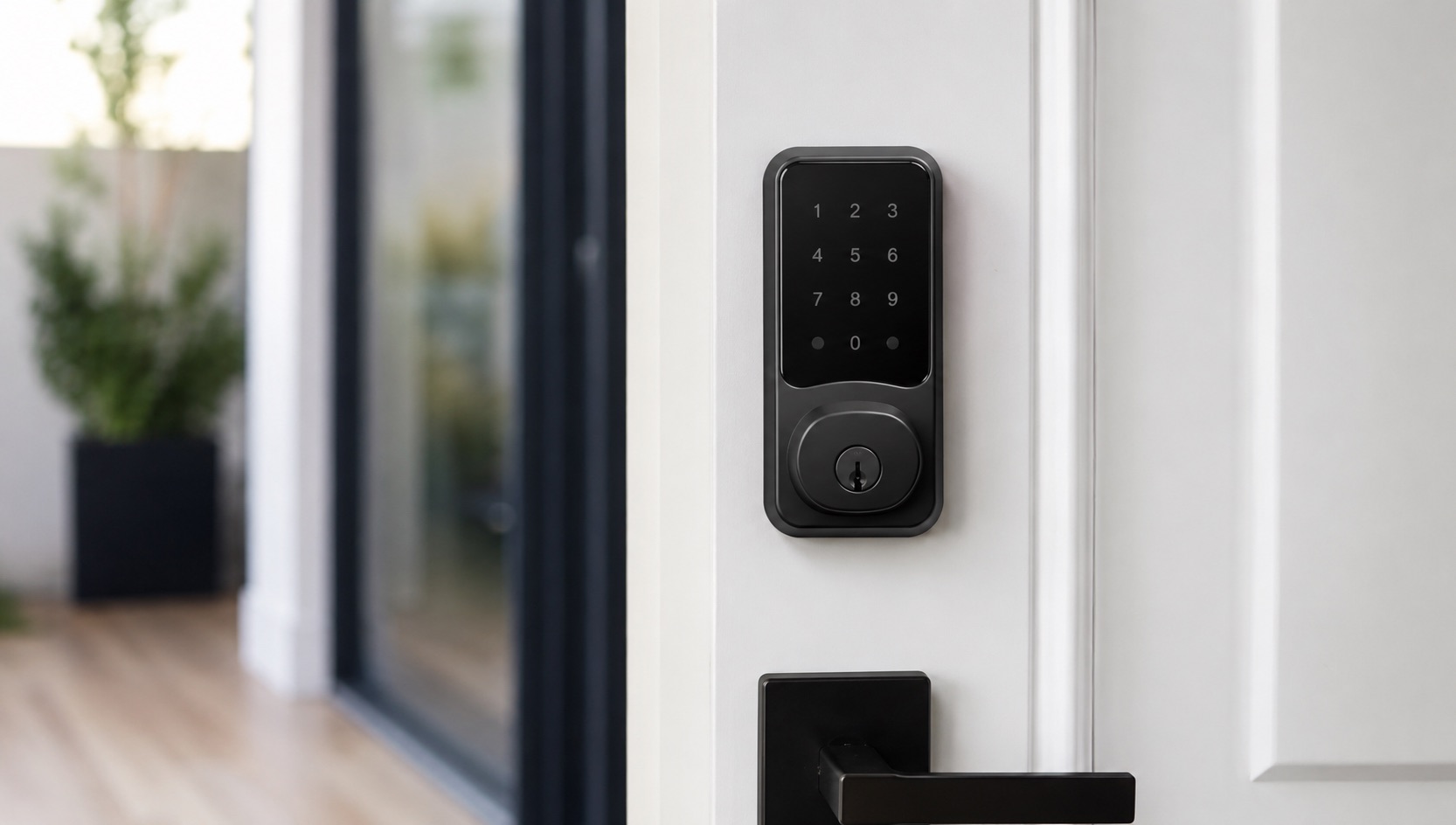
Illustrative image, not evidence of a product test.
SwitchBot Smart Home — Complete Guide (2026)
The Smart Home Brand That Makes Dumb Things Smart
SwitchBot has built its reputation on a simple but powerful idea: you shouldn’t have to replace everything in your home to make it smart. While most smart home brands sell replacements — smart switches, smart locks, smart blinds — SwitchBot sells adapters that make your existing stuff smart.
This approach makes SwitchBot the ideal choice for renters who can’t modify their space, budget-conscious homeowners who don’t want to replace perfectly functional hardware, and anyone who wants to automate older devices that were never designed to be “smart.”
In this complete guide, we’ll cover the entire SwitchBot ecosystem, explain which devices solve which problems, and help you build a complete retrofitted smart home without replacing a single piece of existing hardware. If you’re just beginning your journey, our guide on how to start a smart home from scratch covers the fundamentals.
The Complete SwitchBot Product Lineup
SwitchBot Bot — The Device That Started It All
Price: ~$29
The SwitchBot Bot is a tiny robotic arm that physically presses buttons and flips switches. Stick it next to any physical button — a coffee machine, a light switch, a fan — and it will press or pull on command. It sounds ridiculous until you realize how many devices in your home are controlled by simple physical buttons that could easily be automated.
Common use cases include:
- Coffee machines that need a button press to start brewing
- Garage door wall buttons
- Old-style rocker light switches (in rental apartments)
- Bathroom fan switches
- Any appliance with a physical power button
The Bot connects via Bluetooth and requires a Hub for remote access or integration with voice assistants.
SwitchBot Curtain 3 — Motorize Any Curtain
Price: ~$70
The Curtain 3 is SwitchBot’s flagship product and arguably the best value in smart curtains. It clips onto your existing curtain rod (C-ring, U-rail, or I-rail versions available) and motorizes your curtains. No rewiring, no replacement tracks, no professional installation.
Key features:
- Solar panel accessory for self-charging
- Light sensor for automatic open/close at sunrise/sunset
- Touch-and-go: gently pull the curtain and it completes the motion
- Whisper-quiet operation (upgraded motor in v3)
- Supports curtains up to 8kg per device
Two Curtain 3 units handle a center-opening curtain pair perfectly.
SwitchBot Lock Pro — Retrofit Any Deadbolt
Price: ~$100
The Lock Pro attaches over your existing deadbolt thumbturn from the inside. Your existing keys still work from outside, but now you can also lock/unlock via app, voice, auto-lock timer, or NFC card. No drilling, no locksmith, and completely removable when you move out.
Features include:
- Multiple unlock methods (app, voice, NFC, keypad accessory, fingerprint accessory)
- Auto-lock after configurable time
- Lock status notifications
- Works with existing deadbolts from virtually any manufacturer
- Battery powered (lasts ~6 months on CR123A batteries)
For a broader comparison of smart lock options, see our best smart locks guide.
SwitchBot Hub 2 — The Brain of the System
Price: ~$50
The Hub 2 is the central piece that ties the SwitchBot ecosystem together. It serves multiple functions:
- IR Blaster — Control any device with an IR remote (TVs, air conditioners, fans, sound bars) from your phone or via voice
- Matter Bridge — Exposes SwitchBot devices to Matter-compatible platforms (Apple Home, Google Home, Amazon Alexa, SmartThings)
- Temperature & Humidity Sensor — Built-in environmental monitoring
- WiFi-Bluetooth Bridge — Gives Bluetooth-only SwitchBot devices (Bot, Curtain, Lock) remote access and cloud connectivity
Without a Hub 2, most SwitchBot devices only work via Bluetooth when you’re physically nearby. The Hub enables remote control, voice assistant integration, and Matter support.
SwitchBot Contact Sensor
Price: ~$16
A door/window contact sensor that detects open/closed states plus motion (via a basic PIR element). Can trigger automations like turning on lights when a door opens or sending alerts when a window is opened unexpectedly.
SwitchBot Motion Sensor
Price: ~$20
A PIR motion sensor with adjustable detection range and sensitivity. Useful for triggering lights, activating scenes on entry, or security monitoring. Battery powered with 3+ year life.
SwitchBot Meter Plus
Price: ~$16
A standalone temperature and humidity monitor with a large LCD display and data logging. Connects to the ecosystem for triggering automations (e.g., turn on a fan when temperature exceeds 25°C via Bot pressing the fan button).
SwitchBot Blind Tilt
Price: ~$50
Similar to the Curtain 3 but designed for horizontal blinds. It attaches to the tilt rod and motorizes the angle of your blind slats. Control light levels throughout the day without replacing your blinds.
SwitchBot Device Comparison Table
| Device | Price | What It Automates | Needs Hub | Renter Friendly | Matter Support |
|---|---|---|---|---|---|
| SwitchBot Bot | $29 | Physical buttons & switches | For remote/voice | ✅ Yes | ✅ Via Hub 2 |
| Curtain 3 | $70 | Rod/rail curtains | For remote/voice | ✅ Yes | ✅ Via Hub 2 |
| Lock Pro | $100 | Existing deadbolts | For remote/voice | ✅ Yes | ✅ Via Hub 2 |
| Hub 2 | $50 | IR remotes + bridge | N/A (is the hub) | ✅ Yes | ✅ Native |
| Contact Sensor | $16 | Door/window detection | For remote/voice | ✅ Yes | ✅ Via Hub 2 |
| Motion Sensor | $20 | Presence detection | For remote/voice | ✅ Yes | ✅ Via Hub 2 |
| Meter Plus | $16 | Temp/humidity logging | For remote/voice | ✅ Yes | ❌ No |
| Blind Tilt | $50 | Horizontal blinds | For remote/voice | ✅ Yes | ✅ Via Hub 2 |
Matter Support — The Game Changer
With the Hub 2, SwitchBot has embraced Matter — the universal smart home standard. This means your SwitchBot devices can appear natively in Apple Home, Google Home, Samsung SmartThings, and Amazon Alexa without relying on SwitchBot’s cloud for control.
Matter support transforms SwitchBot from a siloed ecosystem into a universal one. Your Curtain 3 can participate in Apple Home scenes, your Lock Pro can be controlled from Google Home, and your Bot can be triggered by SmartThings automations.
This is particularly important for users who want to build a unified smart home ecosystem without being locked into a single platform.
Why SwitchBot Excels for Renters
Renters face unique challenges when building a smart home:
- Can’t replace switches, locks, or fixtures
- Need completely reversible installations
- Often deal with older hardware that lacks smart alternatives
- May move frequently and need portable solutions
SwitchBot solves every one of these problems. Every SwitchBot device attaches non-destructively with adhesive or clips, works with existing hardware, and removes cleanly when you move. No holes drilled, no wiring modified, no landlord permission needed.
Building a Complete SwitchBot Setup
Starter Package (~$150)
- 1× Hub 2 ($50) — essential for remote control and voice
- 2× Bot ($58) — automate two button-controlled devices
- 1× Contact Sensor ($16) — front door monitoring
- 1× Meter Plus ($16) — bedroom climate tracking
Comfort Package (~$350)
- 1× Hub 2 ($50)
- 2× Curtain 3 ($140) — automate bedroom curtains
- 1× Lock Pro ($100) — keyless front door
- 1× Motion Sensor ($20) — hallway automation trigger
- 2× Bot ($58) — coffee machine + bathroom fan
Full Home Package (~$600)
- 1× Hub 2 ($50)
- 4× Curtain 3 ($280) — bedroom + living room
- 1× Lock Pro ($100)
- 2× Blind Tilt ($100) — kitchen + bathroom
- 2× Bot ($58) — various buttons
- 2× Contact Sensor ($32)
- 1× Motion Sensor ($20)
SwitchBot vs. Traditional Smart Home Approaches
SwitchBot occupies a unique niche. While brands like Shelly focus on in-wall installation for permanent setups, and traditional brands focus on replacement devices, SwitchBot specializes in non-invasive retrofitting. Here’s when to choose each:
- Choose SwitchBot when: you’re renting, can’t modify wiring, want to automate existing devices, or need a quick plug-and-play solution
- Choose Shelly when: you own your home, want permanent in-wall installation, prioritize local control, or run Home Assistant
- Choose traditional smart devices when: you’re doing a full renovation and want polished, purpose-built solutions
Automations to Set Up First
Once your SwitchBot ecosystem is running, these automations deliver immediate quality-of-life improvements:
- Morning routine — Curtains open at sunrise, coffee machine starts via Bot
- Away mode — Lock auto-engages, curtains close, lights simulate presence via IR
- Night mode — Motion sensor triggers dim hallway light, front door auto-locks
- Climate response — Fan turns on (via Bot) when Meter Plus reads above 26°C
For more automation inspiration, check our guide on the best smart home automations to set up first.
Frequently Asked Questions
Does SwitchBot work without WiFi?
SwitchBot devices use Bluetooth for direct communication. Without a Hub (which requires WiFi), devices work locally via Bluetooth within ~10m range. You can still control them from the SwitchBot app when nearby. However, for remote access, voice control, Matter integration, and most automations, you need the Hub 2 connected to WiFi.
Can SwitchBot work with Home Assistant?
Yes. SwitchBot offers a cloud-based Home Assistant integration and there’s also a Bluetooth-based local integration for supported devices. With Matter support via Hub 2, you can also use the Matter integration in Home Assistant for local control without cloud dependency.
How long do SwitchBot batteries last?
Battery life varies by device: Bot (600 days typical), Curtain 3 (8 months, or indefinite with solar panel), Lock Pro (6 months), Contact Sensor (3 years), Motion Sensor (3 years), Meter Plus (1 year). The Hub 2 is USB-powered and doesn’t use batteries.
Is SwitchBot reliable for a daily-use smart lock?
The Lock Pro is well-reviewed for daily use. Auto-lock, multiple unlock methods, and reliable Bluetooth/WiFi connectivity make it practical as a primary lock mechanism. Keep spare batteries on hand and enable low-battery alerts. Your physical key always works as a backup regardless of battery or connectivity status.
Can I use SwitchBot Curtain 3 with any type of curtain rod?
The Curtain 3 comes in three versions for different rod types: U-Rail (track rails), Rod (round poles up to 40mm diameter), and I-Rail. Most standard curtain setups are compatible. Check your rod diameter and type before purchasing. Very heavy curtains (above 8kg) may need two units working together.
Final Thoughts
SwitchBot proves that you don’t need to rip out your entire home to make it smart. By focusing on retrofitting rather than replacing, SwitchBot makes smart home automation accessible to everyone — regardless of whether you own or rent, have new construction or a century-old apartment.
The combination of affordable hardware, Matter support via Hub 2, and genuinely clever mechanical solutions makes SwitchBot one of the most practical smart home brands available in 2026. Start with the devices that solve your biggest daily annoyances, add the Hub 2 for full integration, and expand from there.