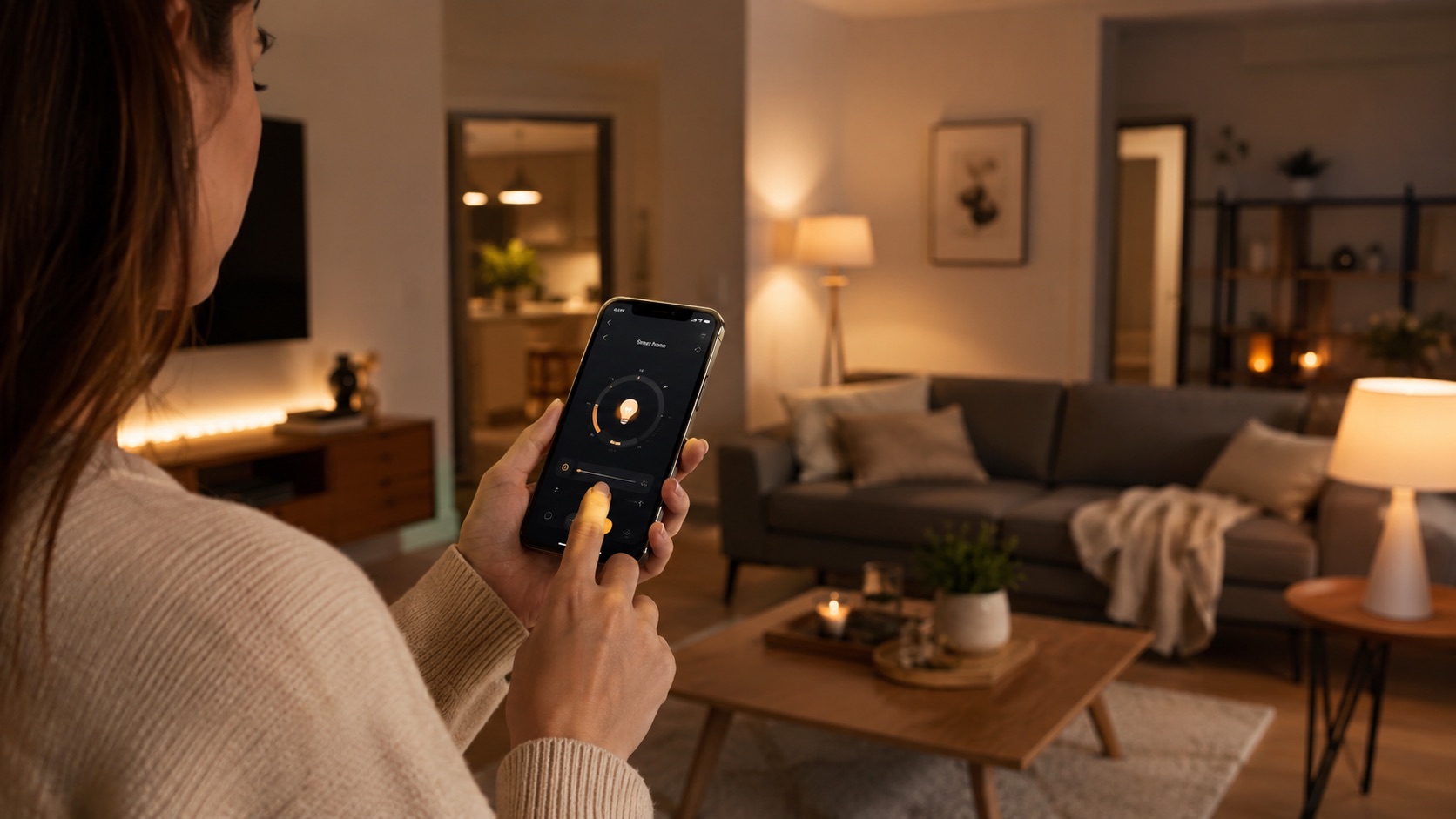
Illustrative image, not evidence of a product test.
Best Smart Home Devices for Your Living Room (2026)
The living room is where smart home technology shines brightest — literally. It’s the room where entertainment, ambient lighting, climate control, and voice assistants all converge into a seamless experience. When set up right, a single voice command or button press transforms your living room from bright workspace to immersive home theater in seconds.
In 2026, the smart living room has matured beyond novelty. Universal remotes finally work reliably, ambient lighting syncs with your TV content in real-time, and motion sensors ensure you never waste energy on an empty room. These are the devices and automations that make your living room genuinely smarter.
Why the Living Room Is the Smart Home Centerpiece
Your living room serves multiple roles throughout the day: morning coffee spot, work-from-home backdrop, afternoon play area, evening entertainment hub. Smart home devices need to support all these modes without requiring manual adjustment for each transition.
The living room also tends to be the largest room in the house, meaning climate control matters more, lighting has more zones to manage, and a central smart speaker can reach the most areas for voice commands.
If you haven’t chosen your smart home ecosystem yet, start with our best smart home ecosystem guide to pick the platform that fits your living room vision.
Best Living Room Smart Home Devices
1. Entertainment Hub: Smart TV and Universal Remote
Modern smart TVs with built-in Google TV, Apple TV, or Fire TV eliminate the need for separate streaming boxes. But the real living room upgrade is a universal remote that consolidates all your entertainment devices into one controller.
SofaBaton U2 ($60) is the best universal remote for 2026. It controls your TV, soundbar, streaming box, game console, and even smart lights via infrared and Bluetooth. The companion app lets you set up one-touch “activities” — press “Movie” and it turns on the TV, switches to the right input, powers the soundbar, and dims the lights.
SofaBaton X1 ($200) is the premium option with a hub-based system, wall-mounted touchscreen remote, and deeper smart home integration including Wi-Fi device control.
For those already invested in a voice assistant ecosystem, an Apple TV 4K or Chromecast with Google TV doubles as a Thread border router for your smart home devices while handling all streaming duties.
2. Ambient Lighting: Hue Play Bars, LED Strips, and Floor Lamp
Ambient lighting transforms your living room atmosphere instantly. The right setup creates immersive movie experiences, energizing daytime vibes, and cozy evening moods — all automated.
Philips Hue Play Bars ($130 for 2-pack) mount behind your TV and sync with on-screen content via the Hue Sync Box ($250) or built-in Hue integration on supported TVs. Movies and games become immersive light shows that extend beyond the screen edges.
LED Light Strips (Hue Gradient Lightstrip at $180, or budget Govee strips at $30–$50) run along entertainment centers, behind sofas, or under shelving for indirect ambient glow. Set them to warm white for relaxing evenings or vibrant colors for parties.
Smart Floor Lamp (Philips Hue Signe at $250, or IKEA SYMFONISK at $90) adds a vertical ambient light source that fills the room without overhead glare. Perfect for the corner next to the sofa.
All of these integrate into scenes — more on that below. For our complete smart bulb breakdown, see the best smart bulbs guide.
3. Climate Control: Ceiling Fan Controller and Smart Space Heater
Living rooms often struggle with temperature consistency — too warm in summer, drafty in winter. Smart climate devices solve this without touching your central HVAC.
Smart Ceiling Fan Controller (Bond Bridge at $100, or Inovelli Fan Switch at $50) — if you have a ceiling fan with a remote, the Bond Bridge learns its RF signals and makes it controllable via Alexa, Google, or HomeKit. Schedule it, include it in scenes, or set temperature-based rules. Inovelli’s Z-Wave switch replaces the wall switch directly for hardwired fans.
Space Heater on Smart Plug with Temperature Trigger — A simple oil-filled radiator on a smart plug with temperature-based automation is one of the most practical living room upgrades for winter. Use a temperature sensor (built into the Echo Dot, SwitchBot Hub 2, or Aqara sensors) to trigger the heater when room temperature drops below 68°F, and shut it off when it reaches 72°F.
Important safety note: Only use smart plugs with heaters that have mechanical on/off switches and built-in tip-over/overheat protection. The heater must default to ON when power is restored so the smart plug can control it.
For whole-home climate, our best smart thermostat guide covers central HVAC control.
4. Scenes: One-Touch Living Room Transformation
Scenes are where individual smart devices become a cohesive smart living room. A single button press or voice command triggers multiple devices simultaneously to set the perfect mood.
“Movie Time” Scene:
- Main lights off
- TV backlighting (Hue Play bars) activates at 20% warm white
- LED strips dim to 5% deep blue
- Smart blinds close
- Soundbar volume to 25
- Ceiling fan to low
“Morning” Scene:
- Blinds open fully
- Main lights to 80% cool white (5000K)
- TV off
- Smart speaker plays morning news briefing
“Party” Scene:
- All lights to colorful dynamic mode
- LED strips cycle through colors
- TV displays ambient art or visualizer
- Smart speaker plays party playlist
“Goodnight” Scene:
- All living room lights off
- TV off
- Smart plugs off (space heater, decorative lights)
- Blinds close
You can trigger scenes via voice (“Alexa, movie time”), a smart button on your coffee table (IKEA SOMRIG at $10), or the universal remote’s activity buttons.
5. Smart Speaker: Central Command Point
Every living room needs a capable smart speaker as the voice control hub. The Amazon Echo (4th Gen) ($100) or Apple HomePod ($300) serve as both excellent room-filling speakers and central smart home controllers.
The Echo doubles as a Zigbee/Thread hub, meaning it directly connects compatible smart devices without extra hardware. The HomePod acts as a Thread border router and Apple Home hub.
For budget setups, the Amazon Echo Pop ($40) or Google Nest Mini ($30) handle voice commands perfectly — just with less impressive audio for music.
Position your smart speaker centrally in the room for best voice pickup, away from the TV and windows (traffic noise interferes with wake word detection).
6. Motion Sensor: Auto-Off When Empty
The living room is notorious for wasting energy — lights and TV left on when everyone’s gone to bed or left the house. A motion sensor automation fixes this permanently.
Setup: Place a motion sensor (Hue Motion, Aqara P2, or IKEA VALLHORN at $13) in a corner with line-of-sight to the main seating area. Create an automation: if no motion detected for 15 minutes, turn off all living room lights, TV, and smart plugs.
Add exceptions for movie watching (disable auto-off when TV is playing) by checking TV power state as a condition. Most smart TVs report their on/off state to your smart home platform.
This single automation saves meaningful energy costs over a year — especially if your household forgets to turn things off regularly.
Living Room Smart Home Comparison Table
| Device | Price | Living Room Role | Scene Contribution | Priority |
|---|---|---|---|---|
| SofaBaton U2 Remote | $60 | Universal entertainment control | Triggers activities | High |
| Apple TV 4K / Chromecast | $130–$180 | Streaming + Thread router | Input source | High |
| Philips Hue Play Bars (2x) | $130 | TV ambient backlighting | Movie atmosphere | Medium |
| Hue Sync Box | $250 | Content-reactive lighting | Immersive sync | Low |
| LED Strip (Govee) | $30–$50 | Indirect ambient lighting | Mood setting | Medium |
| Smart Floor Lamp (Hue Signe) | $250 | Vertical ambient fill | Room warmth | Low |
| Bond Bridge | $100 | Ceiling fan smart control | Climate comfort | Medium |
| Smart Plug + Space Heater | $15 + heater | Temperature management | Winter comfort | Medium |
| Echo (4th Gen) | $100 | Voice control + Zigbee hub | Central command | High |
| Motion Sensor (Aqara P2) | $25 | Occupancy detection | Auto-off trigger | High |
| IKEA SOMRIG Button | $10 | Physical scene trigger | One-press scenes | Low |
Setting Up Living Room Automations
Movie Time (Voice or Button Triggered)
Trigger: “Alexa, movie time” or SOMRIG button press
- Smart blinds close
- Main ceiling light off
- Hue Play bars to 20% warm white
- LED strips to 5% dark blue
- Ceiling fan to low
- Motion auto-off disabled for 3 hours
Nobody Home Auto-Off
Trigger: No motion for 15 minutes AND TV is off
- All living room lights off
- Smart plugs off (heater, decorative lights)
- Smart speaker volume to 0
- Ceiling fan off
Evening Wind-Down (Time-Based)
Trigger: 9:00 PM on weeknights
- Lights gradually shift to warm white (2700K)
- Brightness dims to 40%
- LED strips to soft amber
- Ceiling fan to low
Welcome Home
Trigger: Front door unlocked (smart lock) after sunset
- Living room lights on at 70% warm white
- Smart speaker plays welcome chime or starts music
- Blinds close if after dark
For more automation inspiration, check our best smart home automations to set up first.
Budget Breakdown
Essential living room smart setup: ~$200
- Smart speaker (Echo Pop): $40
- Universal remote (SofaBaton U2): $60
- 2x Smart plugs: $30
- Motion sensor: $25
- Smart bulbs (2x Nanoleaf): $40
Full smart living room: ~$700
- Smart speaker (Echo 4th Gen): $100
- Universal remote: $60
- Hue Play bars: $130
- LED strip: $50
- Ceiling fan controller: $100
- Motion sensor: $25
- Smart plugs (3x): $45
- Smart button: $10
- Smart blinds: see our best smart blinds and shades guide
Tips for Living Room Smart Home Success
- Hide the tech: Use LED strips behind furniture, not visible from seating positions. Tuck smart speakers into shelving. Route cables behind entertainment centers.
- Redundant control: Every automation should have a manual override. Voice commands fail occasionally — keep physical buttons and the universal remote as backups.
- Guest-friendly: Label smart buttons clearly or keep a universal remote accessible. Guests shouldn’t need to download apps to turn on lights.
- TV integration: Most modern smart TVs support HDMI-CEC, which means turning on the TV can automatically switch the soundbar on and set the correct input. Configure this before adding smart home layers.
- Speaker placement: Don’t place smart speakers directly on top of subwoofers or next to the TV. Bass vibrations and TV audio trigger false wake-word activations.
See how we compare products for our full methodology.
Frequently Asked Questions
What’s the best way to control my TV, soundbar, and streaming devices with one remote?
The SofaBaton U2 ($60) is the best value universal remote in 2026. It learns IR codes from your existing remotes and connects via Bluetooth to streaming devices. Set up “activities” that power on multiple devices and switch to correct inputs with one button. For deeper smart home integration (controlling lights and scenes from the remote), the SofaBaton X1 ($200) adds Wi-Fi control and a hub-based system with more automation options.
Can I sync my ambient lights with what’s playing on TV?
Yes. The Philips Hue Sync Box ($250) connects between your streaming device and TV via HDMI, analyzing the video signal to match Hue lights to on-screen colors in real-time. If you have a supported TV (Samsung 2022+, LG 2023+), the Hue app can sync directly without the box. For budget options, Govee’s DreamView system ($100–$150) uses a camera mounted on the TV to approximate screen colors — less precise but much cheaper.
How do I prevent the motion sensor from turning off lights during a movie?
Add a condition to your auto-off automation: only trigger when the TV is off or in standby. Most smart TVs report their power state to your smart home platform. Alternatively, disable the auto-off automation automatically when “Movie Time” scene activates, and re-enable it when the scene is deactivated or after a set time (3 hours). Some platforms also support “presence hold” where any activity in the last X minutes keeps lights on.
Is a smart speaker or smart display better for the living room?
For living rooms, a smart speaker (Echo 4th Gen, HomePod) is usually better than a display. You don’t need a screen when your TV is right there, and speakers deliver better audio quality per dollar than displays. The exception is if your living room doubles as a kitchen-adjacent open floor plan — then a display on the counter makes sense for recipes and video calls. Use your TV for visual smart home dashboards instead.
How much does a full smart living room cost to set up?
A basic smart living room (voice control, a few smart plugs, one ambient light) costs $100–$150. A mid-range setup with scenes, universal remote, and ambient lighting runs $300–$500. A premium setup with content-synced lighting, motorized blinds, full climate control, and multi-zone audio reaches $800–$1,500+. Start with the universal remote and a smart speaker — they deliver the most immediate quality-of-life improvement for the investment.
Final Verdict
The smart living room is all about scenes — transforming the entire room’s mood with a single action. Start with a universal remote and smart speaker for immediate convenience, add ambient lighting for atmosphere, and layer in motion sensors and climate control for efficiency.
The best smart living room is one that adapts to what you’re doing without constant manual input. Movie time should feel cinematic automatically. Leaving the room should mean everything turns off by itself. And coming home after dark should feel welcoming without flipping a single switch. That’s the living room of 2026.