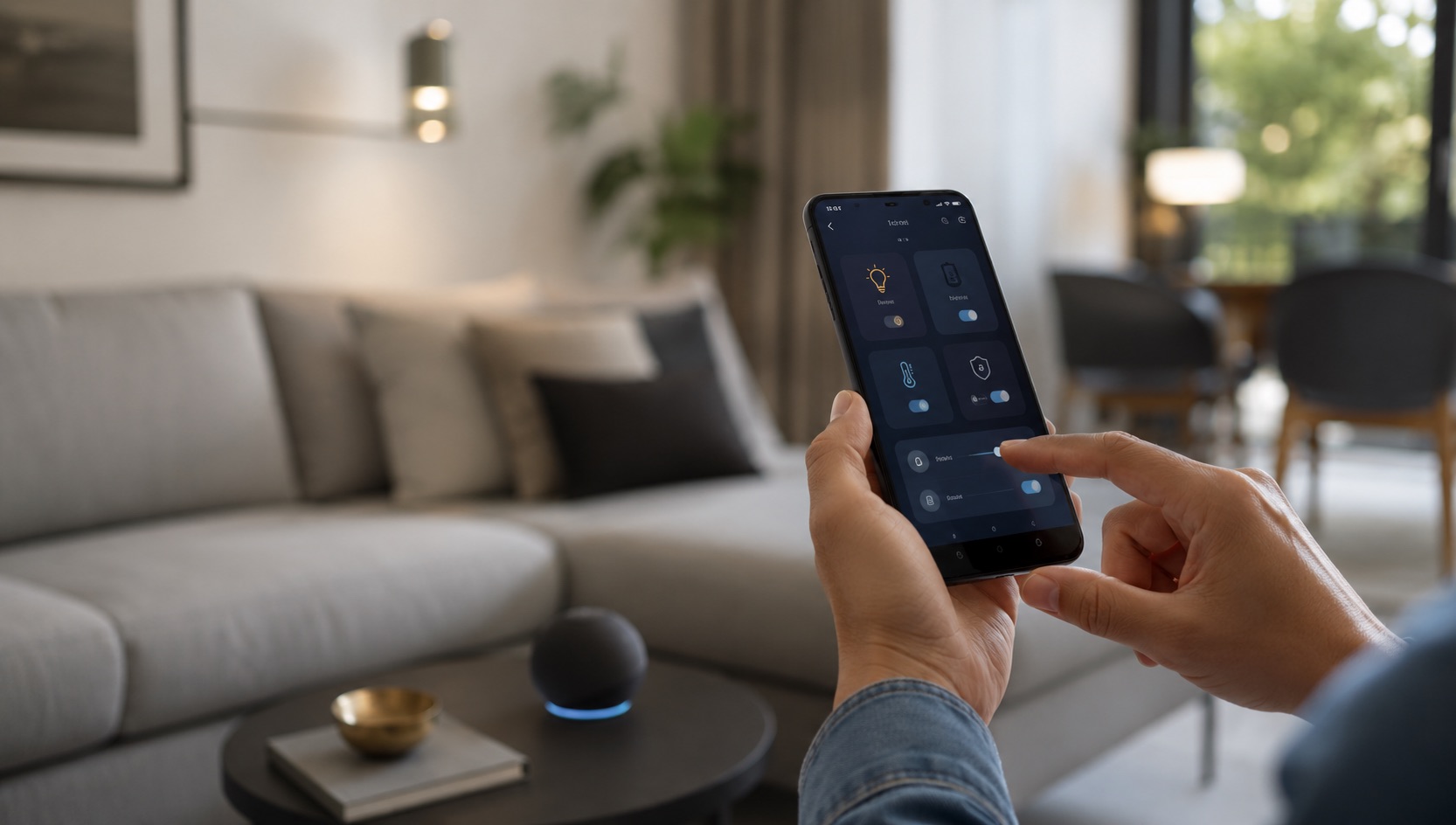
Illustrative image, not evidence of a product test.
Best Smart Home Setup for Hosting Guests (2026)
Why a Smart Home Makes You a Better Host
Great hosting is about removing friction. Your guests shouldn’t need to ask for the WiFi password three times, fumble with unfamiliar light switches at 2 AM, or wonder how to adjust the thermostat in a too-warm guest room. The best hosts create an environment where everything just works — and that’s exactly what smart home technology enables.
A well-configured smart home for guests means: one-time setup, effortless hosting forever. You configure temporary access codes, guest WiFi, and comfort automations once, then every future guest walks into a seamless experience without you lifting a finger.
This guide covers the best smart home devices and configurations for hosting guests in 2026 — whether you’re having family over for a weekend, hosting friends for a dinner party, or running a casual Airbnb. We’ll focus on setups you configure once and reuse indefinitely.
Guest WiFi Network: Secure, Simple, Shareable
Your first hosting move is a dedicated guest network. This keeps your smart home devices and personal data on a separate VLAN while giving guests fast, easy-to-share internet access.
Best Pick: eero Pro 6E ($250/unit)
eero makes guest networks incredibly simple. Enable the guest network in the app, set a memorable password, and generate a QR code that guests scan with their phone camera. No typing long passwords. You can also set the guest network to automatically disable after your guests’ departure date.
Runner-Up: UniFi Dream Router ($200)
For more technical hosts, UniFi offers true VLAN separation between your IoT devices, personal network, and guest network. Guests get full internet speed on their own isolated network. You can create a captive portal with a welcome page showing house rules, local recommendations, and the WiFi details.
The QR Code Display Trick:
Print your guest WiFi QR code on a small frame in the guest bedroom or entryway. Guests scan it with their phone camera and connect instantly — no asking, no spelling out passwords. Update it once if you change the password. Many hosts use a small digital photo frame or smart display that cycles between the QR code and local area recommendations.
For more details on setting up robust WiFi for many devices, see our best mesh WiFi for smart homes guide.
Pro tip: Name your guest network something welcoming like “GuestWiFi-[YourLastName]” so it’s obvious which network to connect to. Set it to 2.4 GHz + 5 GHz band steering so older devices connect automatically.
Temporary Smart Lock Codes: Keyless Guest Access
Nothing says “I’ve got this handled” like texting your guests a door code before they arrive. No key handoffs, no hiding keys under mats, no awkward coordination of arrival times.
Best Pick: Schlage Encode Plus ($300)
The Schlage Encode Plus supports up to 100 unique access codes. Create a temporary code for each guest visit — “4729” for this weekend’s visitors — and set it to expire Monday at noon after their checkout. Guests get in without a key, you get a log of every entry, and the code self-destructs when the visit ends.
Runner-Up: Yale Assure Lock 2 ($250)
Yale offers scheduled access codes through its app. Create a code that works only during your guest’s stay (e.g., Friday 3 PM to Sunday 6 PM). Outside those hours, the code simply doesn’t work. Perfect for Airbnb hosts or anyone who wants tight time-bound access.
Best Budget Option: August WiFi Smart Lock ($200)
August lets you send guest access through its app. Guests don’t even need a code — they get a notification to unlock via their phone during the allowed time window. The virtual key expires automatically.
Key Features for Hosting:
- Time-bound codes (auto-expire after departure)
- Activity log (know when guests arrive/leave without being intrusive)
- Auto-lock (guests don’t need to think about locking up)
- Multiple codes (different code per guest, per visit)
For a full comparison of smart lock features, check our best smart locks guide.
Guest Bedroom Automation: Comfortable Without Instructions
Your guest room should be comfortable the moment someone walks in — without them needing to figure out your home’s quirks.
Nightlight Mode:
Install a motion-activated smart plug or smart bulb in the guest room hallway. When your guest gets up at night, a soft warm light (5% brightness, 2200K) guides them to the bathroom without blinding them or requiring them to find an unfamiliar light switch. Use a motion sensor like the Aqara P2 ($20) paired with a smart bulb.
Temperature Control:
Give guests control over their room temperature without touching your main thermostat. A portable smart space heater on a smart plug (with temperature sensor) or a smart radiator valve lets guests adjust their room without affecting the rest of the house.
Best Pick: Aqara Smart Radiator Valve E1 ($45) — guests control it via a physical dial, no app needed.
Alternative: Sensibo Air Pro ($150) — if the guest room has a mini-split AC, Sensibo gives guests simple app or voice control over their room’s climate.
The Welcome Automation:
Create a “Guest Arrives” scene that runs when you activate hosting mode:
- Guest bedroom lights set to welcoming warm white (50%, 2700K)
- Guest room thermostat set to 70°F (adjustable)
- Hallway nightlight mode enabled
- White noise machine in guest room turned on at low volume
Entertainment Scenes: Party Mode and Movie Night
When guests come for dinner parties or celebrations, smart lighting transforms your space instantly.
“Party Mode” Scene:
- Living room: Philips Hue color bulbs cycling through slow color changes (purples, blues, warm oranges)
- Kitchen: Full brightness warm white (guests need to see the food)
- Smart speaker: Grouped for whole-home music at conversation-friendly volume
- Outdoor lights: String lights on, pathway lights on
“Dinner Party” Scene:
- Dining area: Warm candlelight tones (2200K, 40% brightness)
- Kitchen: Slightly brighter (cooking/serving still happening)
- Background music: Jazz or ambient playlist at low volume
- Living room: Dim and warm for post-dinner conversation
“Movie Night” Scene:
- TV room: All lights off except bias lighting behind the TV
- Hallway: Dim nightlight so people can find the bathroom
- Smart speaker: “Do not disturb” so notifications don’t interrupt
Best Device for Scenes: Philips Hue + Hue Dimmer Switch ($25)
Place a Hue dimmer switch near your entertainment area. Program each of the four buttons to a different scene: Party, Dinner, Movie, All Off. Guests can tap a button without needing your phone or knowing voice commands.
Smart Display as Guest Info Hub
A smart display in the guest room or common area becomes your silent concierge — always available with information guests commonly need.
Best Pick: Amazon Echo Show 8 ($150)
Set up a rotating photo frame display showing:
- WiFi network name and password
- Door code reminder
- Local restaurant recommendations
- Emergency contacts and your phone number
- Checkout instructions (for Airbnb-style hosting)
- Nearby attractions and walking directions
Guests can also ask Alexa for basic information: “What’s the weather tomorrow?” “Set an alarm for 7 AM.” “How do I get to downtown?” — all without disturbing you.
Alternative: Google Nest Hub Max ($230)
Google’s display offers similar functionality with the added benefit of Google Maps integration for local recommendations and directions. Guests familiar with Google Assistant will feel right at home.
Pro tip: Create a “Guest Mode” routine that simplifies what Alexa/Google responds to. Disable any personal calendar access, shopping lists, or smart home controls that guests shouldn’t interact with. Keep it to: timers, alarms, weather, music, and general questions.
Simplified Voice Commands for Guests
Guests won’t memorize complex commands. Set up simple, intuitive voice triggers that anyone can use:
- “Alexa, goodnight” — turns off all lights, locks doors, sets guest room to nightlight mode
- “Alexa, I’m cold” — raises guest room temperature by 2 degrees
- “Alexa, play music” — starts a crowd-friendly playlist at moderate volume
- “Alexa, movie time” — dims lights, turns on the TV
- “Hey Google, where’s good coffee nearby?” — local recommendation
Print a small card in the guest room with 4-5 available voice commands. Keep it simple — guests should feel empowered, not overwhelmed by your tech.
The Complete Guest-Hosting Automation Workflow
Here’s how a fully automated guest visit works from start to finish:
Before Arrival:
- You activate “Guest Mode” in your smart home app
- Temporary door code activates (sent to guest via text)
- Guest WiFi enables (or stays on permanently)
- Guest room automation activates (nightlight, temperature, welcome scene)
During Stay:
- Guests use their door code freely (you see the log but don’t need to manage anything)
- Nightlight mode works automatically via motion sensors
- Smart display provides info without them asking you
- Entertainment scenes are one-tap or one-voice-command away
After Departure:
- You deactivate “Guest Mode”
- Temporary door code auto-expires
- Guest room automation disables
- Optional: Cameras re-enable in common areas
Comparison Table: Guest Needs and Smart Solutions
| Guest Need | Solution | Device | Price | Setup Once |
|---|---|---|---|---|
| WiFi access without asking | QR code guest network | eero Pro 6E | $250 | ✓ Print QR, done forever |
| Keyless entry | Temporary access codes | Schlage Encode Plus | $300 | ✓ Create/expire per visit |
| Comfortable room temperature | Independent room control | Aqara Radiator Valve E1 | $45 | ✓ Physical dial, no app |
| Finding bathroom at night | Motion-activated nightlight | Aqara P2 + smart bulb | $35 | ✓ Automatic via motion |
| Entertainment lighting | One-tap party/dinner scenes | Hue Dimmer Switch + bulbs | $155 | ✓ Button press, no app |
| House info and local tips | Smart display concierge | Echo Show 8 | $150 | ✓ Set and forget |
| Simple controls for non-tech guests | Voice commands + printed card | Smart speaker | $50-100 | ✓ 5 simple phrases |
| Secure after departure | Auto-expiring codes + lock log | Smart lock | $200-300 | ✓ Automatic cleanup |
Building the Right Ecosystem for Guests
The best guest-hosting setup uses an ecosystem that’s intuitive for everyone — not just tech enthusiasts. Here are the key considerations:
Avoid requiring app downloads. Your guests shouldn’t need to install your smart home app. Use physical controls (dimmer switches, keypads), voice commands, and QR codes instead.
Choose universal voice assistants. Alexa and Google Assistant are the most widely recognized. Guests instinctively know they can say “Alexa, turn off the lights” even if they’ve never used your specific setup.
Prefer physical fallbacks. Every smart device in a guest space should also work with a normal button press. Smart switches that look like regular switches, smart plugs that guests can simply unplug if confused, dimmer remotes mounted at light-switch height.
For help choosing the right platform, our best smart home ecosystem guide compares all major options.
Airbnb and Short-Term Rental Specifics
If you’re hosting paying guests regularly, invest in these additional tools:
- Smart lock with unlimited codes — unique code per booking, auto-expire on checkout
- Smart thermostat with limits — guests can adjust between 65-78°F but can’t blast your electricity bill
- Noise monitoring (Minut sensor, $100) — alerts if decibel levels indicate a party (no audio recording, privacy-safe)
- Occupancy awareness — motion sensors confirm checkout happened (no cameras in living spaces)
- Automated checkout reminders — smart speaker announces “Checkout is at 11 AM” the morning of departure
Related Guides
Frequently Asked Questions
Do guests need to download any apps to use my smart home?
No — and they shouldn’t have to. The best guest setups use physical controls (dimmer switches, buttons), voice commands (any smart speaker), and QR codes (WiFi access). Door codes are just numbers entered on a keypad. If a guest wants deeper control, you can share temporary access in the Yale or August app, but it should never be required. Design for zero-app interaction.
How do I keep guests from accessing my personal smart home controls?
Use VLAN network separation (guest devices can’t see your IoT network), disable personal routines from guest voice access (Alexa allows per-device skill restrictions), and create a “Guest Mode” that limits what voice commands can control. Guests can use lights, music, and timers but can’t unlock other doors, view cameras, or adjust your personal thermostat.
What if my guest isn’t tech-savvy at all?
Design for the least technical guest. Physical dimmer switches work like normal light switches. Door codes are just “type these 4 numbers.” A printed card with 3-4 voice commands covers everything else. The nightlight, temperature, and WiFi all work without any guest interaction whatsoever. The beauty of good automation is that it’s invisible — guests just experience a comfortable space without knowing the technology behind it.
How many temporary door codes can I create?
Most smart locks support 20-100 unique codes simultaneously. For typical hosting (one guest group at a time), you’ll never hit the limit. Create a new code per visit and delete old ones after, or let them auto-expire. Some locks like the Schlage Encode Plus support scheduled codes that only work during specific time windows, so a weekend guest’s code won’t work on Monday.
Will smart home automation make my home feel impersonal or hotel-like?
Only if you over-automate. The goal is subtle comfort — guests notice that the hallway light came on when they walked to the bathroom at night, that the room was already a comfortable temperature, that connecting to WiFi took two seconds. They don’t need to know it’s “smart.” The best hosting technology is invisible technology. Your hospitality and personal touches (fresh towels, a welcome note, stocked fridge) still provide the warmth — tech just removes the friction.