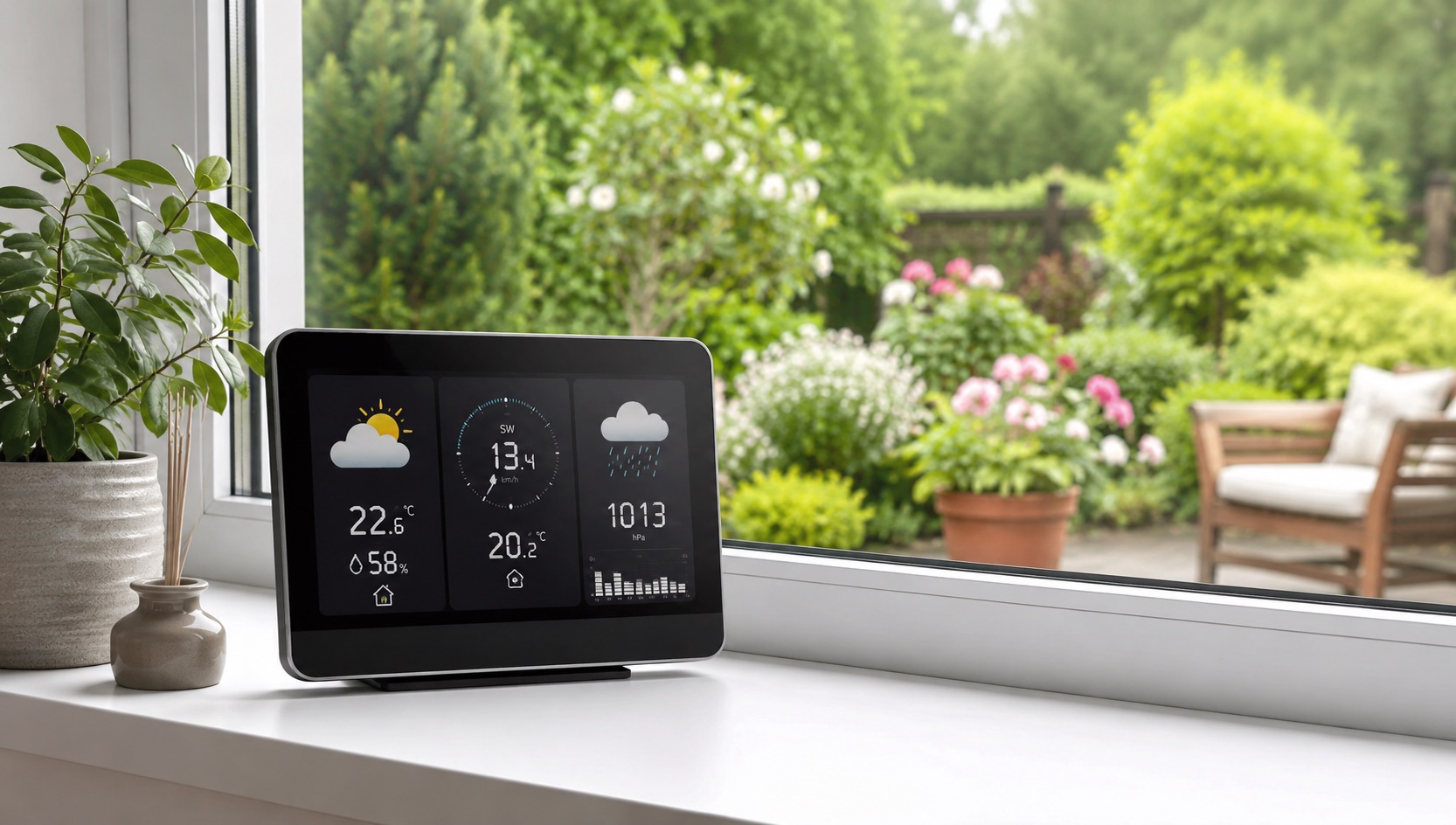
Illustrative image, not evidence of a product test.
Best Smart Home for Night Shift Workers (2026)
Smart Home Automation for Inverted Schedules
Night shift workers live in a world that wasn’t designed for them. The sun blazes through bedroom windows at 8am when you’re trying to fall asleep. Delivery drivers ring the doorbell at noon during your deepest sleep cycle. The robot vacuum fires up at 10am because that’s when “everyone” is at work.
A well-configured smart home doesn’t just improve convenience for night shift workers — it fundamentally improves sleep quality, health, and quality of life. The key is flipping every automation trigger to match your inverted schedule and creating an environment that convinces your body it’s nighttime when the sun says otherwise.
Here’s the complete guide to building a smart home that respects your reversed clock.
Blackout Automation: Defeating Daylight
The single most impactful upgrade for night shift sleep is automated light blocking. Manual blackout curtains require you to remember to close them when you’re already exhausted from work. Smart motorized blinds handle it automatically.
Recommended Blackout Setup
Layer 1 — Smart motorized blinds: IKEA FYRTUR ($130–170) or SwitchBot Blind Tilt ($70) automate your existing blinds. Schedule them to close 15 minutes before your target sleep time.
Layer 2 — Blackout curtains on smart rod: SwitchBot Curtain 3 ($90) attaches to existing curtain rods and opens/closes on schedule. Pair with proper blackout curtain fabric for near-total darkness.
Layer 3 — Light-blocking tape: For bedroom doors and window edges, use blackout tape to seal light leaks. Not smart, but essential.
The Automation
- 6:45am: Blinds close to 100%, blackout curtains draw shut
- 4:30pm: Blinds gradually open over 30 minutes (simulated sunset in reverse — acts as a wake-up light)
- Override: Voice command “sleep mode” closes everything immediately regardless of schedule
Sleep Environment Optimization
Darkness alone isn’t enough. Temperature, sound, and light color all signal your brain whether it’s time to sleep or wake.
Temperature Drop Automation
Your body temperature naturally drops during sleep. Replicate this artificially:
- Smart thermostat schedule: Program a 3–4°F temperature drop starting 30 minutes before your sleep time (e.g., 7am). The best smart thermostats handle this with simple scheduling.
- Smart fan: A smart plug ($15) connected to a bedroom fan turns on at sleep time, off when you wake.
- Smart AC: Window AC units on smart plugs can maintain ideal sleep temperature (65–68°F) during daytime sleeping.
White Noise / Sound Masking
Daytime is loud. Neighbors mow lawns, delivery trucks rumble, kids play outside. Sound masking is non-negotiable for daytime sleeping.
- Dedicated white noise machine on smart plug (LectroFan + TP-Link Kasa plug, $70 total): Turns on automatically at sleep time, off at wake time. Dedicated machines sound better than smart speakers for sleep noise.
- Smart speaker backup: Set an Alexa routine to play “brown noise” or “rain sounds” as part of your goodnight routine. Auto-stops after your usual sleep duration.
Red-Only Night Lights
If you need to get up during your sleep period (bathroom, water), regular lights destroy melatonin production. Red light doesn’t.
- Hue smart bulbs set to deep red: Create a “night shift sleep” scene that makes all bedroom and hallway lights dim red only.
- Motion sensor + red light: A Hue motion sensor triggers a red-only light for 3 minutes, then auto-off. You never touch a switch.
Silent Mode: Muting the World
Nothing ruins night-shift sleep like an unexpected doorbell ring, notification chime, or vacuum motor.
Doorbell Silence
Your video doorbell should never ring during your sleep hours:
- Ring: Schedule “Motion Snooze” or use Modes to disable indoor chime during sleep hours. Notifications still record to cloud but your devices stay silent.
- Nest: Set Quiet Time for indoor speakers. Doorbell still records but makes no sound inside.
- Physical doorbell: Use a smart relay (Shelly 1, $12) to cut power to the chime during sleep hours. Add a small “Night shift worker sleeping — please don’t ring” sign.
Smart Speaker Mute
- Alexa: Set Do Not Disturb on a schedule for all bedroom devices (Routine → “Enable DND at 7am, disable at 4:30pm”)
- Google Home: Set Downtime hours in device settings
- HomePod: Create a Focus mode on your iPhone that silences HomePod during sleep hours
Robot Vacuum Scheduling
If you have a robot vacuum, NEVER set it to run during your sleep window. Schedule it for:
- During your work shift (11pm–6am if you work nights): House is empty, vacuum runs freely
- Alternative: 30 minutes before your wake-up time, so it finishes before you emerge
Notification Management
- Silence all non-emergency phone notifications during sleep hours (use iOS Focus or Android DND)
- Smart home alerts: Set to “critical only” during sleep. Smoke/CO detectors should always alert. Motion camera notifications can wait.
Reversed Automations: Flipping the Script
Standard smart home routines assume a daytime schedule. Here’s how to flip them:
“Goodnight” Routine (Triggers at 7:00am)
When you say “goodnight” or it triggers automatically at your scheduled sleep time:
- Close all blinds and blackout curtains
- Set thermostat to sleep temperature (65°F)
- Turn on white noise machine
- Set all lights to off (or red-only motion-activated)
- Enable Do Not Disturb on all smart speakers
- Arm security system in “Home” mode (motion sensors off, door/window sensors active)
- Silence doorbell indoor chime
- Lock front door
”Good Morning” Routine (Triggers at 5:00pm)
When you say “good morning” or it triggers at your wake-up time:
- Gradually open blinds over 30 minutes (you’ll catch sunset light — perfect)
- Turn on bright, cool-white lights (simulates morning light for circadian rhythm)
- Start coffee maker via smart plug
- Disable Do Not Disturb on speakers
- Play news briefing or energizing playlist
- Set thermostat to active temperature
- Turn off white noise machine
- Announce weather and work schedule
”Heading to Work” Routine (Triggers at 9:30pm)
- Turn off all lights
- Set thermostat to away mode
- Arm security system fully
- Trigger robot vacuum to run while house is empty
- Lock all doors
Security Considerations
Night shift workers have unique security concerns: you’re sleeping during peak burglary hours (10am–3pm), and your home appears occupied when you’re actually at work.
Daytime Sleep Security
- Arm system in Home mode: Door and window sensors active, interior motion sensors disabled (so you can move freely if you wake up)
- Camera motion detection: Keep outdoor cameras active and recording. Disable indoor camera motion alerts during your sleep window to avoid notification noise, but keep recording enabled.
- Smart lock auto-lock: Ensure doors lock automatically when you go to sleep. A smart lock with auto-lock is essential.
While at Work (Night)
- Full arm mode: All sensors active
- Smart lighting simulation: Random lights turn on/off during your night shift to simulate occupancy. Smart bulbs on randomized schedules deter burglars who might notice an always-dark house.
- Camera alerts to phone: Since you’re awake at work, enable full notification sensitivity for cameras during your shift.
Complete Device Recommendations
| Need | Solution | Device | Price | Automation Trigger |
|---|---|---|---|---|
| Total darkness | Motorized blackout blinds | IKEA FYRTUR | $130–170 | Schedule: close at 6:45am |
| Blackout curtains | Automated curtain motor | SwitchBot Curtain 3 | $90 | Schedule: close at 6:45am |
| Sleep temperature | Smart thermostat | Ecobee Premium | $250 | Schedule: 65°F at 7am |
| White noise | Noise machine + smart plug | LectroFan + Kasa plug | $70 | ”Goodnight” routine |
| Red path lighting | Motion-activated red light | Hue bulb + motion sensor | $65 | Motion between 7am–5pm |
| Silent doorbell | Scheduled indoor chime mute | Ring/Nest doorbell settings | $0 | Schedule: mute 7am–5pm |
| Silent speakers | Scheduled DND mode | Echo/Google Home | $0 | Schedule: DND 7am–5pm |
| Auto-lock at sleep | Smart lock schedule | August Wi-Fi Smart Lock | $230 | ”Goodnight” routine |
| Occupancy simulation | Random light patterns at night | Smart bulbs + routine | $50–100 | Schedule: during work shift |
| Wake-up light | Gradual blind opening | IKEA FYRTUR | (same) | Schedule: open at 4:30pm |
| Air quality | Smart purifier for sleep | Levoit Core 300S | $100 | ”Goodnight” routine: on |
Rotating Shift Adaptation
If your schedule rotates between day and night shifts, static schedules won’t work. Instead:
- Use voice-triggered routines: Instead of time-based, use “I’m going to sleep” and “I’m awake” voice commands that work at any hour.
- Geofencing: Arriving home after midnight triggers “night shift sleep” mode. Arriving home before 6pm triggers normal evening mode.
- Multiple routine sets: Create “night shift week” and “day shift week” routine groups. Toggle between them when your rotation changes.
- Smart thermostat learning: Ecobee and Nest learn your patterns, but rotating schedules confuse them. Use manual scheduling and switch between saved schedules instead.
The Lifestyle Difference
Night shift workers who implement these automations consistently report:
- 1–2 hours more sleep per day (faster sleep onset from proper environment)
- Fewer wake-ups during sleep period (silent mode prevents disturbances)
- Better mood and energy when awake (circadian lighting helps even with inverted schedules)
- Less resentment toward daytime world (automation handles conflicts automatically)
The total investment for a comprehensive setup runs $700–1,200, but even starting with just blackout automation and doorbell silencing ($200–300) makes an immediate, dramatic difference.
Related Guides
Frequently Asked Questions
How do I stop Amazon deliveries from waking me during the day?
Set your Ring or Nest doorbell to disable indoor chime sounds during your sleep hours. In the Ring app, use Modes & Schedules to create a “Sleeping” mode that suppresses all indoor alerts between your sleep start and end times. You’ll still get recordings — you just won’t be woken by them. Also set delivery instructions to “Do not ring or knock” on your Amazon and shipping accounts.
Can smart thermostats handle a night shift schedule?
Yes. Both Ecobee and Nest allow custom schedules that don’t follow traditional day/night patterns. Create a “sleep” temperature block during your daytime sleep hours (e.g., 7am–5pm at 65°F) and a “home/active” block during your evening awake hours. The key is disabling any “learning” or “auto-schedule” features that will try to override your custom programming based on “normal” patterns.
What’s the best way to simulate sunset for waking up in the afternoon?
Use smart bulbs or motorized blinds that gradually increase brightness over 20–30 minutes before your target wake time. Philips Hue bulbs can transition from deep orange (1%) to bright warm white (100%) over a custom duration. Pair this with gradually opening blinds — if your wake time is around 5pm, you’ll catch actual sunset light which reinforces the “morning” signal to your brain.
How do I handle shared household noise when sleeping during the day?
Layer your approach: white noise machine (masks most environmental sound), earplugs or sleep headphones for additional isolation, and smart home automation to prevent controllable noises (robot vacuum, doorbell, notification sounds). For household members who are awake, set up “quiet zones” — motion sensors in hallways near the bedroom can trigger a reminder light (subtle red glow) indicating someone is sleeping, prompting quieter behavior.
Should I use blue-blocking lights during my entire “evening” (which is actually afternoon/evening)?
Not exactly. Use warm, amber-toned light (2700K or lower) during the 2–3 hours before your target sleep time — so if you sleep at 7am, switch to warm lighting around 4–5am. During your active hours (after waking at 5pm), use bright, cool-white light (4000–5000K) to signal “daytime” to your brain, even though it’s actually evening outside. This helps maintain a strong circadian rhythm despite the schedule inversion.