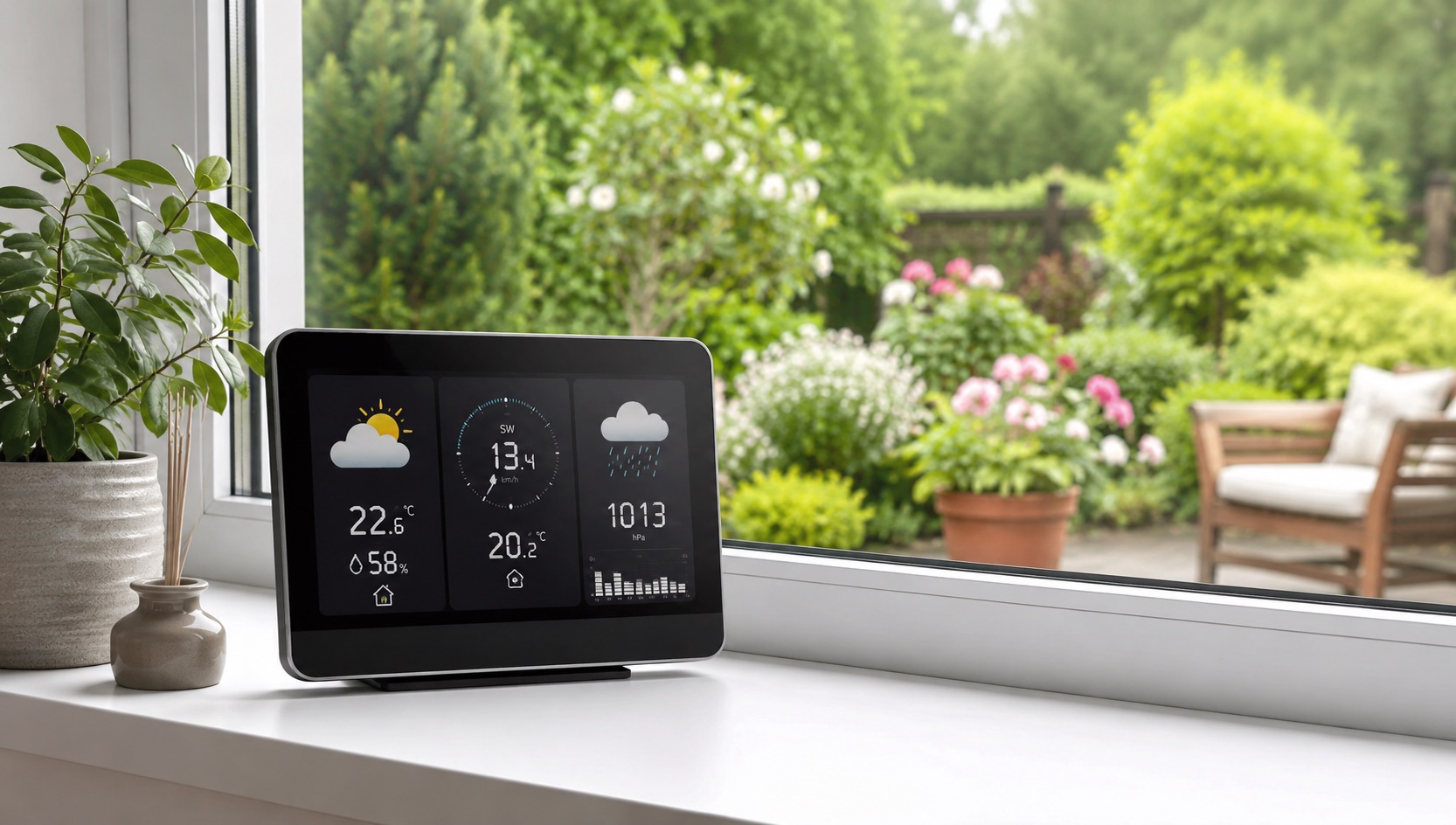
Illustrative image, not evidence of a product test.
Best Smart Home for Working From Home (2026)
Smart Home Devices That Make Working From Home Actually Work
Working from home in 2026 is no longer a pandemic novelty — it’s a permanent reality for millions. But the challenges remain: doorbell interruptions during meetings, stale office air killing focus, lighting that makes you look terrible on video calls, and the blurred boundary between “work mode” and “home mode.”
A thoughtfully automated home office solves these problems systematically. The right smart home setup doesn’t just remove distractions — it actively enhances focus, energy, and the clear mental separation between professional and personal time.
Here’s how to build a WFH setup that makes you more productive, more comfortable, and less stressed.
Meeting Automation: The “I’m in a Meeting” Trigger
The single most useful WFH automation is a meeting mode that activates with one command and prevents every possible interruption.
What “Meeting Mode” Should Do
When you say “Hey Alexa, I’m in a meeting” (or trigger it via calendar integration):
- Mute doorbell chime — delivery rings go to silent recording only
- Turn on DND light — a red smart bulb outside your office door signals family members to stay quiet
- Pause robot vacuum — if it’s currently running, it docks immediately
- Mute smart speakers — all household notifications silenced
- Optimize video lighting — office lights switch to your “meeting” scene (bright, even, flattering)
- Close office door reminder — smart speaker announces “meeting starting” to the household
How to Build It
Alexa approach: Create a custom routine triggered by “I’m in a meeting” that controls all devices in sequence. End it with “meeting over” command that reverses everything.
Calendar integration: Use Home Assistant or SmartThings to read your Google/Outlook calendar. When a meeting event starts, automatically trigger meeting mode. When it ends, exit the mode. No voice command needed.
Physical button: A Flic button or Hue Smart Button on your desk provides one-tap meeting mode without speaking (useful when a call starts unexpectedly).
Focus Lighting: Work Better With the Right Light
Lighting directly impacts alertness, mood, and circadian rhythm. Generic ceiling lights aren’t optimized for 8 hours of focused screen work.
Circadian Rhythm Lighting Schedule
- 8–10am: Bright cool white (5000K, 100%) — energizing morning light to boost alertness
- 10am–2pm: Moderate cool white (4500K, 80%) — sustained focus without harshness
- 2–4pm: Neutral white (4000K, 70%) — prevents afternoon slump
- 4–6pm: Warm transition (3500K, 60%) — signals workday winding down
- After 6pm: Warm white (2700K, 40%) — clear signal that work is over
Recommended Lighting Setup
- Desk lamp: BenQ ScreenBar ($110) or Philips Hue Play Light Bar ($70) behind monitor — reduces eye strain, provides even desk illumination
- Key light for video: Elgato Key Light ($130) or Hue bulb in desk lamp aimed at face — makes you look professional on camera
- Ambient office light: Smart bulbs in ceiling fixture following circadian schedule
- DND indicator: Hue color bulb ($30) outside office — red during meetings, green when available
Video Call Lighting
Position a key light at 45° above and slightly to the side of your face. Use warm white (3500K) for a natural, flattering appearance. Avoid overhead-only lighting which creates dark eye shadows. A light behind your monitor fills your face evenly without glare.
Air Quality: The Silent Productivity Killer
Stuffy air reduces cognitive performance by 15–25% according to research. A closed home office accumulates CO2 quickly, especially in smaller rooms.
The Smart Air Quality Stack
- CO2 monitor (Aranet4, $250 or Qingping Air Monitor, $80): Track CO2 levels. Below 800ppm is ideal for focus. Above 1000ppm and your thinking gets measurably slower.
- Smart purifier (Levoit Core 300S, $100 or Coway Airmega, $200): Clean air on auto mode. Some integrate with Alexa/Google to report air quality.
- Smart fan/ventilation: When CO2 rises above threshold, automatically turn on a fan or open a smart window vent to circulate fresh air.
- Automation: CO2 above 1000ppm → smart speaker announces “Air quality low — consider opening a window” → smart fan activates.
Humidity Control
Dry air (below 30% humidity) causes headaches, dry eyes, and fatigue — all death to productivity. A smart humidifier (Levoit OasisMist, $70) on a smart plug maintains 40–50% humidity automatically.
Noise Management
Home noise (kids, pets, neighbors, deliveries) is the #1 WFH productivity destroyer. Smart home automation can’t eliminate it, but can significantly reduce controllable noise sources.
Controllable Noise Sources
- Doorbell: Schedule to silent mode during work hours (indoor chime off, recording still active)
- Robot vacuum: Never schedule during work hours. Run before/after your workday or during lunch when you’re away from desk.
- Smart speakers: Set household speakers to DND during your focus hours
- Laundry/dishwasher notifications: Mute completion alerts during work hours
White Noise for Focus
A dedicated white noise source masks uncontrollable environmental noise:
- Smart speaker: “Alexa, play brown noise” runs continuously during work hours
- Dedicated machine (LectroFan on smart plug): Better audio quality than speakers, activates with “start work” routine
- Active noise cancellation: While not a smart home device, ANC headphones pair with automation — “focus mode” can trigger a reminder to put on headphones
Break Reminders and Movement
Sitting for hours damages health and focus. Smart home automation can enforce regular breaks.
Break Automation Ideas
- Every 50 minutes: Smart speaker announces “stretch break” or plays a specific chime
- Standing desk automation: Smart plug on sit/stand desk controller toggles every hour
- Lighting shift: At break time, office lights briefly dim and hallway lights brighten, subtly encouraging you to stand up and move
- Smart water bottle reminder: Some smart bottles track intake; integrate alerts with your routine
Lunch Break Trigger
Create a “lunch break” routine:
- Office lights dim to minimal
- Kitchen lights turn on
- Focus playlist stops, casual music starts on kitchen speaker
- Work notifications pause for 30–60 minutes
- After timer: “Break’s over” announcement, office relights
End-of-Day Routine: The Work-Home Transition
The hardest part of WFH is mentally leaving work. Without a commute, there’s no transition signal. Create one artificially with automation.
”End of Work” Routine (Triggers at 5:30pm or via voice)
- Office lights shift to warm 2700K (work lighting off, ambient only)
- Work computer monitor turns off (via smart plug on monitor — aggressive but effective)
- Living room lights turn on to welcoming scene
- Music shifts from focus playlist to relaxed evening music on living room speaker
- Smart speaker announces daily summary: weather tonight, dinner suggestions, evening calendar
- Thermostat shifts from “work” to “home” comfort settings
- Notification settings switch from work priority to personal priority
This creates a clear sensory boundary between work and home, even though you haven’t moved more than 20 feet.
Complete WFH Smart Home Device Table
| WFH Need | Solution | Device | Price | Productivity Benefit |
|---|---|---|---|---|
| Meeting interruption prevention | Auto-mute doorbell + DND light | Ring doorbell + Hue color bulb | $30 (bulb) | Zero meeting disruptions |
| Focus lighting | Circadian desk lighting | Philips Hue Play Light Bar | $70 | Reduced eye strain, better alertness |
| Video call appearance | Face key light | Elgato Key Light Mini | $100 | Professional appearance on camera |
| Air quality monitoring | CO2 tracking | Aranet4 / Qingping | $80–250 | Know when air is hurting focus |
| Air purification | Smart purifier (auto) | Levoit Core 300S | $100 | Cleaner air, fewer headaches |
| Noise masking | White/brown noise | LectroFan + smart plug | $70 | Masks household and street noise |
| Break enforcement | Timed announcements | Echo Dot (routine) | $50 | Prevents 3-hour sitting marathons |
| Work-home boundary | End-of-day routine | Multiple (existing devices) | $0 | Mental separation, less burnout |
| Humidity control | Smart humidifier | Levoit OasisMist + plug | $85 | Prevents dry eyes and headaches |
| Temperature comfort | Office-zone thermostat | Ecobee + room sensor | $290 | Optimal office temperature all day |
Integration With Your Smart Home Hub
For the most seamless WFH automation, a dedicated smart home hub ties everything together. Home Assistant or SmartThings can:
- Read calendar events to auto-trigger meeting mode
- Monitor CO2 sensors and trigger ventilation automatically
- Coordinate lighting schedules across multiple bulb brands
- Create complex conditional automations (if meeting AND CO2 high → turn on purifier boost mode)
Budget Tiers for WFH Smart Home
Starter ($150–250)
- Smart plug for noise machine and desk lamp control
- One smart bulb for DND indicator
- Echo Dot for voice-triggered routines and break reminders
Intermediate ($400–600)
- Add: smart desk lighting (Hue Play), CO2 monitor, smart purifier
- Calendar-integrated meeting mode via SmartThings
Premium ($800–1,200)
- Add: full circadian lighting setup, Elgato key light, smart thermostat with office sensor, automated blinds for glare control
- Home Assistant with full calendar and presence automation
Even the starter tier eliminates the most disruptive WFH problems. Scale up as your needs (and meetings) increase.
For networking reliability — essential when your livelihood depends on video calls — see our guide to the best mesh WiFi for smart homes.
Related Guides
Frequently Asked Questions
How do I automatically trigger meeting mode from my calendar?
Use Home Assistant with the Google Calendar or Microsoft 365 integration. Create an automation that watches for calendar events with “meeting” or “call” in the title (or any event during work hours). When an event starts, trigger your meeting routine. SmartThings can achieve similar results with third-party integrations like SharpTools or via IFTTT connecting your calendar to smart devices.
What’s the best lighting color temperature for video calls?
3500–4000K (neutral to slightly warm white) at 70–100% brightness produces the most flattering and natural-looking video appearance. Avoid pure daylight (5000K+) which looks harsh and clinical on camera, and avoid warm light (2700K) which makes skin tones look orange. Position the light at face level or slightly above, angled at 45° — never directly overhead or behind you.
Can smart home automation actually improve focus and productivity?
Yes, measurably. Removing interruptions (doorbell, vacuum, notifications) eliminates context-switching costs, which research shows can waste 23 minutes per interruption. Proper lighting reduces eye strain and maintains circadian alertness. CO2 monitoring and ventilation prevent the cognitive decline from stuffy air. Combined, these create an environment optimized for sustained deep work in ways a default home office cannot.
How do I keep my smart home from interfering with work video calls?
Schedule all noisy automations outside work hours: robot vacuum before 8am or after 6pm, smart speaker announcements disabled during meetings, laundry alerts silenced. Set your meeting mode to suppress ALL audio from smart home devices. Also ensure your mesh WiFi prioritizes your work computer’s traffic (QoS settings) so smart home devices don’t compete for bandwidth during video calls.
What’s the cheapest way to start a WFH smart home setup?
A $25 smart plug and an Echo Dot ($50) give you 80% of the benefit. Use the smart plug on a desk lamp for manual “work mode” toggling and a white noise machine. Use the Echo for voice-triggered routines (meeting mode, break reminders, end of day). Add a $15 smart bulb outside your office as a DND indicator. Total: under $100 for a functional WFH automation system that handles meetings, breaks, and work-home transitions.